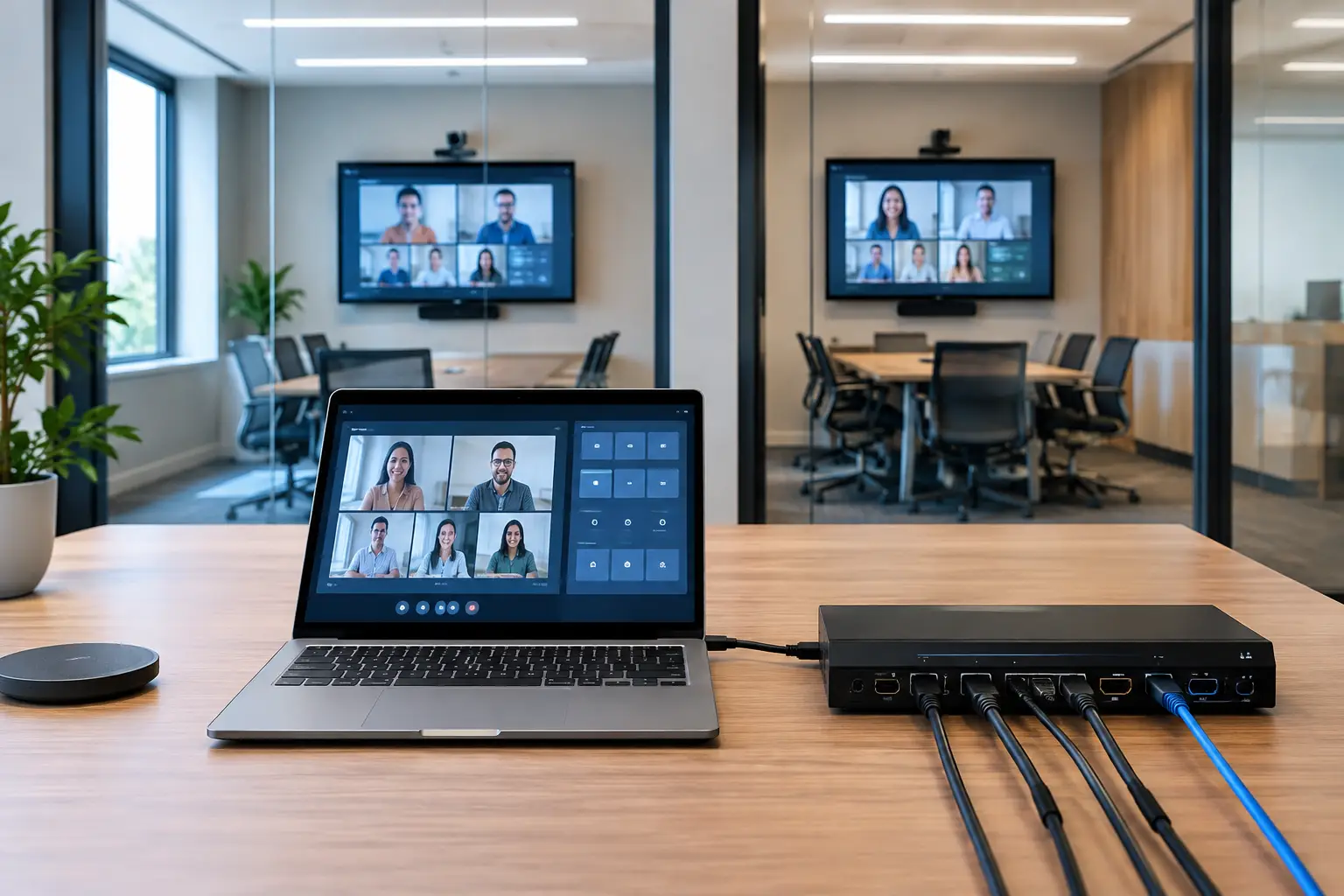
A conference deck routing example is most useful when it reflects the pressure of an actual show day: speakers arrive late, decks change after rehearsal, breakout rooms run in parallel, and the operator needs the correct approved file before the walk-in ends. The goal is not simply to move files. It is to move the right version, to the right room, with a record of what happened.
For a single-room event, a USB handoff may appear manageable. Add six rooms, a speaker ready room, video playback, simultaneous interpretation, and a rolling agenda, and that process breaks down quickly. A purpose-built routing workflow replaces the runner, the shared inbox, and the question of whether the file at front of house is actually current.
Conference deck routing example: a six-room congress
Consider a two-day medical congress with six breakout rooms. Each room has an AV operator, a presentation laptop, and a technician responsible for video playback. The speaker ready room has two staff members checking decks, embedded media, fonts, and final slide order. The event also has interpreter booths supporting three language channels in selected sessions.
The agenda is loaded into the presentation distribution system before speakers arrive. Every session is assigned a room, a start time, and a speaker. Each operator machine is identified by its room assignment: Room A, Room B, through Room F. The ready room devices can see those destinations automatically over the local network.
At 8:10 a.m., the presenter for the 9:00 a.m. oncology session arrives with a PowerPoint file and two supporting MP4 videos. The ready room coordinator imports the materials, confirms the session name and room, and checks playback. A corrected video is supplied after the first check, so the coordinator replaces the earlier file before routing anything.
Once approved, the coordinator sends the deck and videos directly to the Room C operator machine over the local LAN. Room C receives a notification showing the session title, speaker name, file name, sender, and delivery time. The operator opens the presentation, checks the media, and marks it ready. The coordinator can see that status without calling the room or sending a runner down the corridor.
At 8:42 a.m., the speaker adds two slides. The revised file is received in the ready room, checked, and sent again to the same session destination. The Room C operator sees that a newer version is available, with a clear timestamp. The earlier copy remains identifiable rather than silently overwritten and forgotten. The operator loads the revised deck, confirms it is ready, and the room is set before doors open.
That is the core routing model: agenda-aware, room-based delivery with an acknowledgment loop. It sounds simple because it should be. Under show pressure, complexity belongs in the system, not in the operator's memory.
What makes this routing workflow reliable
The critical difference is that routing is based on event roles and room assignments, not on folders alone. A generic file-sharing process can tell you that a file was uploaded. It rarely tells a ready room coordinator whether the Room C operator has received, opened, and approved the final presentation for the 9:00 a.m. session.
A practical workflow has three operational states. First, the file is collected and checked in the ready room. Second, it is sent to the scheduled room destination. Third, the room operator confirms that the presentation is ready for show. Those states give production a useful answer when a session chair asks, “Is the deck in the room?”
The local network matters as well. Conference venues are full of unreliable variables: congested guest Wi-Fi, restricted internet access, cellular dead zones, and speakers whose cloud accounts are inaccessible at the wrong moment. Local LAN delivery avoids making the show dependent on the public internet. The file travels between the ready room and operator machines inside the event network.
This does not remove the need for a network plan. The AV team still needs a stable wired or managed local network, correct device access, and a sensible backup approach. But it removes a large, unnecessary dependency from presentation delivery.
Version control should be visible, not assumed
Version confusion is one of the most common causes of avoidable show-day stress. A speaker emails “final_final_v3.pptx” to an event manager, hands a USB drive to a technician, and then asks the ready room to use a different revision. Without a controlled routing path, all three files can end up in circulation.
In this conference deck routing example, the ready room is the approval point. The coordinator determines which file is cleared for the session and sends it to the assigned room. If a replacement is needed, it is routed as a new delivery with a visible time and status. The operator does not have to guess which attachment is the current one.
That distinction is especially valuable when the presentation contains videos. A deck may open correctly on one machine while linked media is missing, delayed, or stored in a different folder on another. Sending the presentation and support files together as a session package gives the receiving operator a clear set of materials to test.
Routing for interpreter booths and parallel sessions
Multilingual events add another operational requirement: interpreter booths need access to the same approved slides as the room. They do not need an email chain or a last-minute USB copy. They need the deck that will appear on the screen, delivered early enough to prepare terminology and follow the speaker's structure.
For sessions with simultaneous interpretation, the routing map can include both the main room operator and the relevant language workflow. The ready room sends the approved deck once, then the event team can make it available where it is needed for slide synchronization and booth preparation. This reduces the risk that interpreters work from an outdated draft while the audience sees a revised one.
Parallel sessions make the value more obvious. At 10:30 a.m., six rooms may change presenters within the same ten-minute window. The ready room should not be searching through desktop folders, manually renaming files, or asking operators which machine belongs to which room. Agenda-based destinations reduce those decisions to a controlled action: select the scheduled session, verify the materials, and deliver.
Kondukto is built around that operational reality, with local file delivery, room-based routing, agenda visibility, and communication between the people who need to act quickly.
Where the example changes by event type
Not every event needs the same routing depth. A board meeting with one presentation room may only need a ready room device and one operator destination. A large congress may need room-specific operator machines, a central production view, multiple ready room coordinators, and dedicated interpreter distribution.
The workflow also changes when speakers are allowed to upload in advance. Early uploads can reduce morning congestion, but they do not eliminate the final check. A speaker may replace a deck after uploading it, or the content may require a playback test because it contains animation, unusual fonts, or high-resolution media. Pre-event collection is useful; ready room approval remains the production control point.
For heavily scripted keynote sessions, the production team may route content days ahead and lock the show file after a final rehearsal. For scientific congresses and corporate breakouts, late changes are more common, so clear revision handling matters more than early lockout. The system should support both without forcing a consumer file-sharing workflow onto a live event.
Set up the routing plan before speakers arrive
The best time to solve routing problems is before the ready room opens. Build the agenda with accurate session names, room assignments, and start times. Name operator destinations consistently. “Room C FOH” is clearer than “Laptop 3,” especially when temporary staff join the team.
Test one complete route from ready room to each operator machine. Send a deck with video, confirm that the notification appears, open the files on the receiving side, and verify that a replacement version is clearly recognized. If the venue network separates devices into different VLANs, resolve that before show day. Automatic device discovery is helpful only when the network permits the devices to see one another.
Agree on ownership as well. The ready room approves materials. The operator checks technical playback and confirms readiness. The session producer handles exceptions, such as a speaker who arrives directly at the room with a last-minute file. When those responsibilities are clear, the team does not create a second, uncontrolled delivery path under pressure.
A final practical rule: keep the audience-facing room computer as the destination of record. If an operator receives a deck on a personal laptop, downloads it from an email account, or copies it from a random USB drive, the routing history is already incomplete. Every exception creates a new chance for the wrong file to reach the screen.
The strongest presentation workflow is not the one with the most steps. It is the one that makes the correct next action obvious when a speaker walks in three minutes before session start.