Kondukto Slideroom — Blog
Guides, tips and stories on running conference presentations without chaos.
-

Speaker Content Intake Guide for Busy AV Teams
Use this speaker content intake guide to collect, verify, route, and track presentations without USB handoffs, email chains, or Wi-Fi dependency at shows.
-
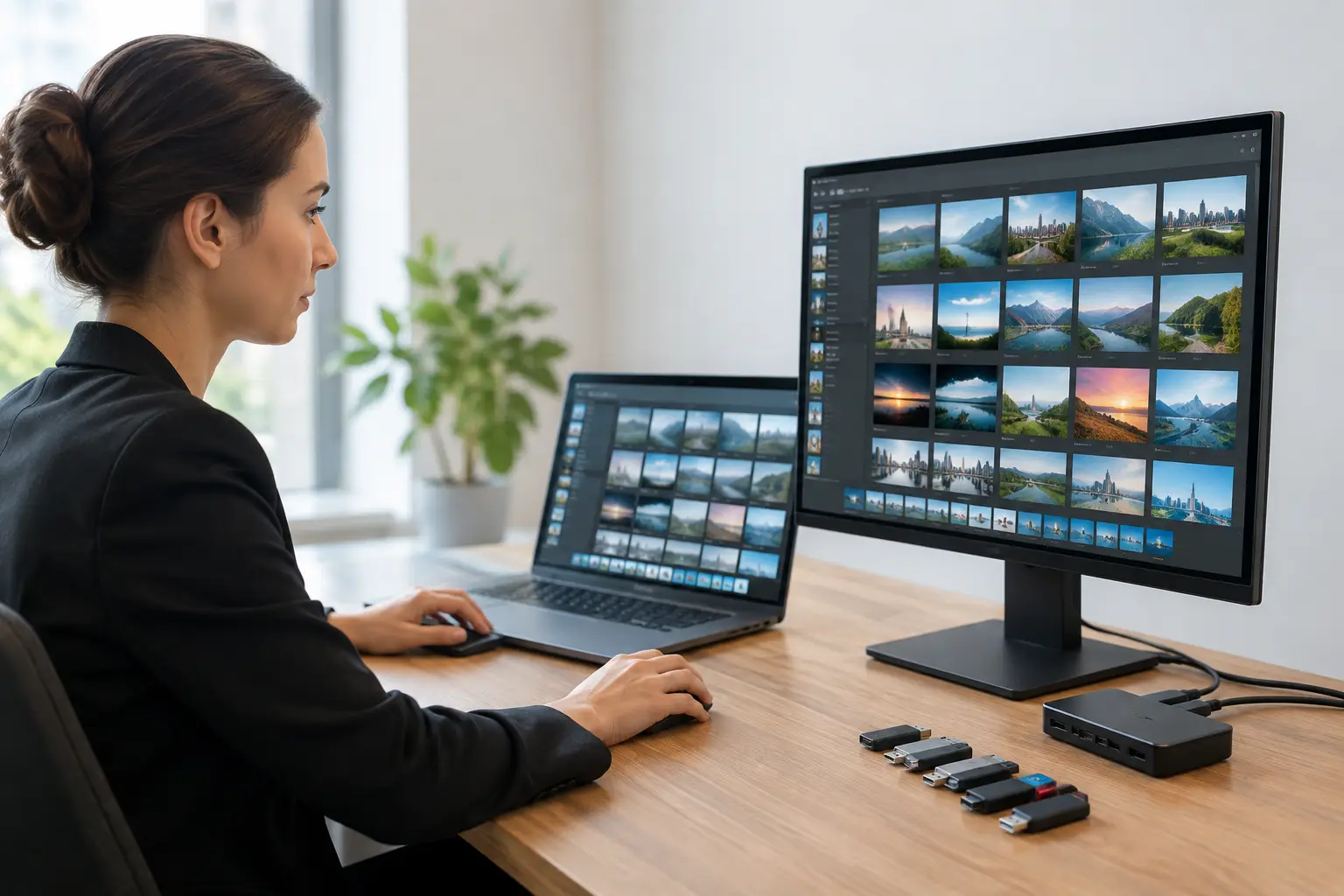
How to Run a Slideroom Without USB Chaos
Learn how to run a slideroom with a controlled workflow for speaker files, room routing, version checks, and reliable delivery to AV operators on site.
-

How to Schedule Speaker Timers for Live Events
Learn how to schedule speaker timers with clear cues, realistic buffers, and room-ready controls that keep conference programs on time, without panic.
-

Interpreter Synchronization Example for Live Events
See an interpreter synchronization example for multilingual conferences, from speaker-room updates to the right booth and room display at live show time.
-
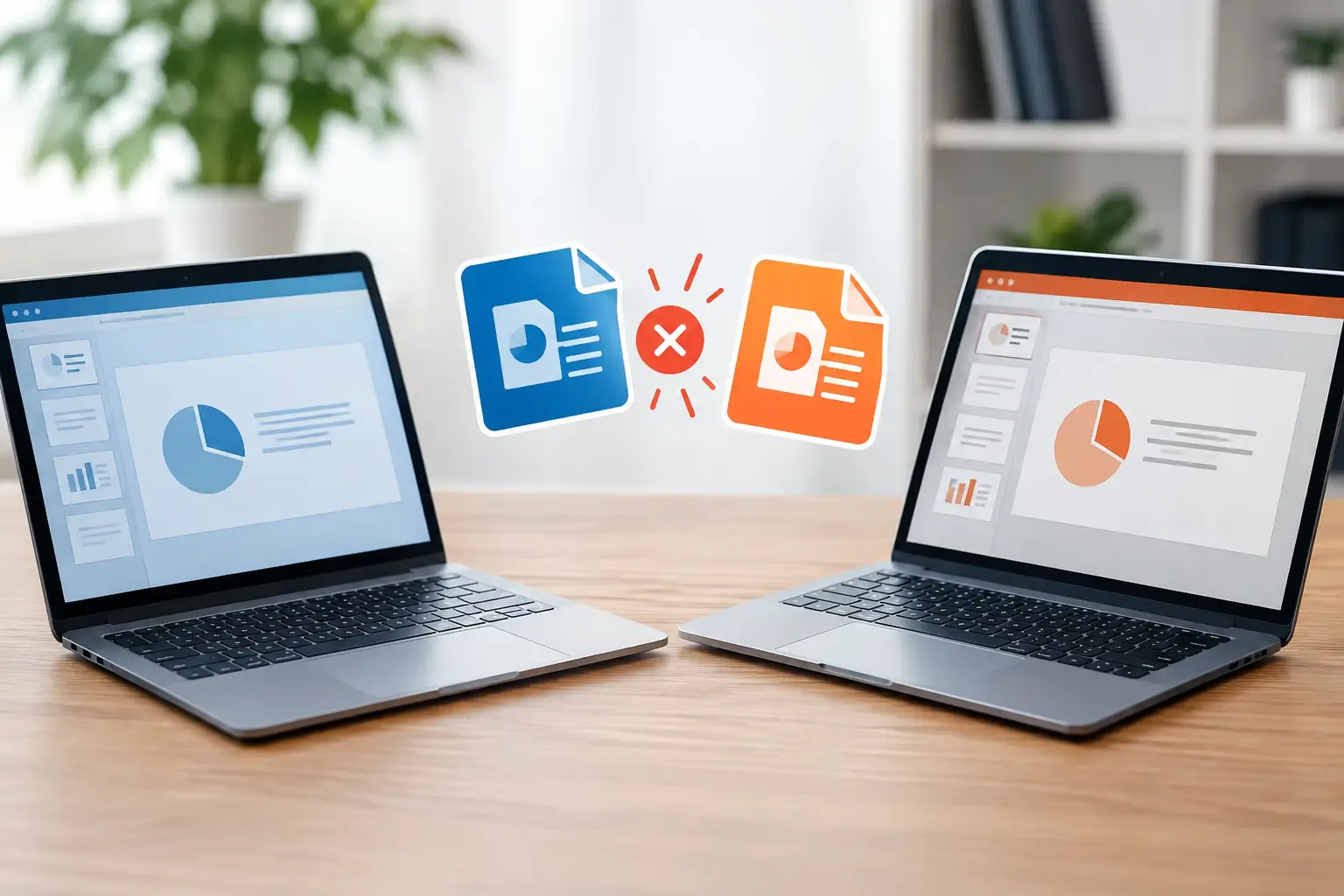
What Causes Presentation Version Conflicts?
What causes presentation version conflicts at live events? Learn how late edits, unclear ownership, and broken handoffs put the wrong deck on screen today.
-
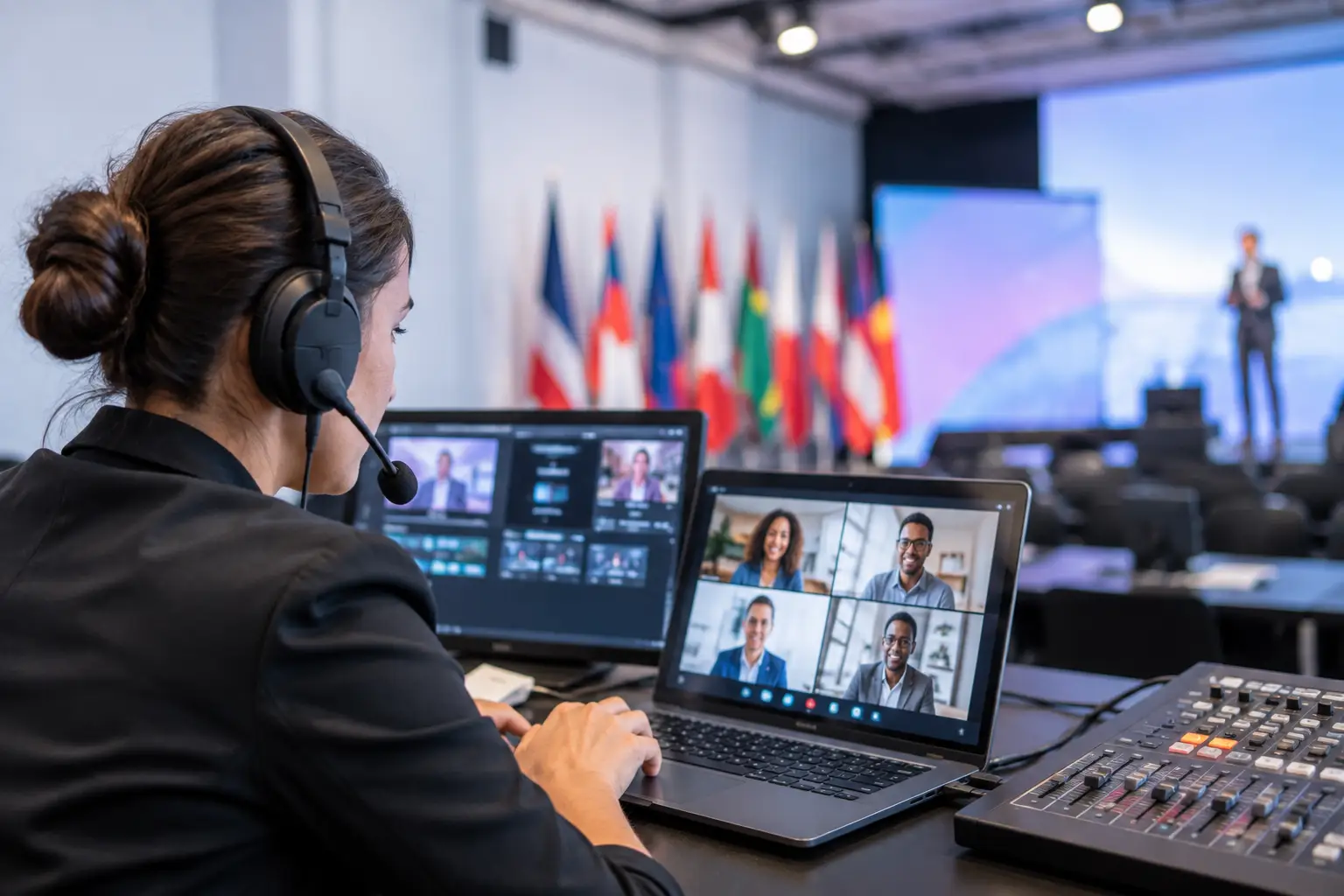
7 Best Multilingual Event Tools for Live AV Teams
Compare the best multilingual event tools for live conferences, from interpreter slide sync to room routing, timing, and offline presentation delivery for AV te
-
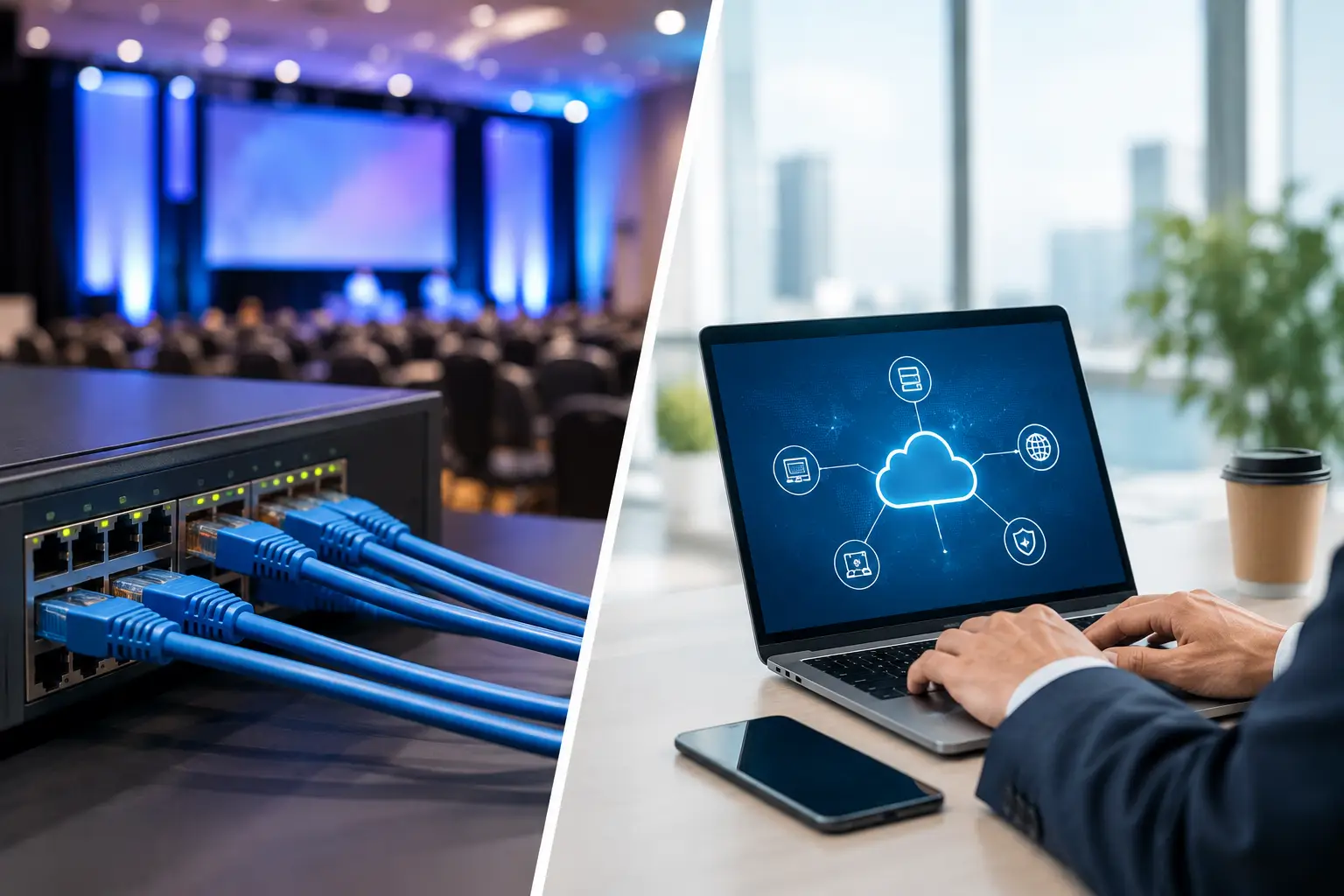
Event LAN Versus Internet Transfer for Conferences
Event LAN versus internet transfer affects speed, control, and recovery. See why local delivery keeps conference slides moving when connectivity fails.
-
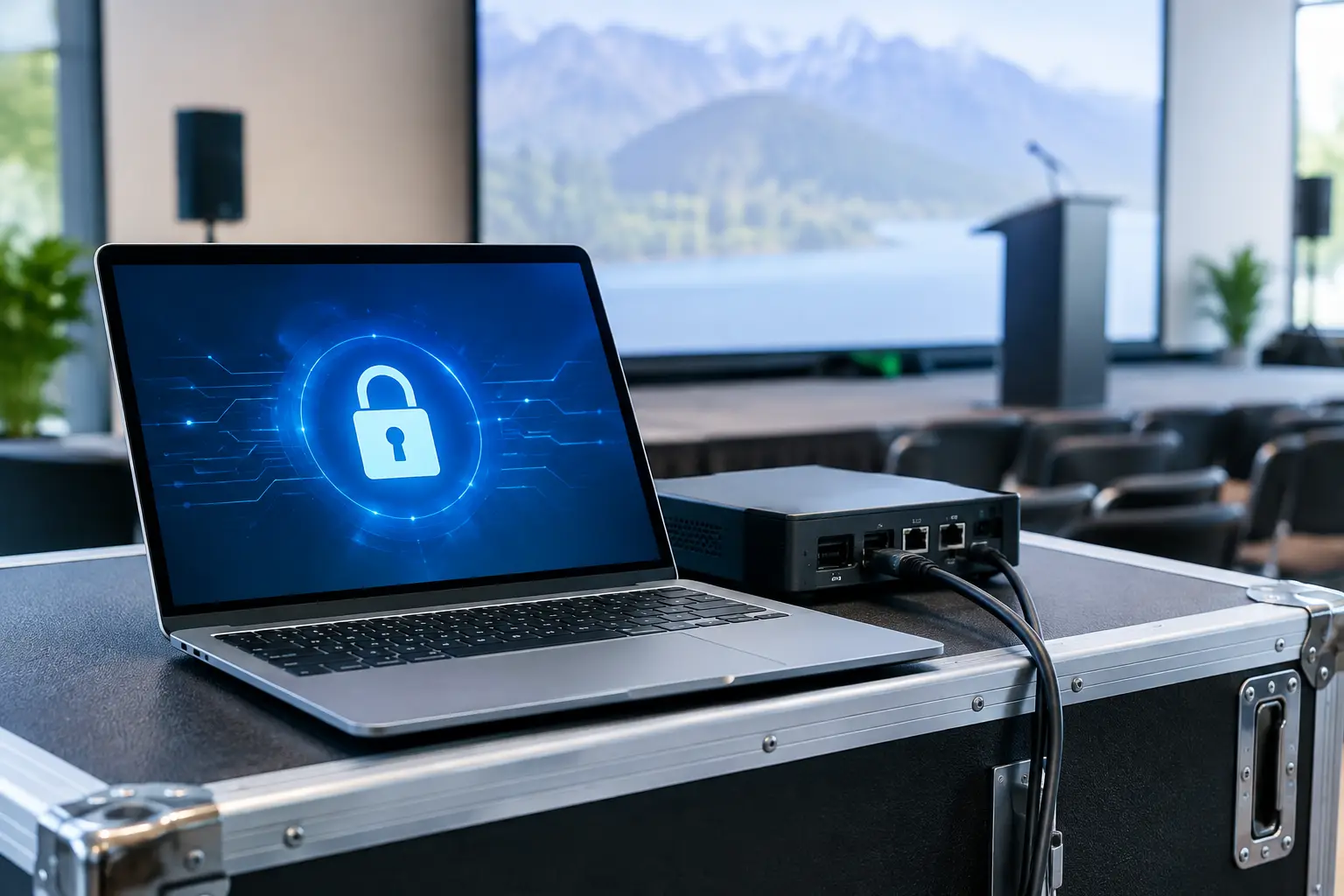
Encrypted Delivery Example for Conference AV Teams
See an encrypted delivery example for conference presentations: protect files on the local LAN, route each deck to the right room, and stay in control.
-
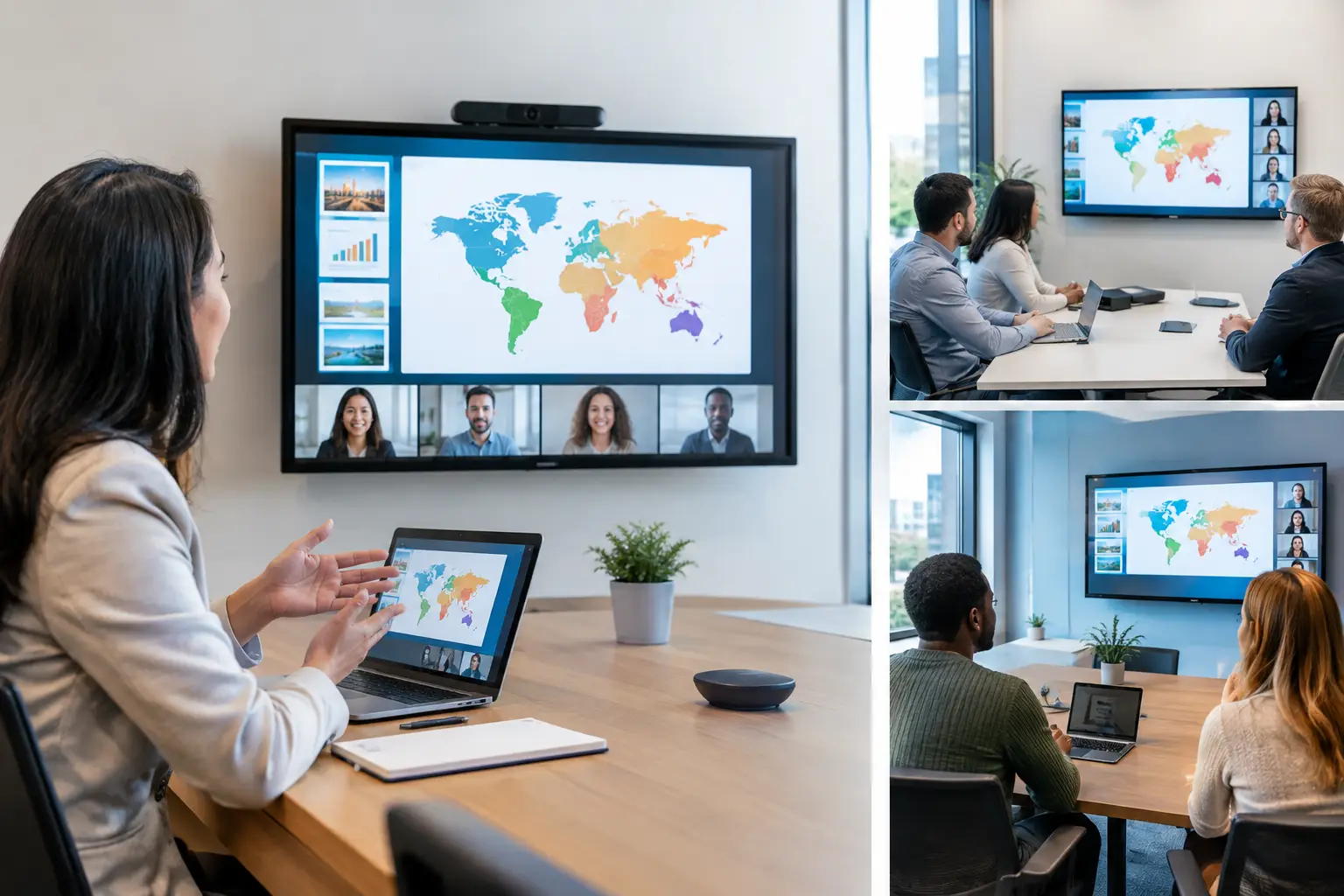
How to Sync Multilingual Slides Across Rooms
Sync multilingual slides across rooms and interpreter booths with a reliable LAN workflow that keeps versions, cues, and timing under control on-site.
-

Interpreter Technology for Live Conference Control
Interpreter technology keeps multilingual conference teams aligned with the slides, room changes, and cues without cloud or USB handoffs on show day.
-

Multilingual Slide Preparation Guide for AV Teams
A multilingual slide preparation guide for AV teams: control versions, routes, videos, and interpreter access before doors open at every conference site.
-

How to Synchronize Interpreter Slides Reliably
Learn how to synchronize interpreter slides across booths and rooms using a reliable local LAN workflow that prevents version errors before the live show.
-
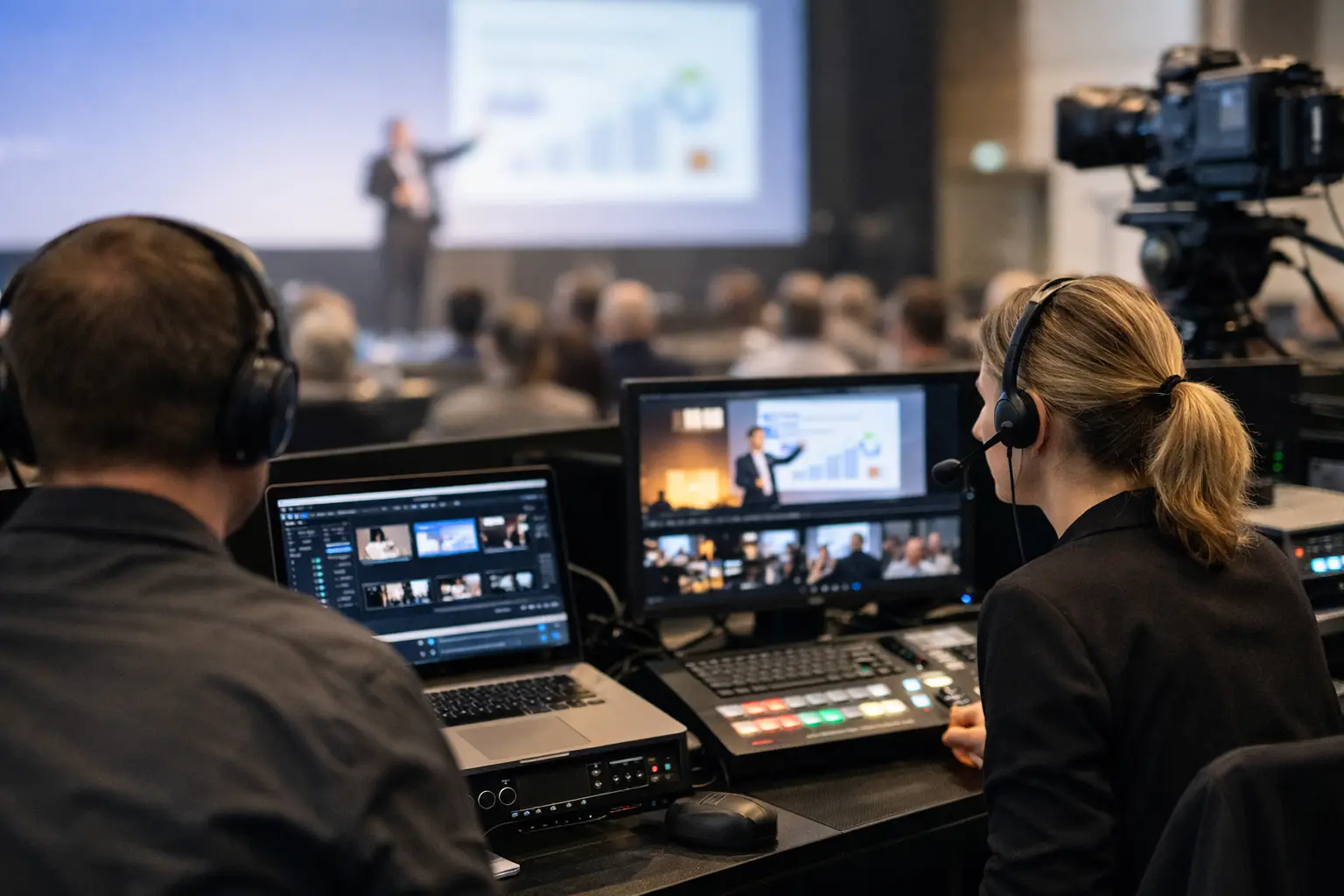
Conference Content Versioning Guide for AV Teams
This conference content versioning guide shows AV teams how to track, verify, route, and recover presentation updates before they reach the live room.
-

Encrypted Presentation Delivery Guide for Events
This encrypted presentation delivery guide helps AV teams protect files, control versions, and route slides reliably across conference rooms on show day.
-

Why Use Encrypted Event Delivery at Conferences?
Why use encrypted event delivery for conference presentations? Keep sensitive files on the local network, control room routing, and reduce show-day risk.
-

How to Encrypt Conference Files Without Delays
Learn how to encrypt conference files for secure, reliable speaker room delivery, while keeping AV operators fast, connected, and ready for show time.
-

Encrypted Delivery Versus Cloud Storage for Events
Encrypted delivery versus cloud storage for live events: compare routing, offline control, security, and last-minute presentation changes on show day.
-

Can Interpreters View Upcoming Slides Early?
Can interpreters view upcoming slides before a session? Learn the right workflow for synchronized, controlled multilingual conference delivery on site.
-
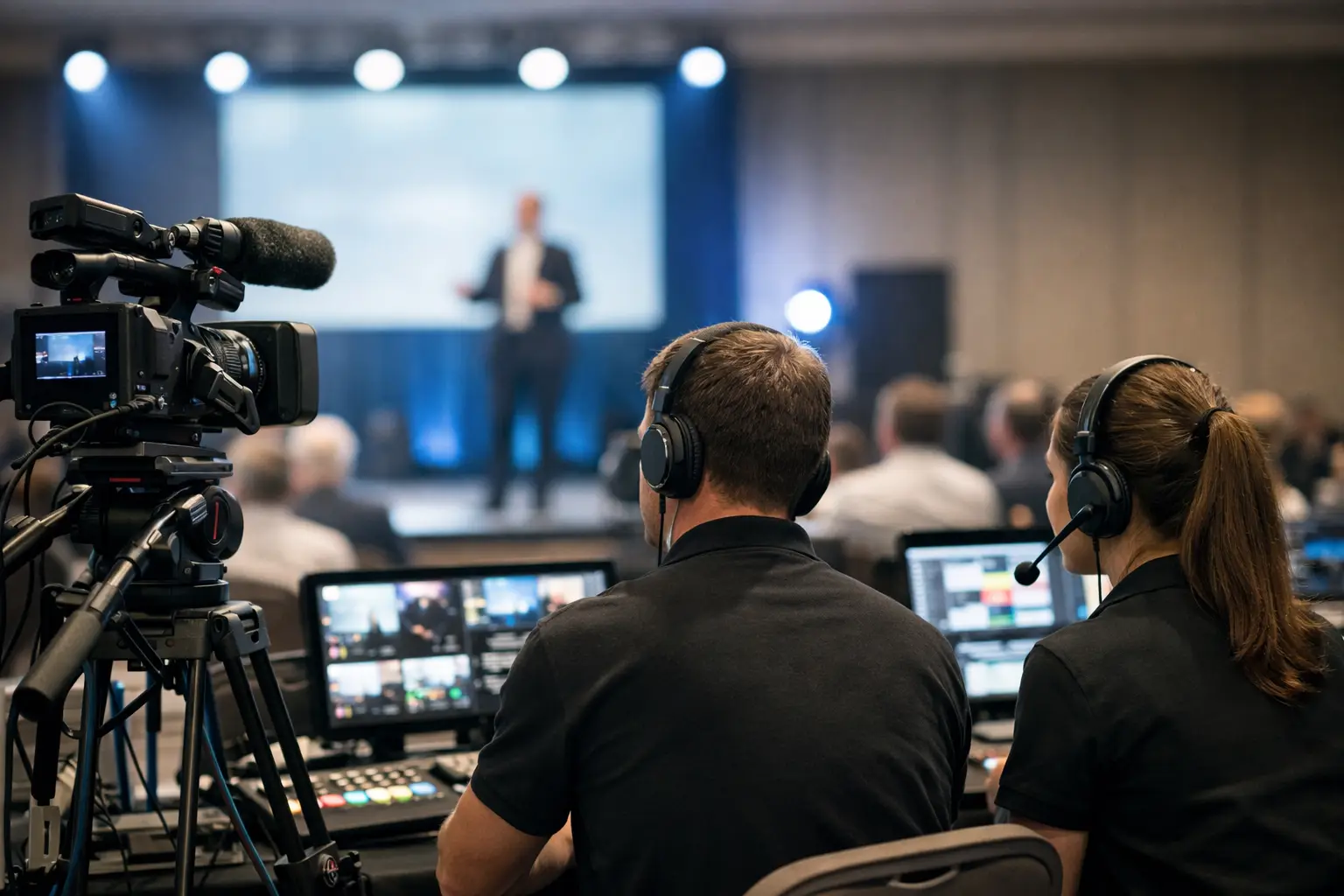
Corporate Event Media Guide for AV Teams
A corporate event media guide for AV teams: build a controlled presentation workflow, manage versions, route files by room, and protect show-day timing.
-
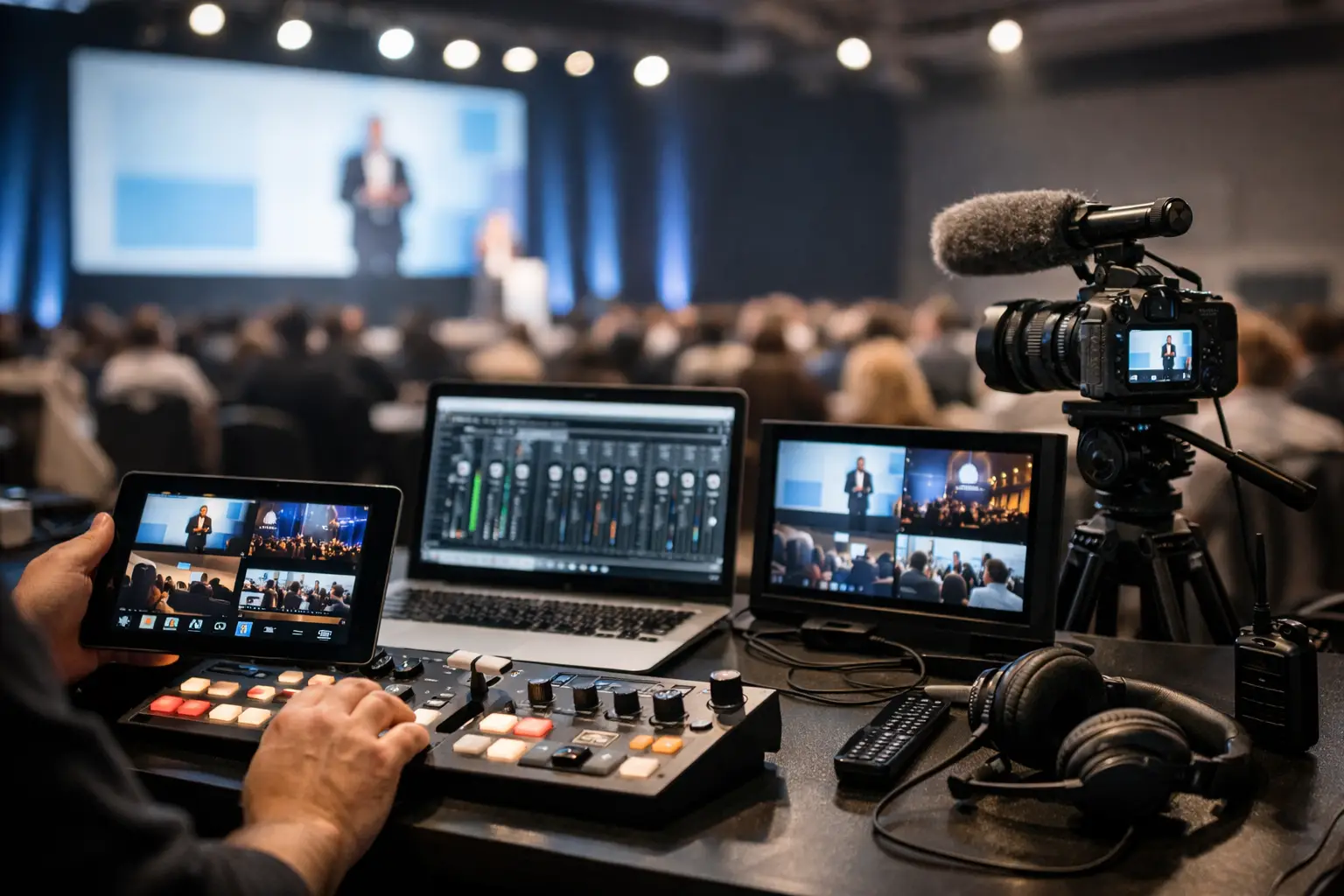
Best Conference Media Tools for Show-Day Control
Find the best conference media tools for moving presentations, video, timing, and multilingual content without USB confusion or cloud dependency onsite.
-
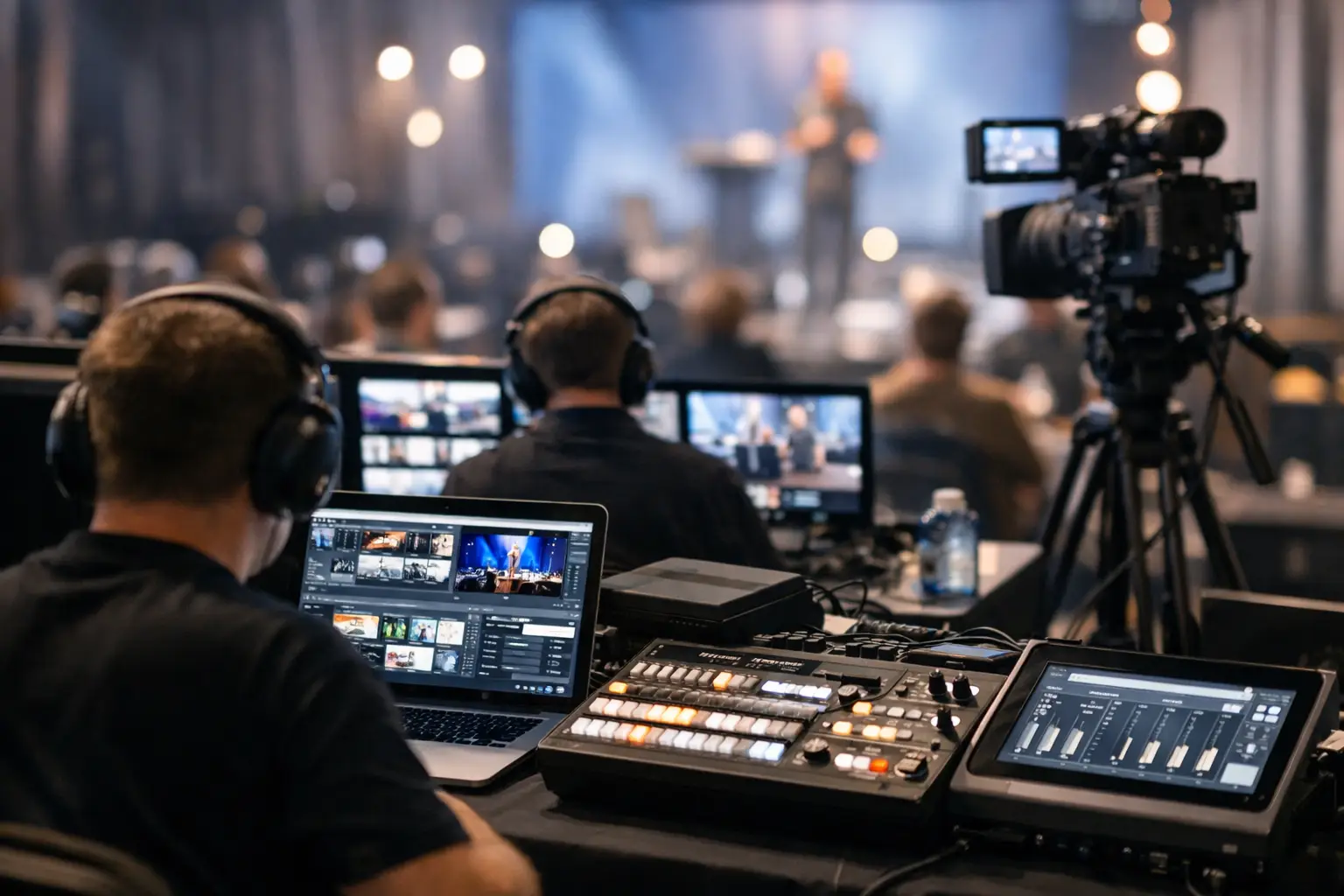
Offline Event Software Review for AV Teams
An offline event software review for AV teams assessing presentation routing, local LAN reliability, operator workflows, and show-day control across venues.
-
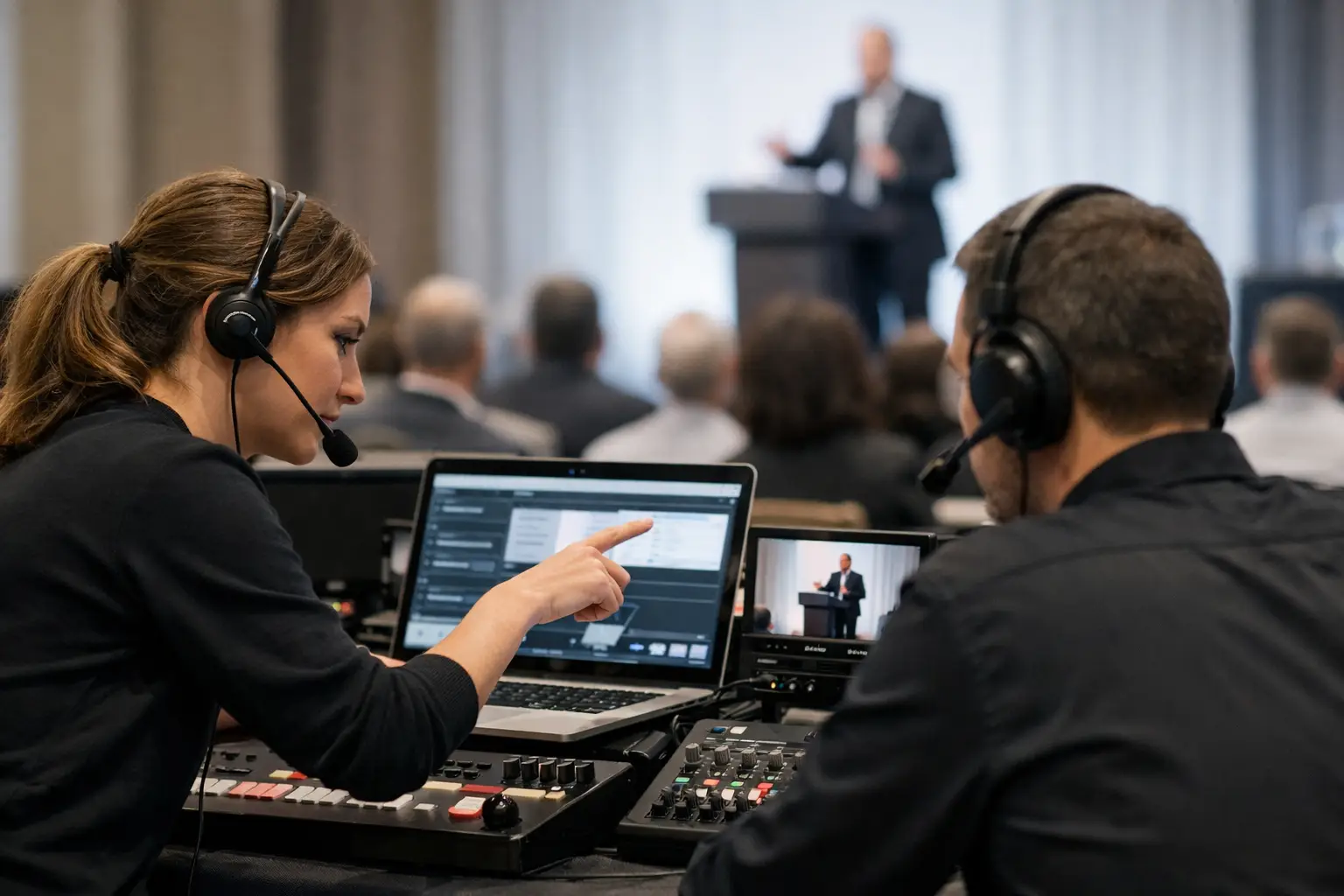
How to Coordinate Speaker Room Operators
Learn how to coordinate speaker room operators with clear roles, room routing, version control, and handoffs that protect every session from errors daily.
-
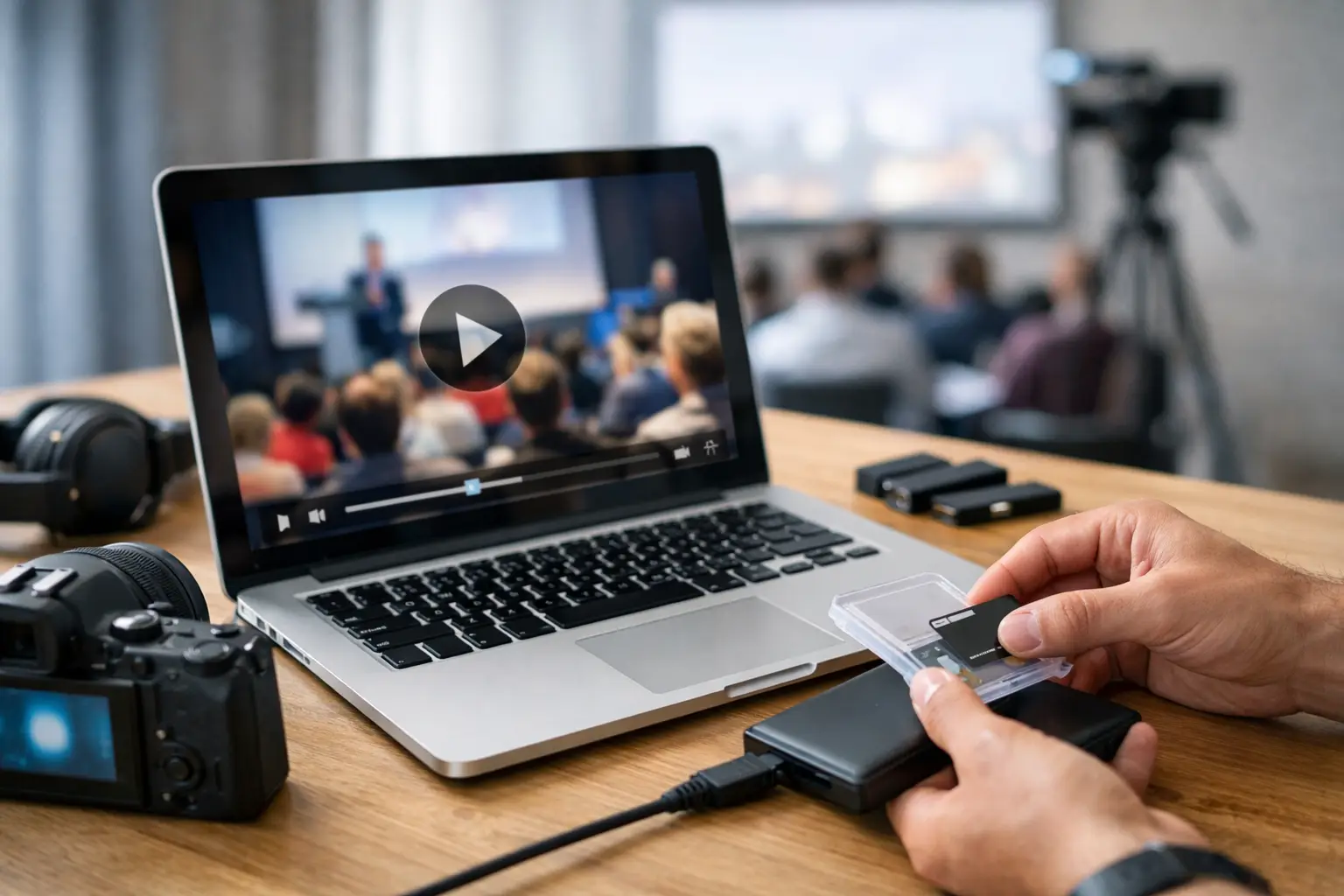
How to Package Embedded Videos for Events
Learn how to package embedded videos for conference delivery, avoid missing media, and give every operator a tested, show-ready presentation copy onsite.
-
Best Tools for Speaker Material Intake in 2026
Compare the best tools for speaker material intake, from upload portals to LAN delivery, and build a dependable workflow for every conference room onsite.
-

How to Keep Slides in Sync Across Languages
Learn how to keep slides in sync across languages with a controlled workflow for speaker rooms, AV operators, and interpreter booths on live show days.
-

Speaker Room Software vs File Sharing for Events
Speaker room software vs file sharing: see why event teams need routing, version control, offline delivery, and proof that each room has the right deck.
-
Why Conference WiFi Fails During Sessions
Why conference WiFi fails during sessions: capacity spikes, radio interference, and hidden network dependencies that disrupt live event operations daily.
-
Local Delivery vs Cloud Sync at Live Events
Local delivery vs cloud sync for conferences: compare speed, control, security, and failure points before presentations reach every room on show day.
-

Collect Presentations From Speakers Before a Conference
Learn how to collect presentations from speakers before a conference with a clear workflow that prevents version errors, late files, and room confusion.
-
How to Route Session Files by Room at Events
Learn how to route session files by room with a conference workflow that eliminates USB handoffs, prevents version errors, and keeps operators prepared.
-

How to Keep Conference Talks on Time All Day
Learn how to keep conference talks on time with speaker-ready workflows, visible clocks, firm cues, and recovery plans that protect every room's schedule.
-
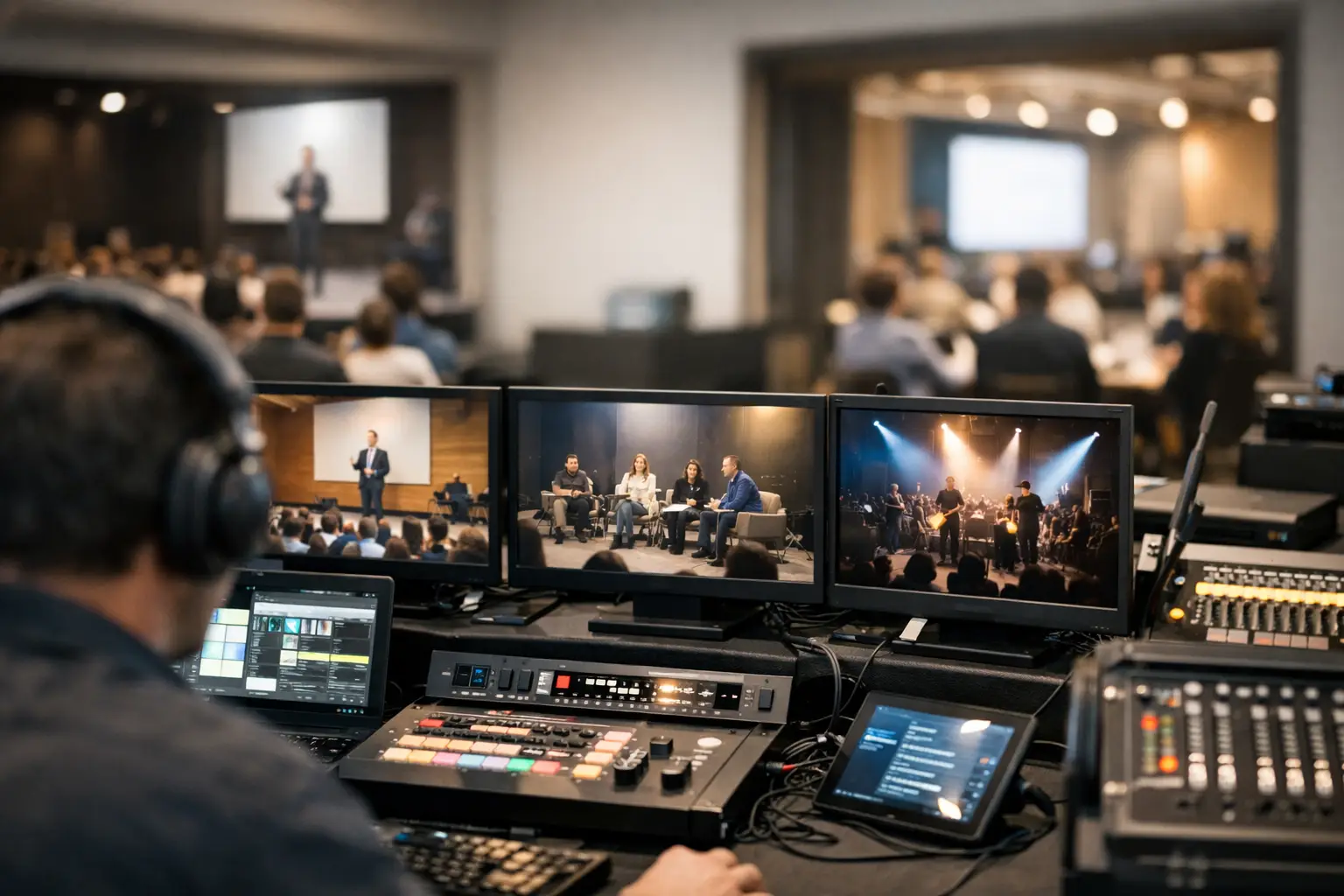
Multi Room AV Coordination Guide for Show Days
This multi room AV coordination guide shows event teams how to route files, manage versions, and keep every room ready when schedules change fast on site.
-
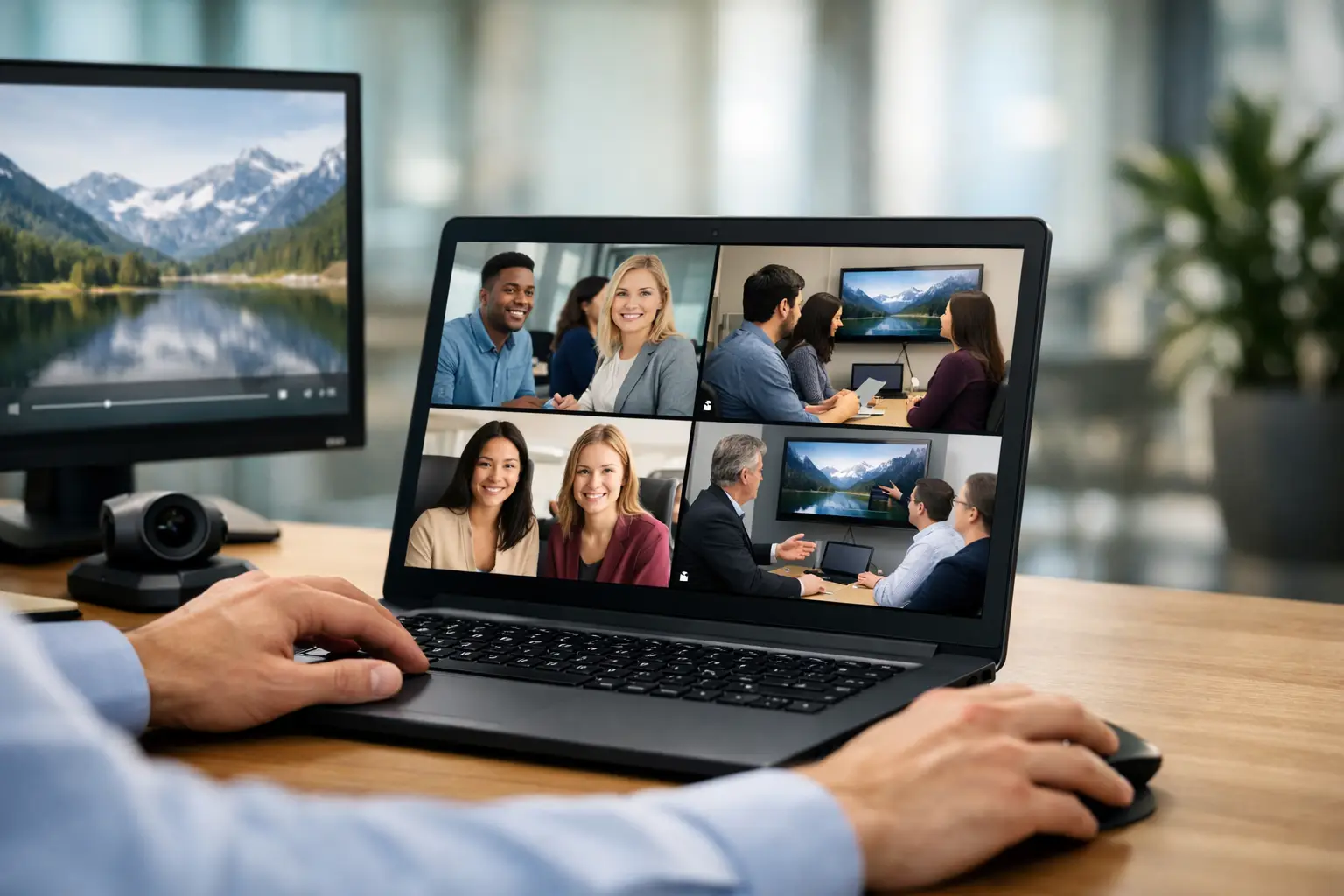
How to Deliver Videos to Breakout Rooms Reliably
Learn how to deliver videos to breakout rooms using a local, room-based workflow that prevents version errors, late starts, and USB handoffs on show day.
-

How to Manage Conference Presentation Revisions
Learn how to manage conference presentation revisions with a controlled speaker room workflow that routes approved, current decks to every live room on time.
-

Conference Presentation Management Review
Conference presentation management review for AV teams: test delivery speed, version control, room routing, and offline reliability before live show day.
-

Secure Presentation Transfer Software for Events
Secure presentation transfer software keeps speaker files moving from the ready room to the right operator, without USB drives, email chains, or Wi-Fi risk
-

How to Avoid Lost Presentation Files on Show Day
Learn how to avoid lost presentation files with a reliable conference workflow that protects versions, routes files by room, and keeps show day moving.
-
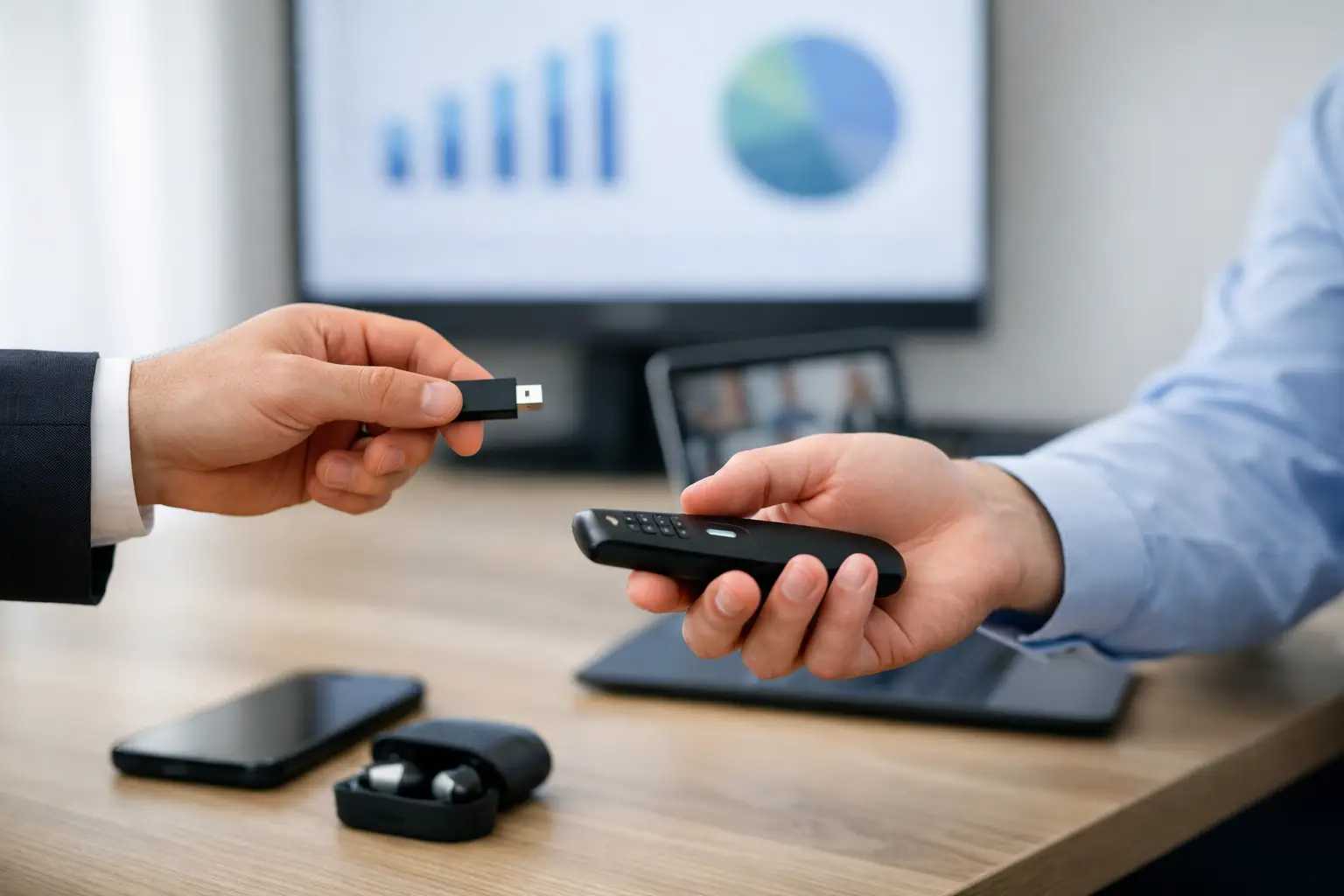
How to Replace USB Presentation Handoffs
Learn how to replace USB presentation handoffs with a local-LAN workflow that routes current files to the right room before doors open on every show day.
-
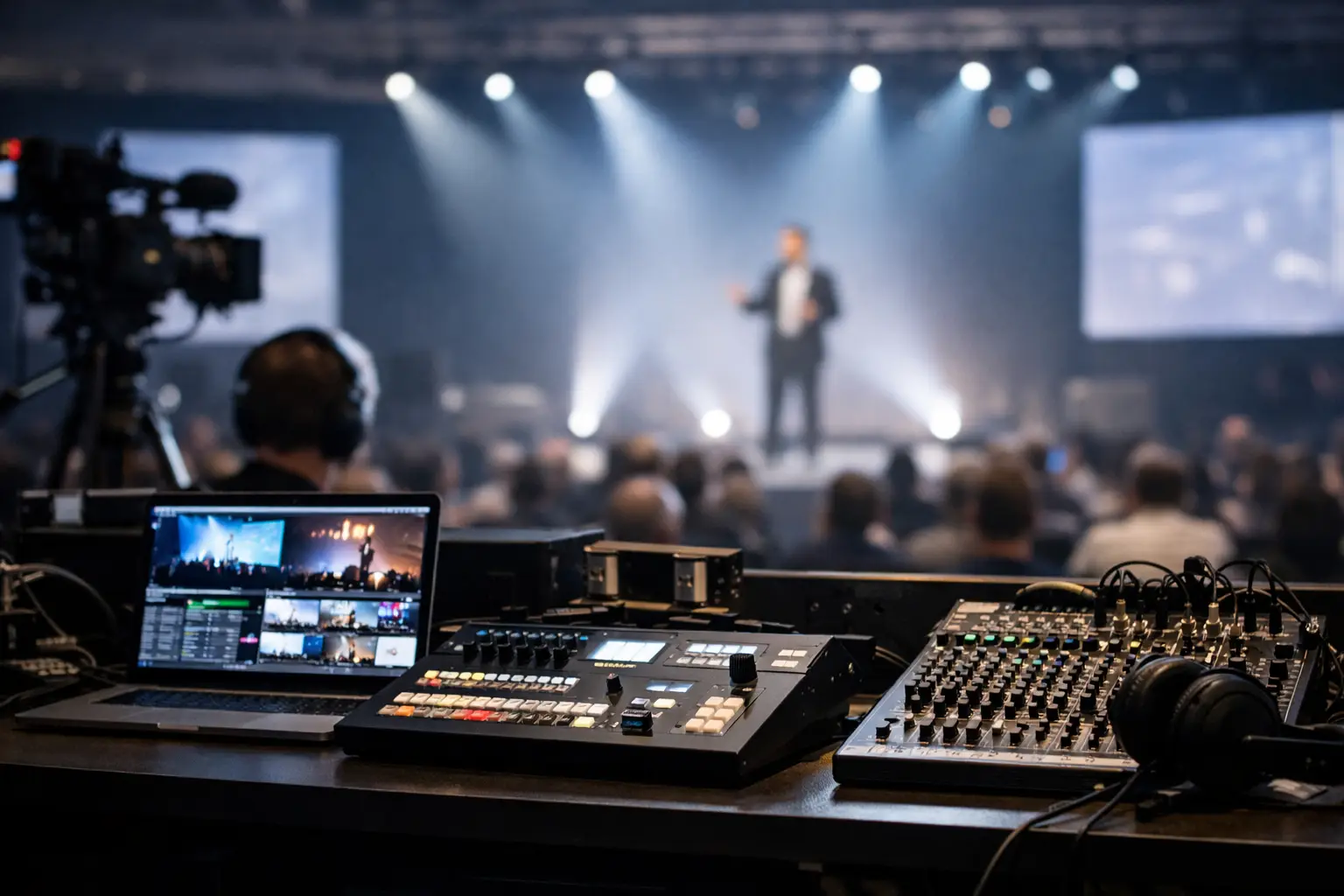
Live Event Presentation Logistics Guide for AV
This live event presentation logistics guide shows AV teams how to route, verify, and deliver speaker files without USBs, email confusion, or Wi-Fi risk.
-
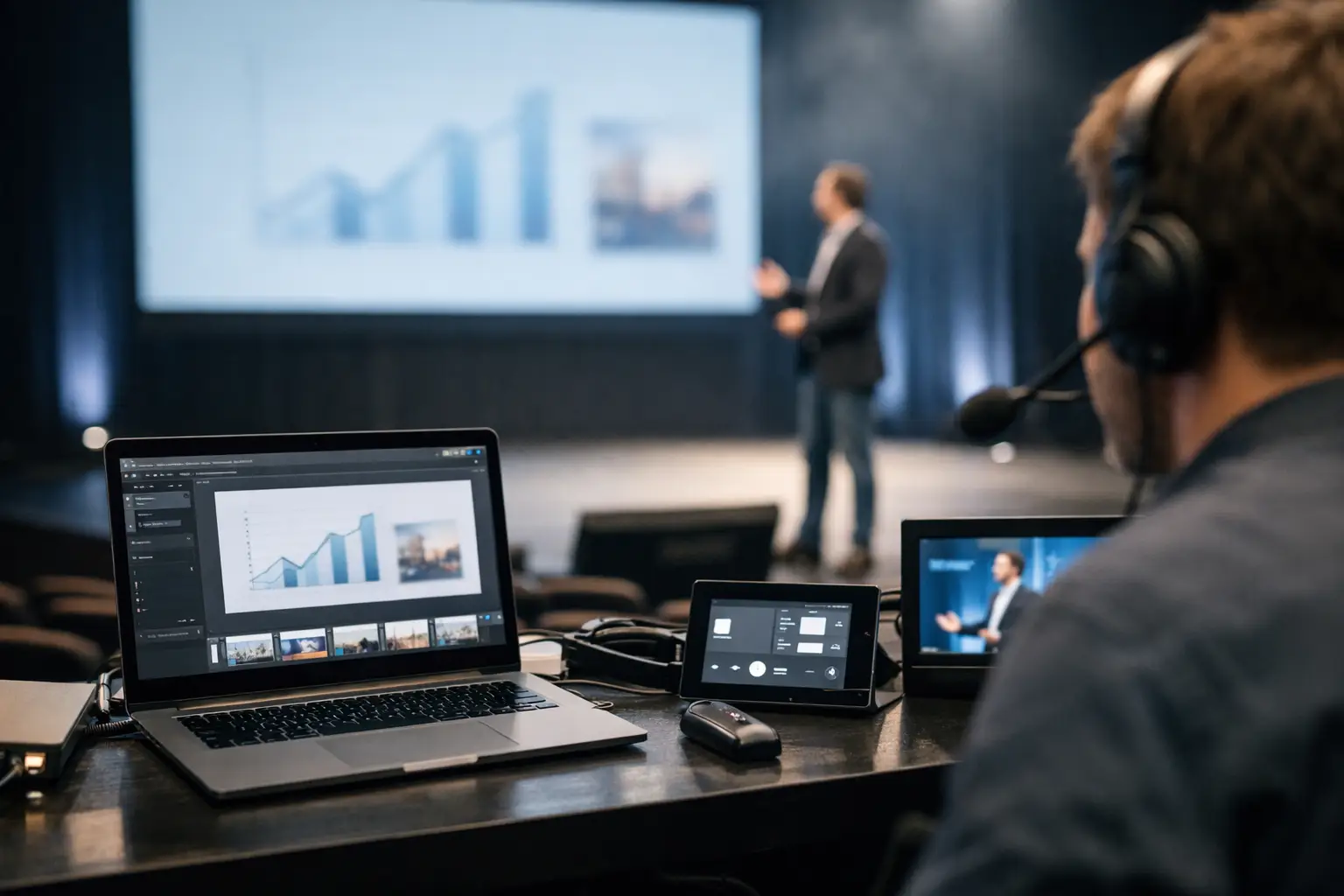
Speaker Ready Software That Holds Up on Show Day
Speaker ready software keeps presentations moving from the speaker room to the correct operator, even when event Wi-Fi and USB handoffs fail on show day.
-

Event File Delivery vs Email: What Holds Up?
Event file delivery vs email is not a convenience choice. See which workflow protects versions, timing, and AV handoffs in conference rooms daily.
-
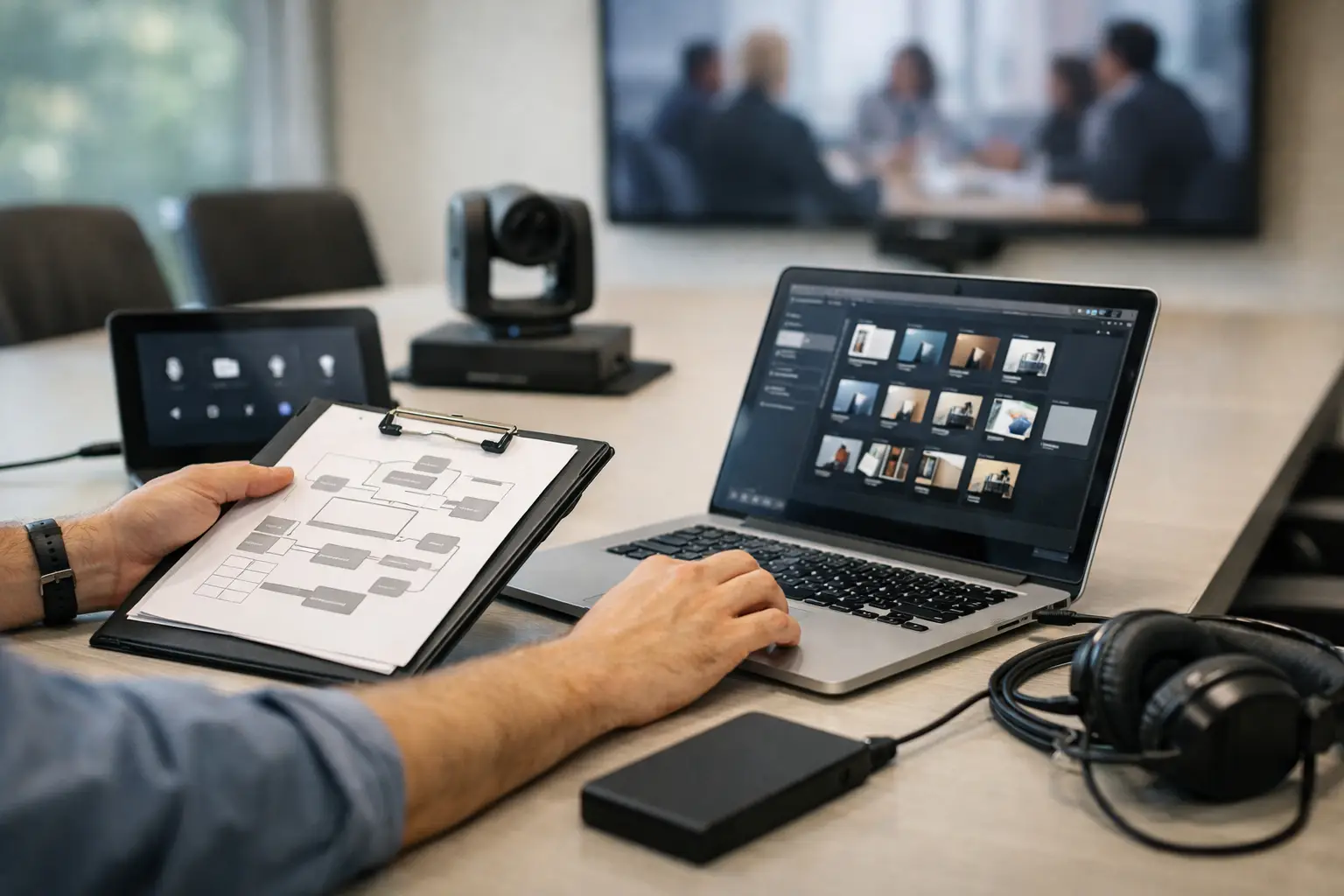
Conference File Routing Guide for AV Teams
This conference file routing guide shows AV teams how to send speaker files to the right rooms, protect versions, and keep show schedules moving on time.
-
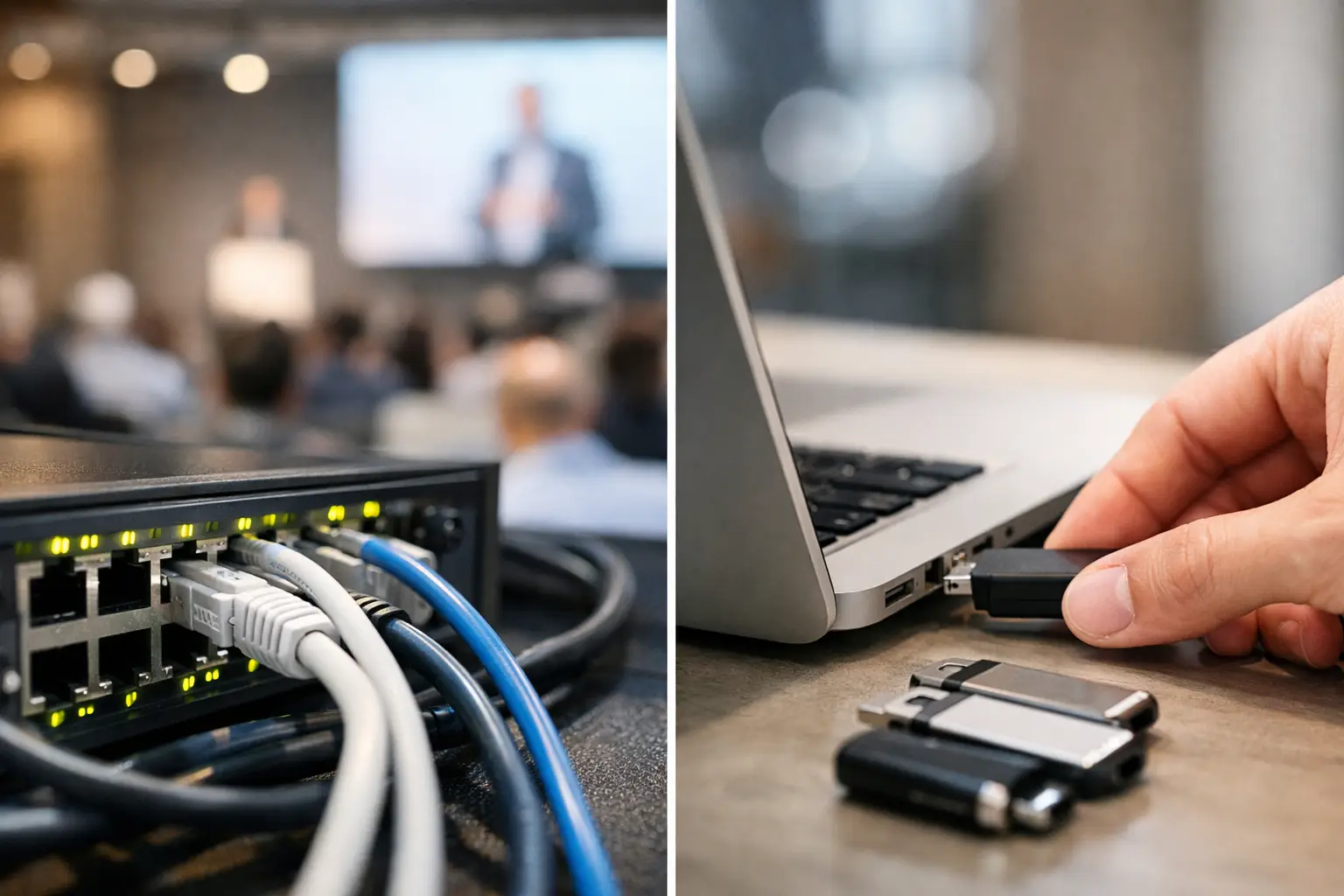
Conference LAN Transfer vs USB Drives for Events
Conference LAN transfer vs USB drives: compare speed, control, version handling, and reliability for speaker rooms, AV teams, and live event delivery.
-
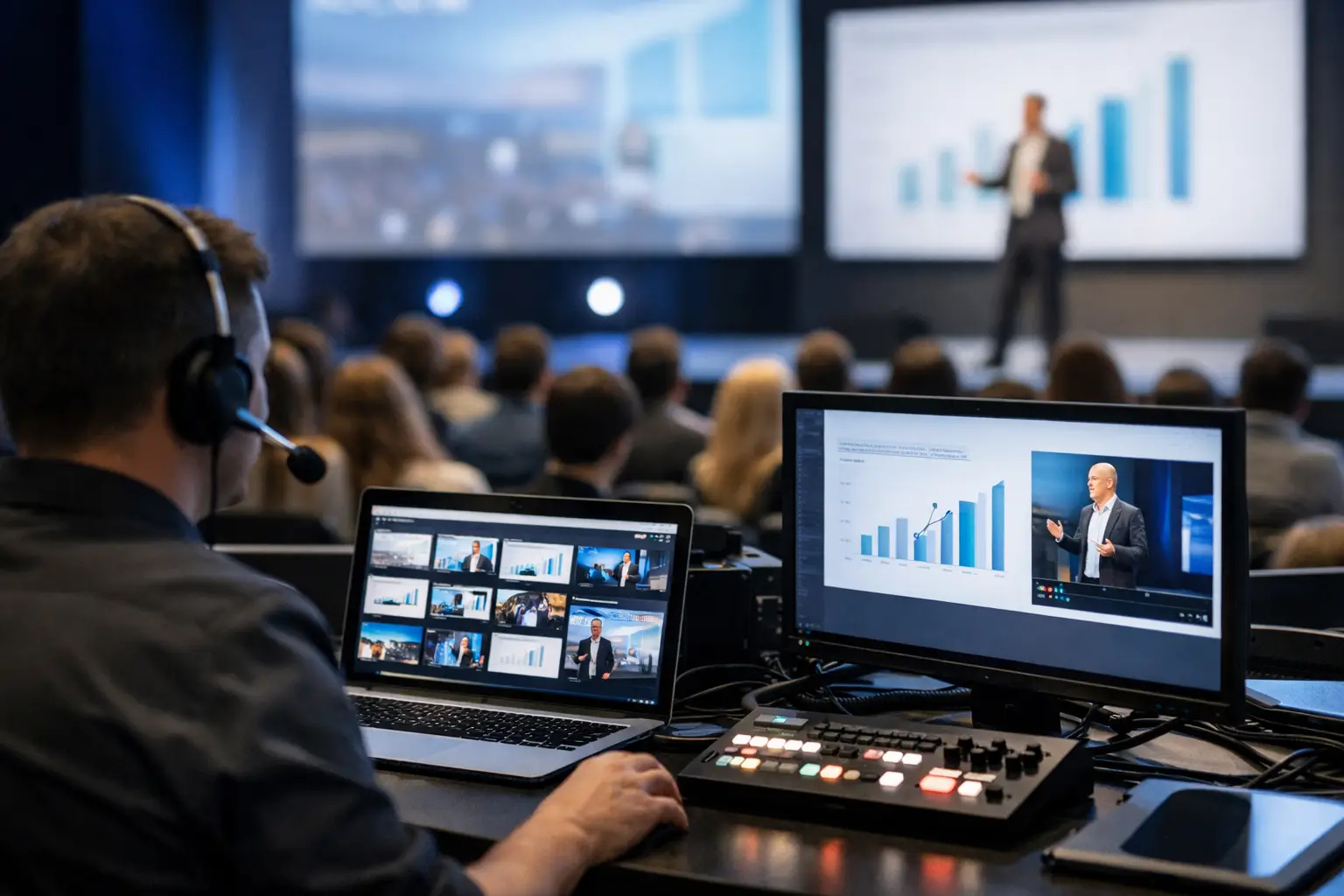
Presentation Distribution Software for Live Events
Presentation distribution software routes final speaker files to the right rooms over local LAN, replacing USB handoffs, email threads, and Wi-Fi risk.
-

Local Network File Sharing for Conferences
Local network file sharing for conferences keeps presentations moving from speaker ready rooms to operators without Wi-Fi, USB drives, or version confusion.
-
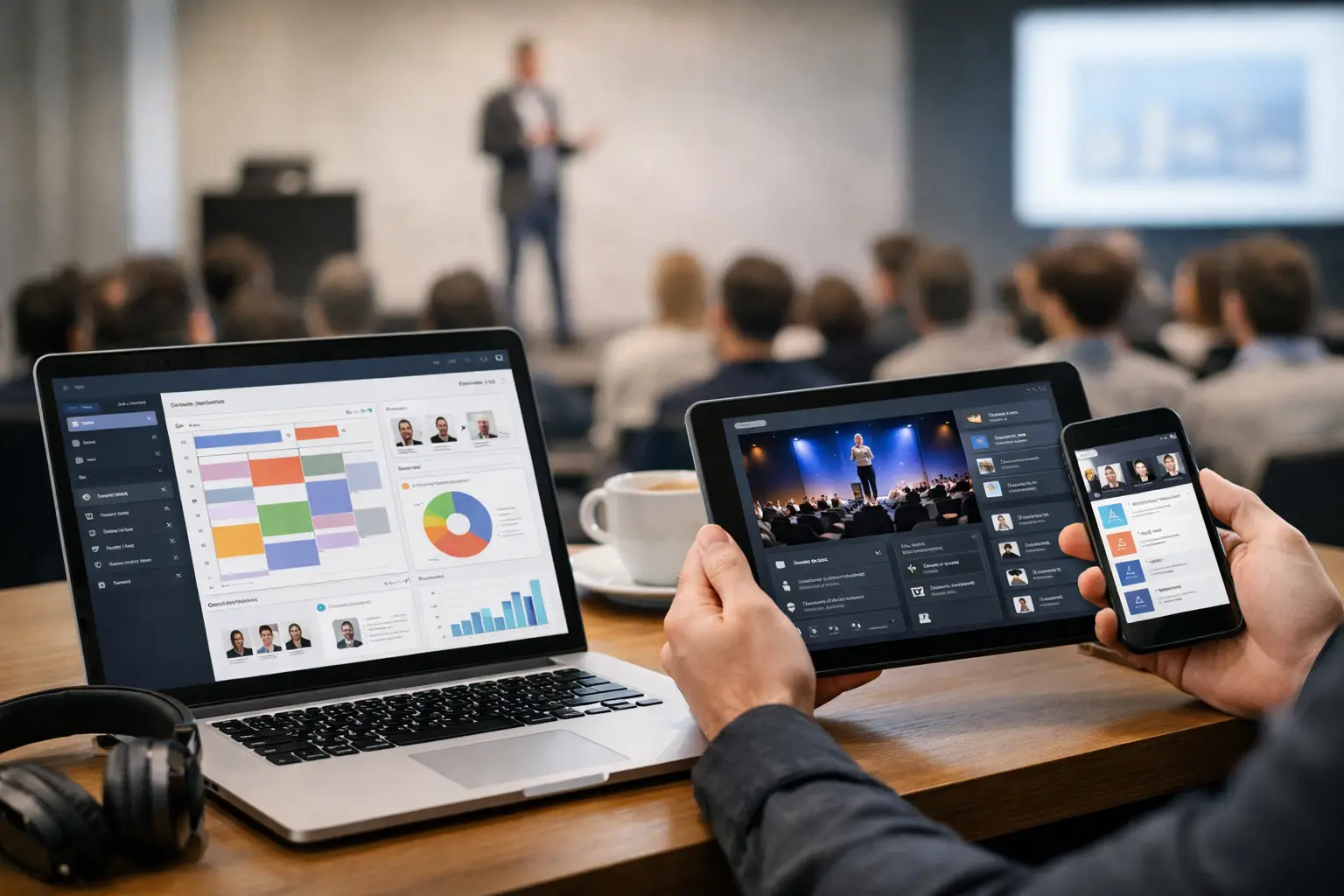
Cross Platform Event Software That Holds Up
Cross platform event software keeps presentations moving across speaker rooms and control rooms, even when venue Wi-Fi and last-minute changes hit hard.
-

Presentation Delivery for Conference Rooms
Presentation delivery for conference rooms needs more than file sharing. Build a LAN-based workflow that protects timing, versions, and operator control.
-
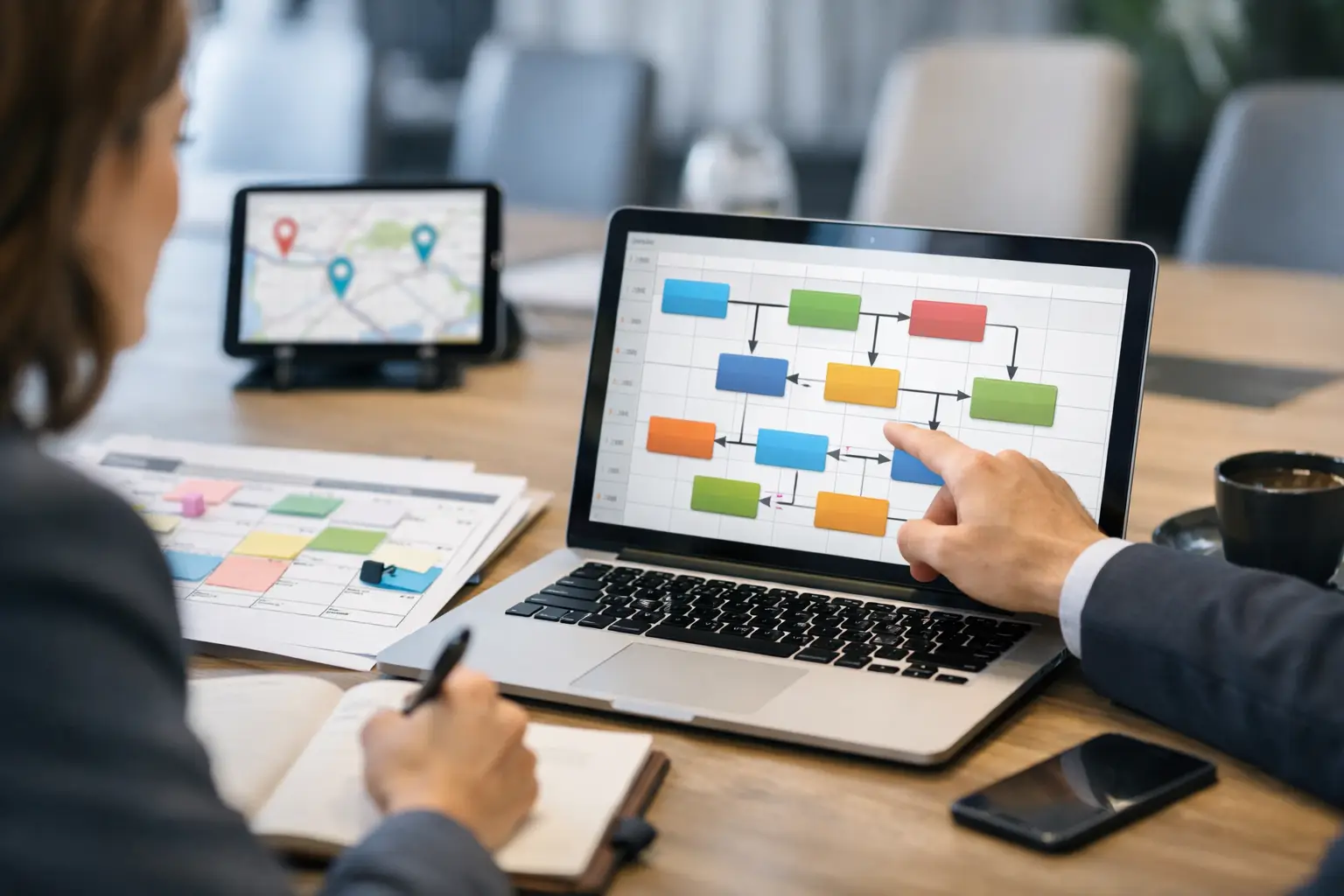
Conference Agenda Routing Software That Works
Conference agenda routing software sends every presentation from the speaker room to the correct operator, room, and time slot without slow USB handoffs.
-
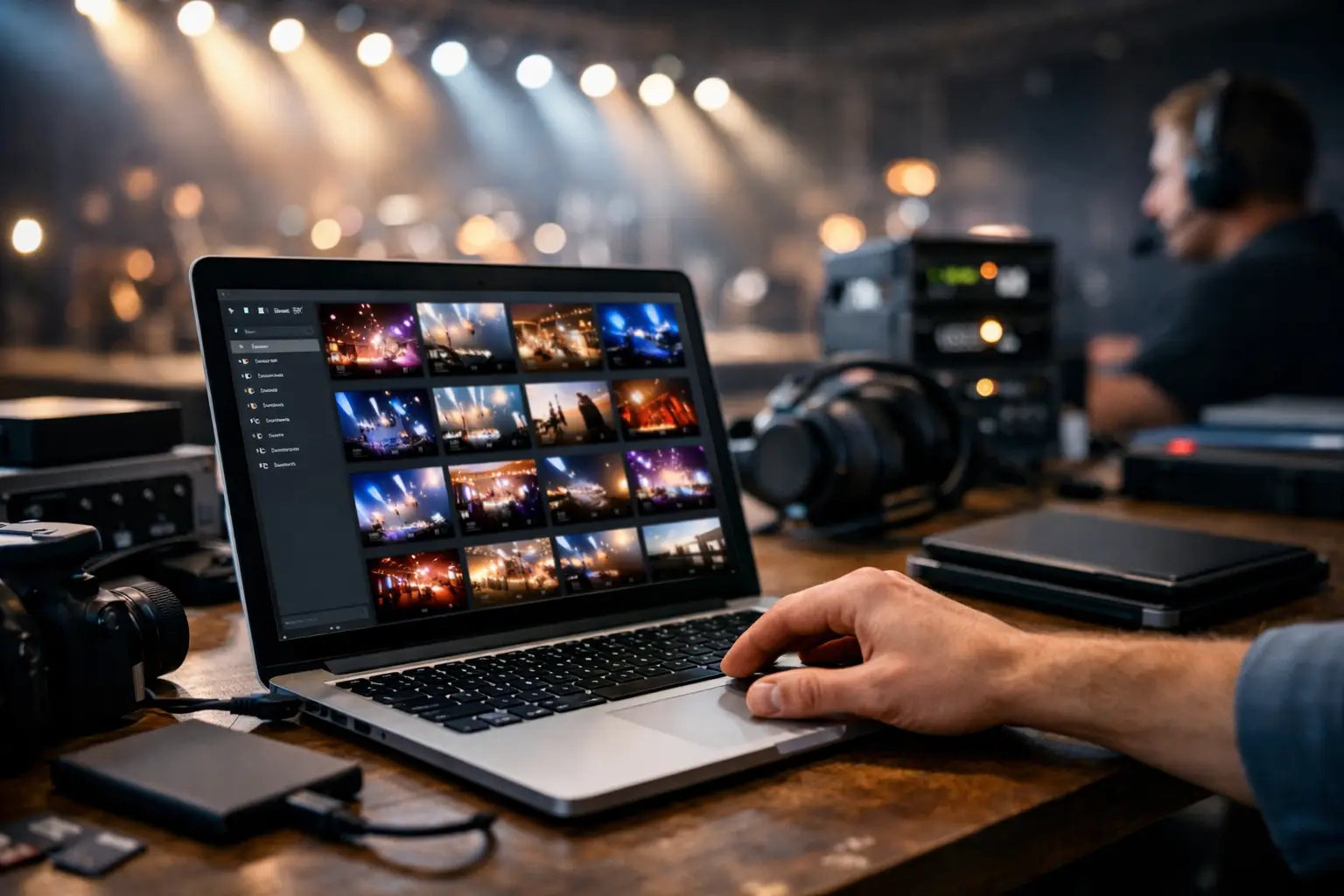
Event Production File Management That Holds Up
Event production file management for AV teams: route current presentations by room, protect versions, and keep show-day delivery off USBs and Wi-Fi alone.
-

A USB Alternative for Presentations That Works
A USB alternative for presentations built for speaker rooms, AV teams, and multi-room events: route final files over local LAN without Wi-Fi on show day.
-
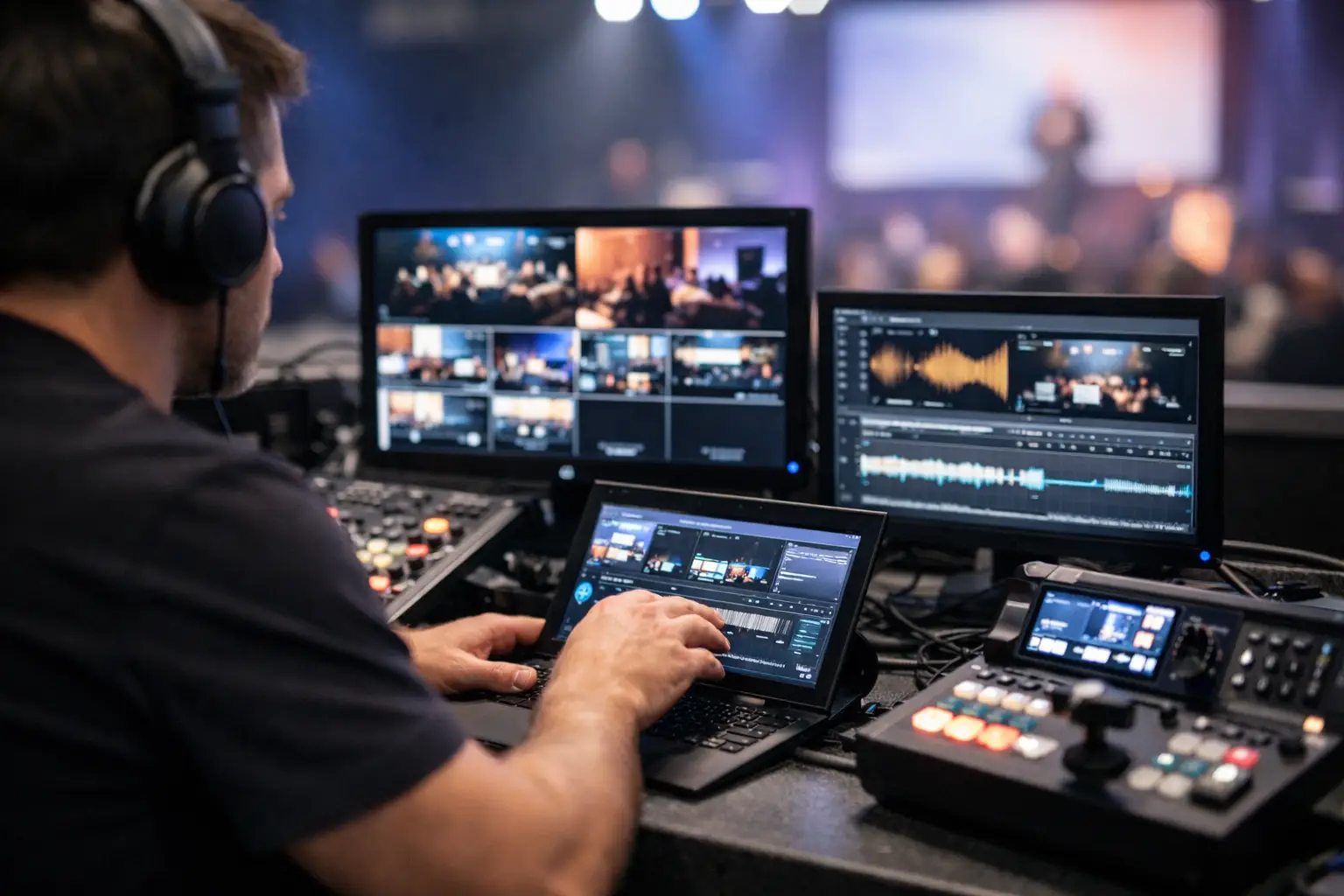
Why AV Operator Workflow Software Matters
AV operator workflow software cuts USB swaps, email confusion, and file delays by giving event teams a local, role-based system built for show day.
-
Multi Room Session Management That Holds Up
Multi room session management keeps presentations moving across venues, rooms, and operators without USB handoffs, version mixups, or Wi-Fi risk.
-

Offline File Transfer for Events That Works
Offline file transfer for events gives AV teams a faster, safer way to move presentations, videos, and updates without USB drives or venue Wi-Fi.
-

Presentation Handoff for Live Events
Presentation handoff for live events breaks when teams rely on USBs, email, or Wi-Fi. Here’s how to build a faster, safer room-to-room workflow.
-

How to Manage Speaker Presentations Well
Learn how to manage speaker presentations with a reliable workflow that cuts USB handoffs, version errors, and room-to-room delivery delays.
-
LAN File Transfer Software for Events
LAN file transfer software keeps event files moving room to room without USB, email, or Wi-Fi delays. Built for conference AV workflows.
-

Speaker Ready Room Workflow That Holds Up
A practical speaker ready room workflow for AV teams and conference organizers who need fast, reliable presentation delivery without USBs or Wi-Fi.
-

Conference Presentation Software That Works
Conference presentation software should fix show-day file delivery. Here’s what event teams need for faster, safer, room-based presentation control.
-
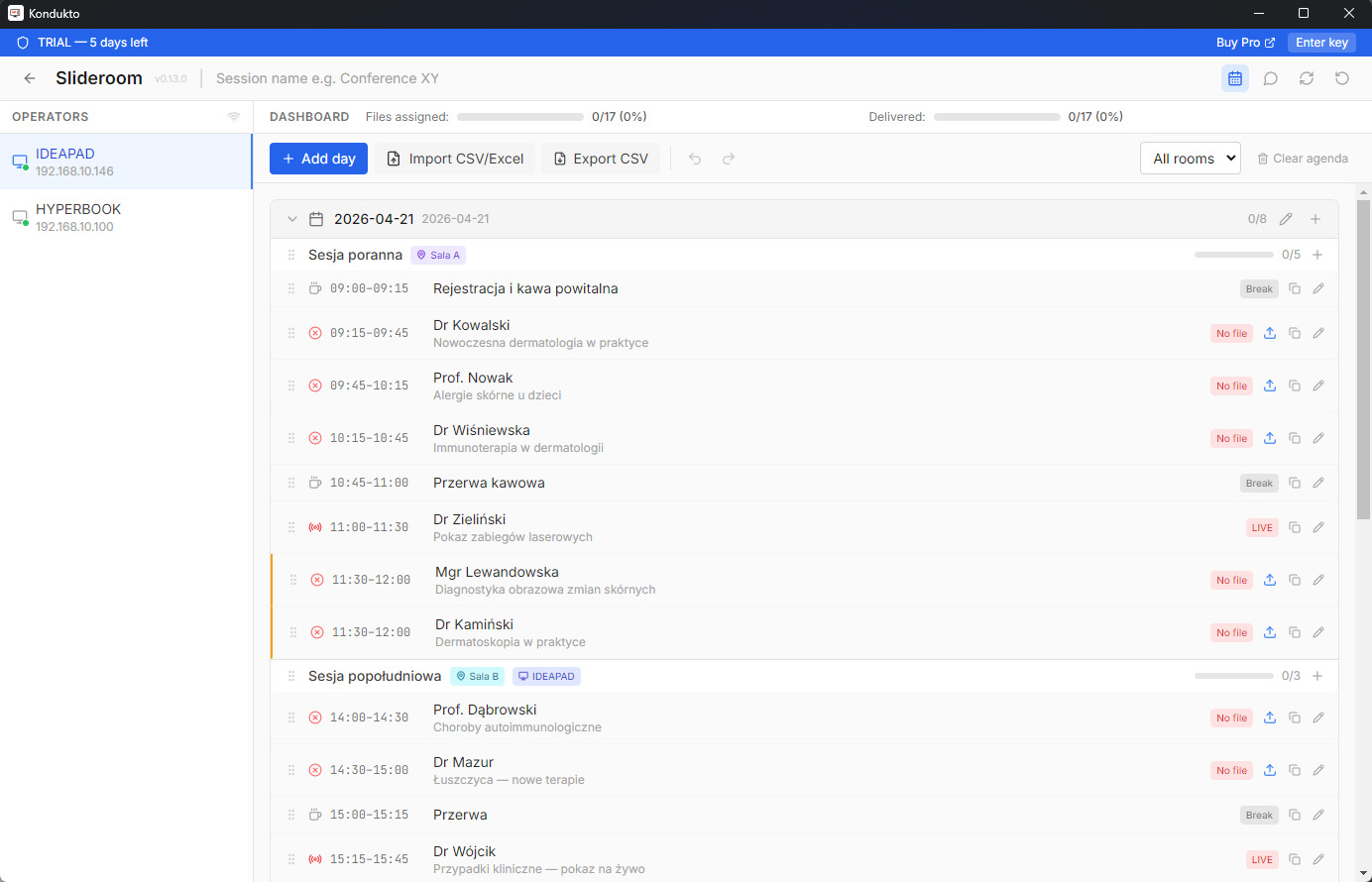
How Kondukto Slideroom kills presentation chaos at conferences
That moment before a speaker goes on, and the deck is missing. Here is how Kondukto fixes it.