At 8:42 a.m., a keynote speaker walks into the speaker ready room with a revised deck, two embedded videos, and a request: “Can this be on stage in five minutes?” That is where the LAN transfer versus cloud decision stops being an IT preference and becomes a show-critical operational choice.
For conference teams, both methods can have a place. Cloud storage is useful before the event, when speakers are remote and files need to be collected over days or weeks. But during live delivery, a local area network gives AV teams a faster, more controlled path from the speaker room to the correct operator position. The difference matters most when schedules are tight, internet access is shared, and one wrong presentation version can affect an entire room.
LAN Transfer Versus Cloud: The Real Operational Difference
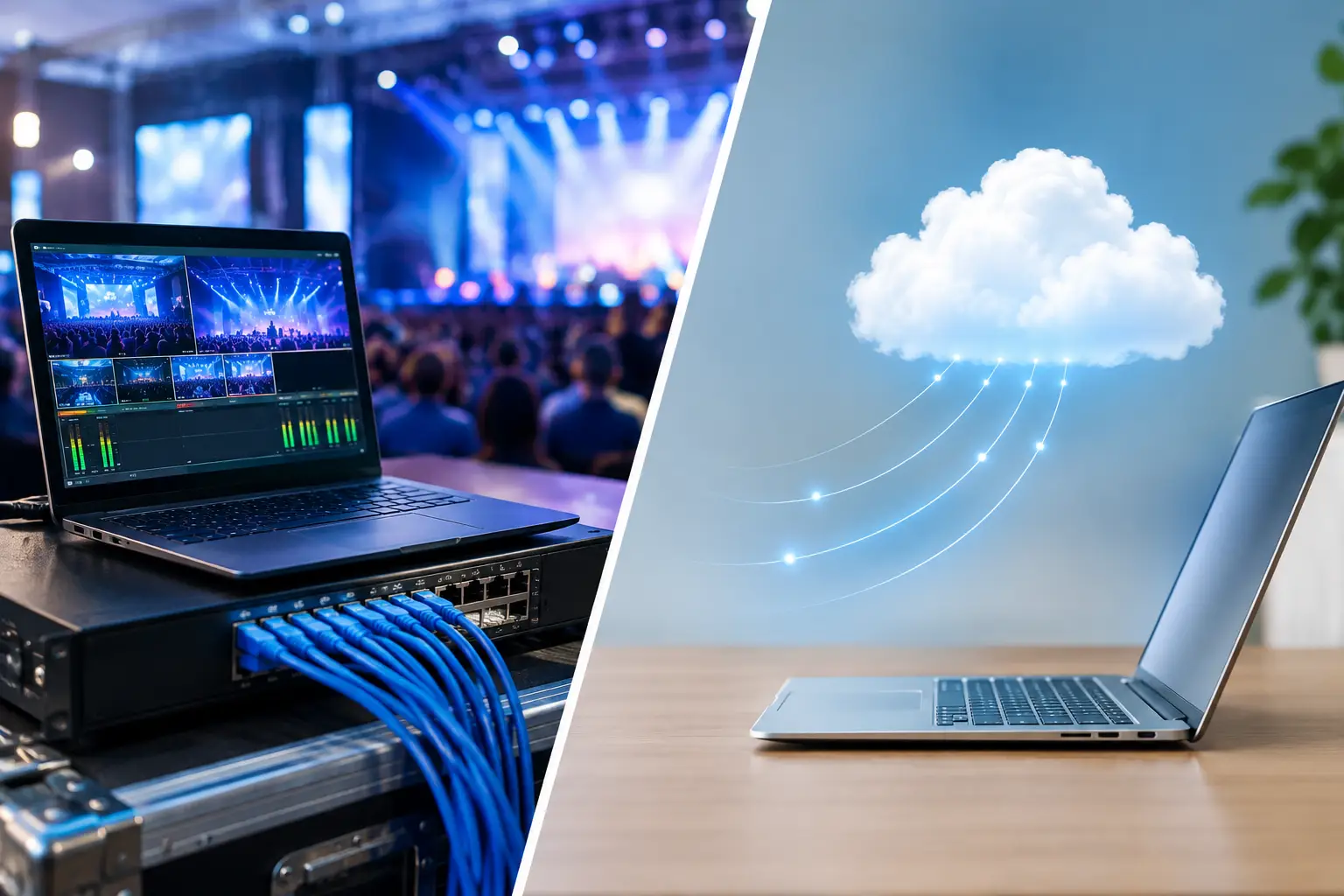
A cloud workflow sends a file from the speaker’s device to a remote server, then back down to the operator’s machine. Even when both people are in the same building, the file may travel outside the venue before it reaches its destination. That route depends on working internet, available bandwidth, account access, browser behavior, and enough time for the upload and download to complete.
A LAN transfer keeps the handoff inside the event network. The speaker room device sends the presentation directly to the operator machine over the local network. There is no dependency on an outside connection and no reason to wait for a large video file to make a round trip through the internet.
That does not mean cloud tools are inherently wrong. They solve a different problem. Cloud storage is built for distributed access and long-term collaboration. A live conference needs controlled delivery: the right file, sent to the right room, confirmed by the right operator, at the moment it is needed.
Why Cloud Workflows Break Down on Show Day
Cloud workflows often look simple in pre-event planning. Share a folder, tell speakers where to upload, and let operators retrieve files as needed. The friction appears once real event conditions arrive.
Venue internet is rarely dedicated to presentation delivery. It may be serving attendees, exhibitors, registration staff, production offices, streaming equipment, and hotel operations at the same time. A file that uploaded quickly during setup can crawl during the morning rush. Captive portals, firewall policies, blocked services, and poor Wi-Fi coverage add more points of failure.
There is also the version-control problem. A speaker may upload “Final_v3,” then send “Final_v3_REVISED” by email, then arrive with “Final_v3_REVISED_USE_THIS_ONE.” Operators are left comparing timestamps, filenames, and messages while the next session is already loading into the room.
Cloud access creates another avoidable task: authentication. Someone needs the correct account, permissions, passwords, and folder structure. If the file is in a personal account, a last-minute handoff can become a login problem. If a browser crashes or a sync client is still processing, the operator has to troubleshoot technology that has nothing to do with running the session.
For a single, low-pressure meeting, that may be acceptable. For a multi-room congress with rolling sessions, it is an unnecessary operational risk.
What a Local LAN Changes for AV Teams
A properly configured local network is usually faster and more predictable because the transfer stays inside the venue. Large PowerPoint files, PDFs, videos, and supporting media move directly between devices without competing for public internet capacity.
Speed is only part of the advantage. A purpose-built LAN workflow can route a file by room, agenda item, or operator assignment. Instead of asking, “Which folder is this in?” the speaker room team can select the next presentation and send it to the correct destination. The technical operator sees that it has arrived, reviews it, and prepares it for playback.
This creates a visible chain of custody. The speaker room knows the material was sent. The operator knows what arrived. The production team can identify whether a file is pending, delivered, or needs follow-up. That is far more useful than a shared folder that tells everyone a file exists but not whether it is technically ready for the session.
It also removes the USB handoff from the process. USB drives remain common because they are immediate, but they bring their own problems: missing adapters, unknown file locations, duplicate versions, security concerns, and the familiar walk from the speaker room to the control position. In a large venue, that walk is not a workflow. It is a delay waiting to happen.
When Cloud Still Makes Sense
The best answer is not to ban cloud storage. It is to use it at the right point in the workflow.
Before the event, a web-based upload portal can be useful for collecting early speaker materials. It gives organizers time to check formats, request missing assets, and build an initial agenda. Remote teams can access the same planning files without needing to be on site.
Cloud storage can also be useful after the event for archive management, approved sharing, and post-production handoff. These are not usually second-by-second production tasks, so a remote service is a reasonable fit.
The problem begins when pre-event collection is treated as the same thing as live presentation delivery. They have different requirements. Collection prioritizes accessibility. Delivery prioritizes speed, routing, confirmation, and independence from the internet.
A practical approach is to collect materials in advance, then move to a local delivery workflow once the venue network and operator positions are active. Late changes should follow the same controlled local path. That gives the team the convenience of remote collection without placing show-critical transfers on an unreliable connection.
The Network Is Part of the Production Plan
A LAN-based workflow is only as dependable as the network plan behind it. This does not require a complicated setup, but it does require ownership. The production team should know which network is used for file delivery, which devices are on it, and who can support it if a connection drops.
Whenever possible, use wired connections for operator machines and the speaker room workstation. Wired Ethernet reduces the variability of congested Wi-Fi and provides stable performance for large media files. Wi-Fi can still support mobile devices where needed, but it should not be the only path for mission-critical delivery when a cable is available.
The network should be separate from attendee traffic or at least protected from it. A private production VLAN, managed access point, or dedicated switch can prevent hundreds of guest devices from competing with session operations. The goal is not enterprise complexity. The goal is a known, controlled route between the people preparing content and the people running it.
Teams should also test with real files, not just a small PDF. Send a typical slide deck with embedded media, a large video, and any presentation package used by the event. Test delivery to every room. Confirm that the operator can open the file in the required software and that the correct media travels with it.
Choose a Workflow, Not Just a Transfer Method
The transfer method is only one part of the decision. What matters is whether the workflow reflects how a conference actually operates.
A speaker arrives with a change. The speaker room receives it, checks it, identifies the session, and sends it to the assigned room. The operator gets the file, confirms receipt, tests it when required, and communicates any issue before the speaker is called to stage. If the event includes simultaneous interpretation, the latest approved slides also need to reach interpreter booths in time to support the language teams.
Generic file-sharing tools can move files, but they do not understand rooms, agendas, technical operators, or show timing. A specialized system such as Kondukto is designed around those operational roles, with local delivery, device discovery, room-based routing, agenda management, and in-app communication in one process.
That distinction becomes more valuable as the event grows. One room may tolerate informal handoffs. Ten rooms, multiple speaker ready staff, rolling agendas, and interpretation booths need a common operating picture. The team should not be relying on chat messages and filename guesses to determine what is live.
Questions to Ask Before You Choose
Before committing to cloud, LAN, or a combined workflow, ask a few direct questions. Can presentations still reach operators if venue internet fails? Can the speaker room send a file to the correct room without manual searching? Can the operator confirm receipt and identify the latest version? Can the team trace who sent a file and when? Can the workflow handle a large media package five minutes before a session?
If the answer depends on a shared folder, a personal login, or someone walking a USB drive through the venue, there is still a gap in the production plan.
For live events, the safest process is the one that removes decisions under pressure. Use the cloud for collection and collaboration when it helps. Use the local network for the handoff that has to work when the room is full, the speaker is waiting, and the show clock is running.