Invite from the agenda
Add speaker emails to their sessions and send invitations. Each person receives a personal upload link — no accounts, no passwords to reset the night before.



A speaker presentation upload portal turns chasing files into a process that runs itself. Every speaker gets one link, uploads their deck without creating an account, and the file arrives attached to their exact session — ready for the operator running that room.
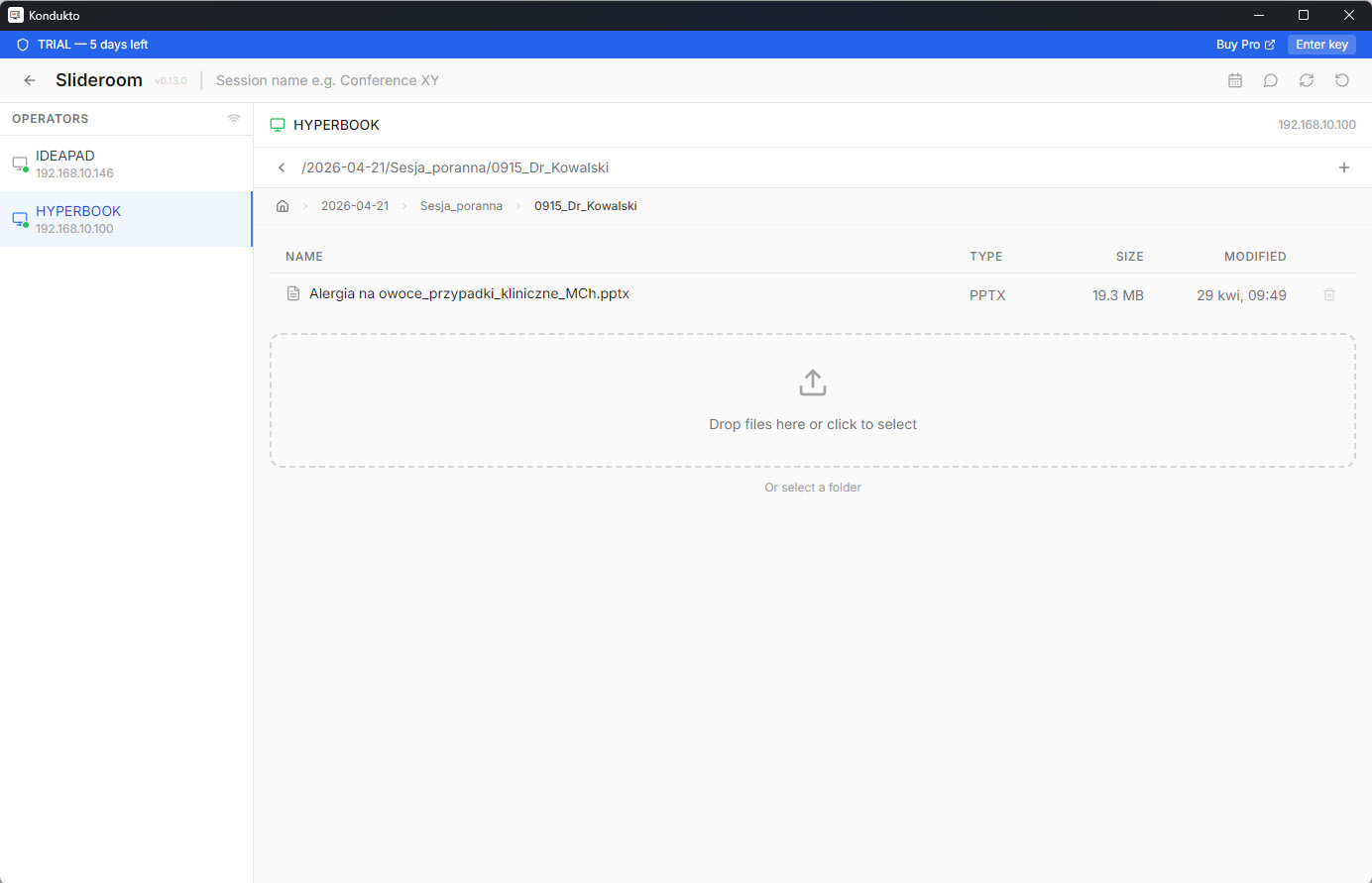
Invitations go out from your agenda, so uploads come back already mapped to sessions.
Add speaker emails to their sessions and send invitations. Each person receives a personal upload link — no accounts, no passwords to reset the night before.
PPTX, PDF, Keynote, video or a folder of assets. No format restrictions, no size cap, and the newest version always replaces the old one.
One click syncs each file into its agenda slot and routes it to the operator assigned to that room. Nothing gets copied by hand on show day.
Scientific congresses, industry conferences, training programmes and corporate events all hit the same wall: presentations arrive from dozens or hundreds of speakers, in every format imaginable, at every hour up to the last minute. The organiser ends up as a human router — downloading attachments, renaming files, dropping them into folders and hoping the version on the projector is the right one.
A portal removes that role entirely. Speakers deliver into a structure you defined, the agenda shows what has landed, and the operator opens the correct file because it was never handled manually in between.
Email loses versions, bounces off attachment limits and never answers the one question that matters: whose deck is still missing? Threads fragment across three addresses, someone replies with final_v3_REALLY_final.pptx, and there is no single place that represents the truth. USB sticks fail differently — they turn up five minutes before the talk, sometimes with a file that was edited on a laptop nobody checked.
The portal fixes both by keeping one current version per session and showing status you can act on. You chase three people instead of emailing forty, and you do it before the day of the event rather than during it.
Collecting files is only half the job — value appears when they reach the stage without drama. Uploaded decks feed directly into LAN presentation distribution, so operators receive them over the local network with no cloud round-trip on site. For sessions delivered in several languages, they connect with multilingual slide synchronization, keeping every room and interpreter booth on the same slide.
Speakers need nothing but a browser and their link. On your side, the machine collecting material needs internet access to fetch uploads; once files are local, the rest of the event can run entirely offline over LAN. The portal works in both LAN and Global modes, so it fits venues with locked-down networks as easily as distributed teams.
Kondukto is built by AS LIVE MEDIA, an AV company that runs conferences technically. We can help set up the agenda, invitations and the flow of material before your event, and support the show remotely or on site. That is the part an off-the-shelf upload form cannot offer — see the full conference toolkit for how the pieces fit together.
You add your speakers to the agenda and send invitations. Each speaker gets a personal link, uploads their deck without creating an account, and the file lands attached to their exact session — ready for the operator running that room.
No. Speakers open their link, drop the file and they are done. Removing the sign-up step is the single biggest reason decks actually arrive before the deadline.
PPTX, PDF, Keynote, video, images and archives. There are no format restrictions and no per-file size cap, so a 400 MB deck with embedded video is not a problem.
The agenda shows delivery status next to every session, so at a glance you know which speakers are still missing and can chase only those, instead of emailing everyone again.
Yes. One click syncs each uploaded file into the right agenda slot and routes it to the operator assigned to that room, so nothing is copied by hand on show day.
Uploads happen through individual links and the material is available only to the organiser and the event crew. After the conference you can download everything or delete it.