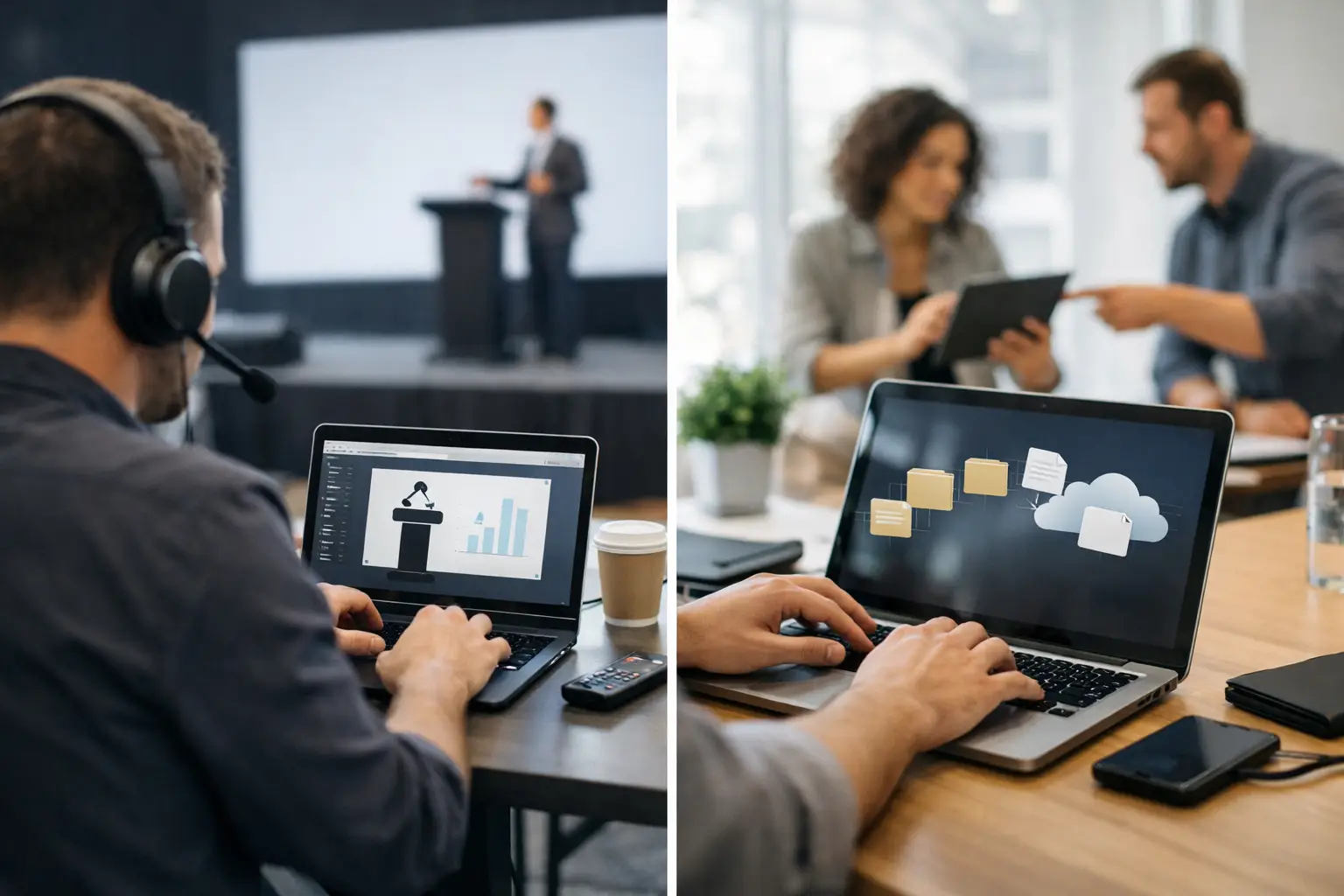
A presenter arrives 12 minutes before a breakout session with a revised deck, a linked video, and the familiar request: “Can you make sure the room has this version?” At that point, the difference between speaker room software vs file sharing is no longer theoretical. The production team needs the right files to reach the right operator, in the right room, with enough certainty to put the speaker on stage.
Generic file-sharing tools can move a file. They do not manage the operational chain around that file: who received it, which agenda item it belongs to, whether the room assignment changed, or whether the operator has the final version loaded and ready. For a live conference, those details are the job.
What file sharing does well
Email attachments, cloud folders, messaging apps, and USB drives all have a place in everyday office work. They are familiar, inexpensive, and generally sufficient when the recipient, timing, and destination are obvious. If a single colleague needs a PDF after a meeting, a shared folder is fine.
They are less effective when a conference has multiple rooms, parallel sessions, speaker-ready staff, show callers, technicians, and a schedule that changes during setup. File sharing asks people to supply the missing context manually. Someone has to name folders, relay room changes, notify operators, compare versions, and confirm delivery. That work tends to move into chat messages, handwritten notes, and verbal handoffs.
The problem is not that a shared drive cannot hold presentations. The problem is that it has no understanding of presentation operations.
A folder called “Final Decks” can still contain three files with nearly identical names. An email can be marked sent without being seen by the operator. A USB drive can reach the wrong room. A cloud upload can stall when venue Wi-Fi is overloaded. Each method depends on people remembering what happened next.
Speaker room software vs file sharing: the operational difference
Purpose-built speaker room software treats each presentation as part of a scheduled production workflow, not as an isolated attachment. The session, speaker, room, operator, and supporting media become connected pieces of the same task.
That changes the handoff. Rather than asking a speaker-ready manager to send a file and then chase confirmation, the software routes materials to the designated technical position over the local network. The operator sees what is assigned to their room. Speaker room staff can see that delivery happened. If a revised deck arrives, the team can identify it as the current version rather than relying on filenames such as “Keynote_FINAL_v7_reallyfinal.pptx.”
This is especially relevant at congresses and multi-track conferences, where several operators may be preparing sessions at once. A technical team does not need more files arriving from more directions. It needs controlled destinations.
File sharing is person-to-person. Event delivery is role-to-role.
With generic tools, the sender chooses a recipient and hopes the recipient is the right person. In a conference workflow, the intended recipient is often not an individual. It is the operator assigned to Room C for the 10:30 session.
That distinction matters when crew positions rotate, when a session changes rooms, or when a floor manager is helping multiple presenters. Role-based routing keeps the task tied to the room and agenda rather than to whichever email address or chat thread was available at the moment.
It also reduces unnecessary handling. The speaker-ready team should not need to download, rename, and forward files just to get them into the show system. Fewer transfers mean fewer opportunities for a file to be misplaced or altered.
Local delivery removes a common show-day dependency
Cloud platforms depend on an internet connection that is both available and usable. Those are not the same thing. A venue may have Wi-Fi coverage but insufficient capacity when exhibitors, attendees, production crew, and presenters are all uploading at once. Hotel networks can apply restrictions that are discovered only during setup. Cellular backup is useful, but it is not a dependable presentation-delivery plan for a busy venue.
A local LAN-based workflow keeps the critical transfer inside the event network. The speaker room device can send presentations, videos, and supporting files directly to operator machines without requiring an outside connection. That is a practical form of resilience, not a feature checklist item.
It does not eliminate the need for good network planning. The event still needs a properly configured local network and access to the relevant operator devices. But it removes internet availability from the critical path between the speaker room and the control position.
Status matters as much as transfer speed
A fast transfer is useful only if the team can act on its result. In an active speaker room, staff need to know whether a presentation is pending, delivered, updated, or requires attention. Operators need a clear view of the materials assigned to their upcoming sessions.
Generic sharing tools report that a message was sent or a file was uploaded. That is not the same as confirming that the right room received the usable material. The gap becomes painful when a technician discovers a missing video two minutes before doors open and nobody knows whether it was never supplied, sent to another room, or buried in a shared folder.
Purpose-built software creates visibility across the handoff. It gives the speaker room team and technical team a shared operational picture without forcing them into the same inbox or chat channel.
The version-control problem is bigger than filenames
Version confusion is one of the most common presentation failures because revisions are normal. Speakers adjust numbers, add a sponsor slide, replace a video, or correct a title after rehearsal. The issue is not preventing changes. It is making the latest approved change obvious and deliverable.
In a file-sharing workflow, version control is usually improvised. Staff add dates, initials, or “final” to filenames. Operators compare timestamps. Someone sends a message saying, “Please use the new one.” Those workarounds can succeed on a quiet event, but they become fragile as the volume of sessions increases.
Speaker room software can preserve the connection between a presentation and its session while showing that a newer file has been sent. The operator does not have to guess which attachment is current. The speaker room manager does not have to repeat the room name and session time in every message. This is a small reduction in friction with a large effect when the schedule is moving quickly.
Where generic file sharing may be enough
There are events where dedicated delivery software is not necessary. A single-room internal meeting with a known presenter, one technician, and no late changes can run perfectly well with a shared folder or direct handoff. A small event with no speaker room and no parallel programming may not need agenda-based routing.
The decision changes when the operational cost of one wrong file is high. Consider using speaker room software when there are multiple rooms, an active speaker-ready process, frequent revisions, separate speaker and AV teams, high-value video content, or simultaneous interpretation. These are the conditions where a simple transfer method starts creating coordination work that people must carry manually.
Multilingual events add another layer. Interpreter booths may need the latest slides at the same time as the room operator, often before the speaker begins. A workflow built around session assignments and controlled distribution is more reliable than sending separate copies through separate channels. KonduktoPILOT can extend that same operational approach by synchronizing slides for interpreter teams across rooms and booths.
What to look for in a conference delivery workflow
The best tool is not necessarily the one with the longest feature list. It is the one your crew can operate under pressure without inventing a parallel process. For speaker room and AV teams, a useful system should provide four things: local-network delivery, automatic discovery of relevant devices, room and agenda-based routing, and clear confirmation of delivery or updates.
It should also fit the physical reality of the event. Speaker room staff need a straightforward intake process. Operators need materials arriving at their designated machine without searching through a central directory. Production management needs enough visibility to resolve exceptions before they become stage issues.
Ask a direct question during planning: if a speaker submits a revised deck 15 minutes before their session, what happens next? If the answer includes downloading an attachment, copying it to a USB drive, finding the right technician, and asking whether it was received, the workflow still relies on avoidable manual steps.
A stronger answer is equally direct: the deck is assigned to the session, delivered over the event LAN to the correct room, and visible to the operator as the latest version.
Build for the handoff, not just the upload
Presentation delivery is often treated as a minor administrative task until the moment it affects a live room. Then it becomes clear that the file was never the only issue. The real requirement is a controlled handoff between speaker, speaker room, schedule, and operator.
File sharing can support that process, but it cannot run it for you. For events with parallel rooms and no margin for uncertainty, choose a workflow that gives every deck a destination, every update a clear path, and every operator confidence about what belongs on screen next.