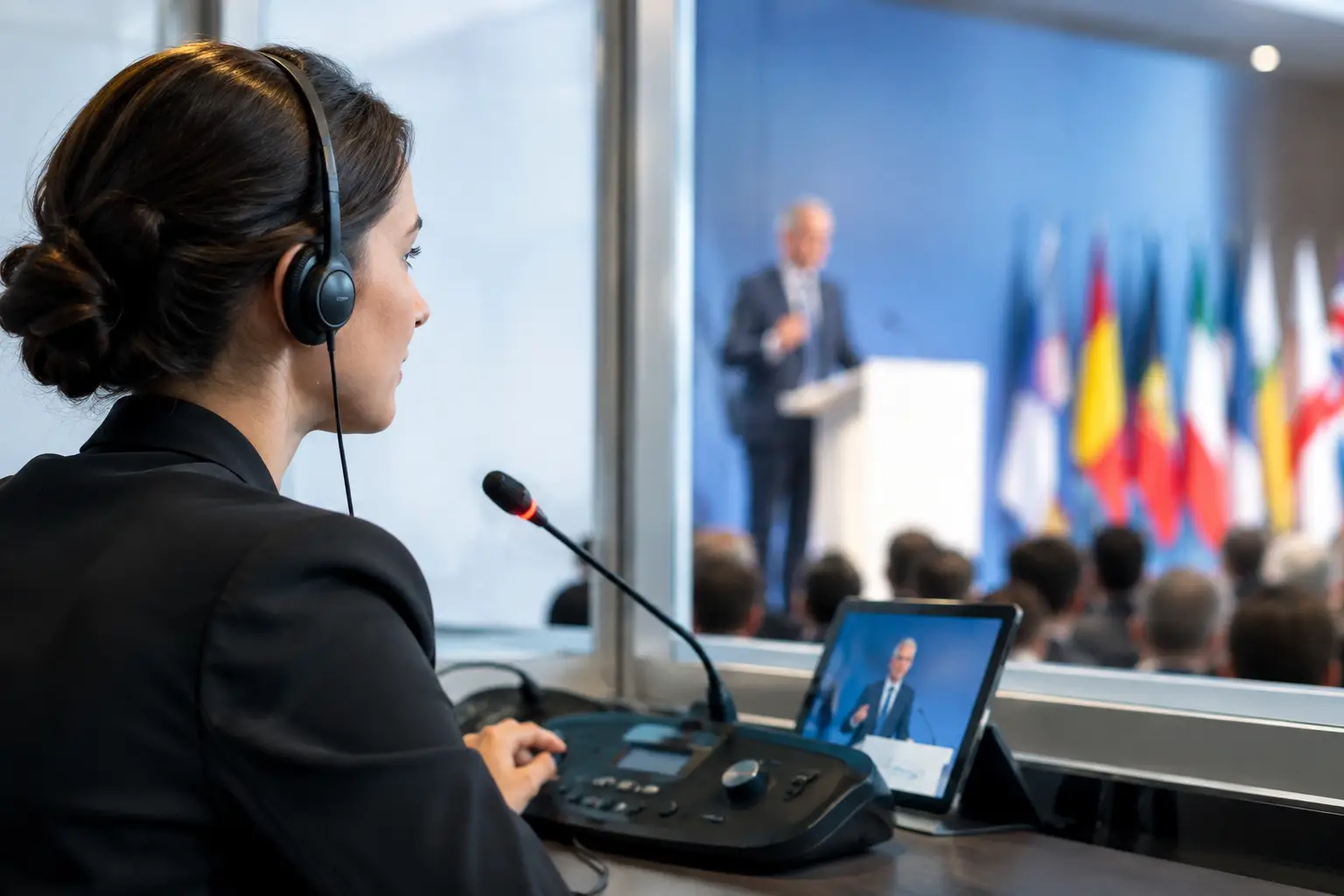
A keynote starts in Room A at 9:00 a.m. The speaker replaces three slides at 8:47. The English operator has the new deck, but the French and Spanish interpreter booths are still reading yesterday’s version. That is the interpreter synchronization example every conference team wants to avoid: content is technically available somewhere, but not available to the people who need it when the session goes live.
At a multilingual event, presentation delivery is not just a speaker-room task. It is a coordinated production workflow involving the presenter, slide room, technical operator, interpreter booths, room manager, and sometimes a central control position. If any handoff relies on memory, email threads, USB drives, or a cloud folder that nobody has checked, version control breaks down fast.
Interpreter synchronization example: a real conference workflow
Consider a three-day medical congress with six parallel rooms. Each room has a presentation operator, while interpreters work in dedicated booths and cover selected sessions in English, Spanish, French, and German. Speakers check in at a central speaker ready room, where staff review decks, fonts, embedded video, and timing.
At 8:30 a.m., a speaker for Room C arrives with an updated PowerPoint file and a revised product video. The speaker room coordinator opens the agenda, confirms the session title, room assignment, and start time, then receives the files on the local event network. The deck is routed to the Room C operator machine, not sent to every room. At the same time, the interpreter stations assigned to that session receive the current presentation view.
That last part matters. The interpreters do not need to hunt through a shared drive, guess which file name is final, or wait for the operator to forward a PDF. They see the presentation assigned to the session they are covering. When the operator advances slides during the live presentation, the synchronized interpreter view follows the deck in the room.
The result is practical: interpreters can prepare terminology against the actual slides, see diagrams and data points when the speaker reaches them, and stay aligned when a presenter changes pace. The room operator keeps control of the show presentation. The booth receives the visual context needed to interpret accurately.
What synchronization means in this case
Interpreter synchronization is not simply sending a copy of a deck to a booth. A static PDF may be useful for preparation, but it does not solve the live problem when a speaker jumps from slide 12 to slide 19, skips a section, or returns to a chart during questions.
A working synchronization setup connects the presentation being operated in the room to the interpreter view assigned to that session. The operator advances the live deck. The interpreter display tracks the current slide. The booth remains focused on interpretation rather than managing files.
For high-stakes sessions, the system should also preserve the distinction between content preparation and live playback. Interpreters may need access to the latest material before the session, while the show operator needs a controlled playback environment with tested media, correct aspect ratio, and no surprise changes at the lectern.
Why standard file sharing fails under show conditions
Email attachments and cloud folders can distribute files, but they do not understand event operations. They do not know that Dr. Lee’s 10:15 session belongs in Room C, that the French booth is assigned to that room, or that the version uploaded at 9:58 should replace the one received the day before.
The common failure is not that a file cannot be transferred. The failure is that nobody can prove which version is live, where it was delivered, and whether the interpreter received the same source material as the operator.
USB handoffs create a different problem. A speaker may bring a final deck directly to the room, bypassing the speaker room entirely. The operator receives it, but the booth does not. The presentation starts, the interpreter sees an old deck, and the audience hears hesitation exactly when the conference needs confidence.
Cloud-based workflows add dependency on venue connectivity. A congested guest network, restricted firewall, or a weak booth connection can turn an ordinary update into a production incident. For live events, local LAN delivery is usually the safer operating model: fast transfer within the venue, controlled access, and no requirement for public internet access.
Build the workflow before doors open
The reliable approach is to define roles, routing, and exceptions before the first speaker arrives. This does not require a complicated control room. It requires a workflow designed around the people actually handling presentations.
First, establish one intake point for presentation changes. It may be a speaker ready room or a designated production desk, but it needs ownership. Staff should know that final files go there for review and distribution, even when a speaker is already on site.
Next, map sessions to rooms and languages. The schedule must reflect the live program, including parallel tracks, session changes, and interpreter assignments. A file named “Final_v8_revised_REALfinal.pptx” tells nobody where it belongs. A session-based agenda provides the missing operational context.
Then define what counts as a live update. If a speaker changes a single statistic, does the new deck need to be tested again? If a video has been replaced, has audio playback been checked on the room machine? The answer depends on the event, but the rule should be clear. Fast delivery cannot replace technical review.
Finally, run a pre-show check with room operators and booth teams. Confirm that each interpreter view is tied to the intended room and session, that the slide feed is visible, and that the fallback path is understood. A two-minute test before doors open is better than troubleshooting through an opening keynote.
The operational details that protect the show
An interpreter synchronization workflow works best when it covers more than the normal path. Teams should agree on these controls before the schedule gets busy:
- A clear owner for every deck from speaker intake through room playback.
- Session and room-based routing rather than sending files to broad shared folders.
- Visible version status so operators and booths can identify the approved file.
- A local fallback copy for critical sessions if a workstation must be replaced or a network segment goes down.
- A communication channel for urgent changes, such as a last-minute speaker swap or a deck sent directly to the room.
These controls are not bureaucracy. They remove the questions that consume time during show hours: Is this the latest deck? Did Room B receive it? Are the interpreters looking at the same content? Who approved the video change?
For sessions with heavy data, demonstrations, or complex visuals, consider the limitations of slide following as well. Interpreters may need a larger preview display, especially when charts use small labels. Video clips can require separate preparation if the booth needs context before the clip plays. A synchronization tool supports the workflow, but it does not remove the need for readable content and a proper technical rehearsal.
When the speaker does not follow the deck
Even the best routing cannot make a speaker follow a script. Some presenters speak around slides, skip material, or answer audience questions for ten minutes without advancing. Interpreters are trained for that reality, but synchronized visuals still reduce cognitive load when the deck is being used.
The key is not to treat synchronization as an automated substitute for professional interpreters. It is a production aid. It gives the booth the same visual reference the audience sees, without asking someone to manually locate every slide under pressure.
This is especially valuable in sessions full of abbreviations, legal language, scientific terminology, financial tables, or product names. Seeing the precise spelling on screen can prevent errors that audio alone makes likely. It also helps interpreters anticipate the next topic when the speaker moves quickly through a structured deck.
A better handoff between speaker room, operator, and booth
Purpose-built event software makes this workflow easier because it works from the agenda outward. Rather than treating presentations as anonymous files, it connects them to sessions, rooms, and production roles. KonduktoPILOT is designed for this exact use case: multilingual slide synchronization across rooms and interpreter booths, with the presentation operation remaining under room control.
The practical test is simple. If a speaker updates a deck 15 minutes before a session, your team should be able to answer four questions immediately: where is the current file, who has checked it, which room has received it, and what are the assigned booths seeing? If the answer requires searching email, calling three people, or comparing timestamps, the process is carrying unnecessary risk.
A multilingual conference runs on timing and shared context. Give interpreters the live visual reference they need, keep operators in control of playback, and make every presentation update traceable before it becomes a problem on stage.