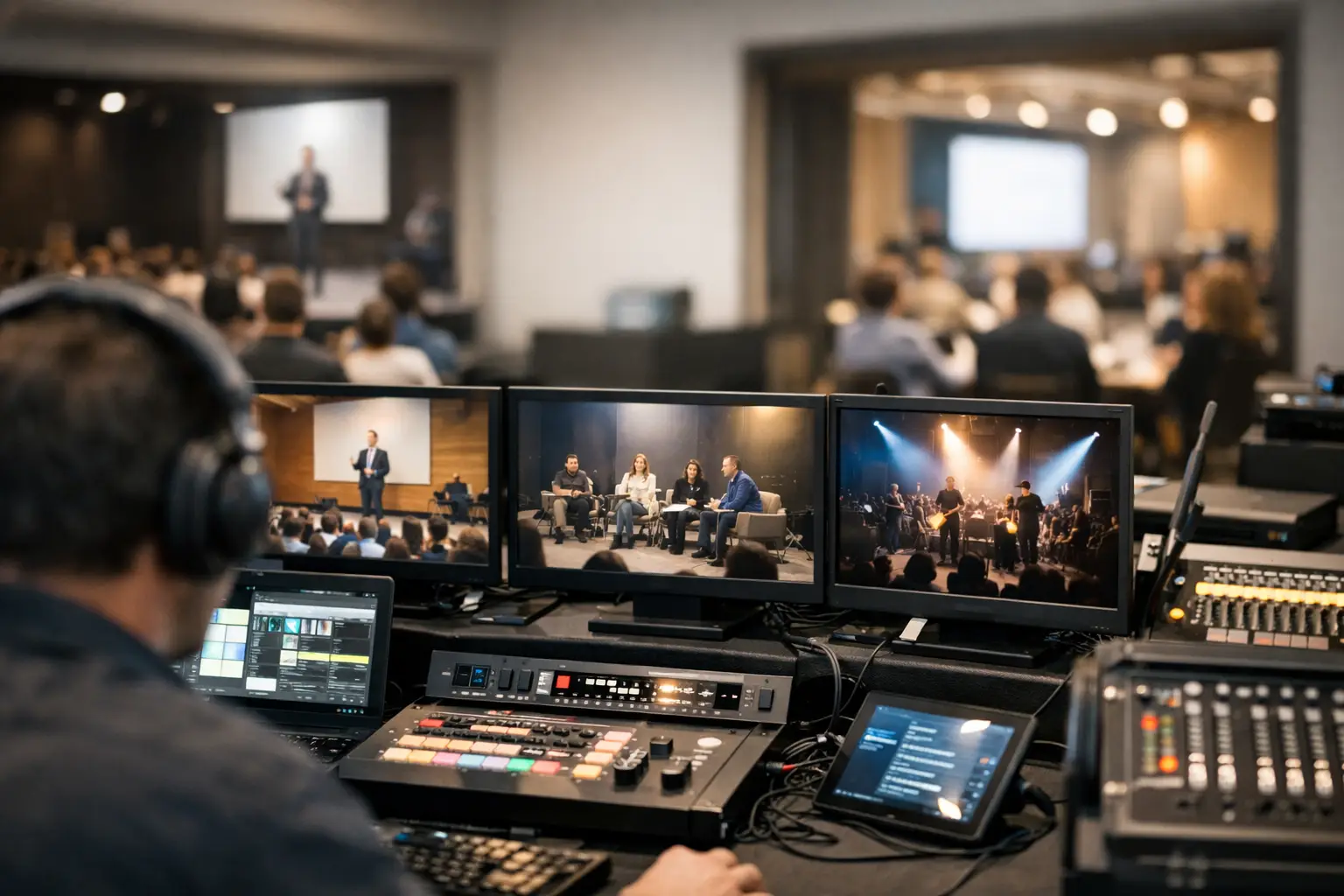
A multi room AV coordination guide is not about making every room identical. It is about making every room accountable. When a speaker says, “I updated two slides,” the right file must reach the right operator, in the right room, before the next session starts. Anything less creates the familiar show-day chain reaction: a rushed USB handoff, an old deck on screen, a technician searching through downloads, and a session that starts late.
For conference teams, coordination is the operating system behind the event. The agenda may be published, rooms may be equipped, and operators may be ready, but the workflow fails if presentation ownership, routing, and confirmation are unclear.
Start With Room-Based Routing
The first rule of multi-room coordination is simple: do not treat all presentation files as one shared pile. A 12-room conference can have dozens of sessions moving at once. If every operator receives every deck, the team has created more searching, more duplicate files, and more opportunities to run the wrong version.
Assign every session to a room, an agenda slot, and a receiving operator position. The speaker ready room should send materials according to those assignments, not according to whoever happens to ask for a file. This keeps distribution tied to the event plan rather than individual memory.
Room-based routing also makes late changes manageable. If a session moves from Ballroom A to Room 204, the file must move with the session assignment. That sounds obvious, but it is often missed when teams rely on email threads, shared folders, or USB drives. Those methods move files without preserving operational context.
A purpose-built delivery workflow gives the sender a clear destination and gives the operator a clear expectation: these are the files for my room, for this session, at this time. Kondukto is built around that reality, using agenda and room assignments to send presentations directly from the speaker ready room to the relevant operator machine over the local network.
Define Who Owns Each Handoff
Multi-room events do not need more people copied on every message. They need clear ownership at each transition. The speaker ready room owns intake and final-file confirmation. The presentation coordinator owns routing and session status. The room operator owns local receipt, playback checks, and show execution. The stage manager or room lead owns the decision when a speaker arrives with a last-minute change.
These responsibilities can overlap on a small event, but the handoff itself should never be ambiguous. When a deck changes, someone needs to answer four questions immediately: Is this the final version? Which session does it belong to? Which room is it going to? Has the operator confirmed receipt?
The final question is where many workflows break down. Sending a file is not the same as confirming it is ready to play. An operator may be in a line check, working a video issue, or already on a live session. Build confirmation into the process, whether that is an in-app message, a status indicator, or a direct radio call for urgent changes.
This is also why consumer file-sharing tools are a poor fit for show-day delivery. They are designed to store and share files, not to coordinate roles under a live agenda. A folder can tell you that a file exists. It cannot reliably tell a speaker ready room that the right operator has the current version loaded and checked.
Control Versions Before They Reach the Room
Version confusion is not a speaker problem or an AV problem. It is a process problem. If a presenter submits `FinalDeck_v7_FINAL_revised.pptx` and then emails another file ten minutes later, the team needs one source of truth before either file reaches the show computer.
At intake, use a consistent naming format that includes the session, speaker, and version status. For example, `B204_1030_Smith_Keynote_FINAL.pptx` gives the operator useful context immediately. Avoid relying on vague names such as `updated deck` or `use this one`. They are acceptable only if somebody has already matched them to the session and replaced the previous file in the controlled workflow.
The speaker ready room should retain the submitted original and mark the approved playback version. This matters when a presenter asks why a specific slide is missing or when an operator needs to confirm whether a video was included in the final delivery. Keep supporting assets with the presentation whenever possible. A deck that references a locally stored video, custom font, or separate PDF is not ready until those dependencies have been checked.
For critical sessions, run a quick playback test on the actual room system or an equivalent test station. Check aspect ratio, embedded media, audio output, presenter view requirements, and any clicker or confidence monitor setup. Not every presentation needs a full technical rehearsal, but high-profile keynotes, video-heavy decks, and complex panels usually do.
Use the Agenda as the Coordination Layer
A static file list becomes outdated the moment the schedule changes. The agenda should drive the delivery workflow because it carries the information the AV team needs most: time, room, session title, speaker, and status.
When the agenda is visible to the speaker ready room and operators, teams can work forward from the next live sessions instead of reacting to whoever walks in with a USB drive. Operators can see what is coming. Coordinators can identify missing materials before they become urgent. Room leads can prioritize checks based on what is live next, not what was submitted first.
This does not mean every file must be delivered hours in advance. Some conferences have speakers who revise until the last possible minute, and that is unlikely to change. The goal is to make those changes controlled. A late deck should enter through the same intake, routing, and confirmation path as an early deck. The process stays stable even when the timing does not.
For larger programs, establish practical cutoffs. For example, standard sessions may require a final file 30 minutes before start time, while keynote sessions may require a longer window for media checks. Treat those cutoffs as operating targets, not magic protection. The team still needs a defined late-file process for exceptions.
Build Redundancy Around the Real Failure Points
A local network delivery system is more dependable than asking a live event to depend on internet access, but it still needs preparation. Confirm that the speaker ready room devices and operator machines are on the intended local LAN. Test device discovery before doors open. Know who can troubleshoot network access, power, or endpoint issues if a machine disappears from the workflow.
Redundancy should match the risk. For a small breakout program, a verified local copy at the operator position may be enough. For a keynote room, keep an additional approved backup copy on the designated playback system and ensure the show caller knows where it is. The point is not to create uncontrolled duplicates across the venue. It is to create deliberate backups that operators can identify and trust.
Have a fallback for the rare moment when a file cannot be delivered electronically. That might be a controlled transfer station in the speaker ready room, not a random USB passed through three hands. If a presenter arrives at the stage with a new file, the room operator should not be forced to make intake, compatibility, and approval decisions while the audience waits. Route the file back through the person assigned to own that decision whenever timing allows.
Keep Communication Short and Actionable
During show hours, communication should answer a specific operational need. “Panel deck updated, sent to Room 204, operator confirmation pending” is useful. “There may be a new version for the panel” creates work for three people.
Use room names consistently. Avoid calling the same space “Main Stage,” “Ballroom,” and “General Session” in different channels. The language in the agenda, operator workflow, signage, and crew communication should match. Small naming inconsistencies become expensive when sessions are moving quickly.
For urgent changes, state the action required first. Tell the operator to replace, hold, test, or disregard a file. Then provide the session name and timing. The person receiving the message should not need to interpret what you expect them to do.
Run a Pre-Show Check That Reflects Show Reality
Before the first session, verify more than network connectivity. Confirm that each operator is visible, assigned to the correct room, and receiving the intended session materials. Check the next block of agenda items, not just the opening session. This catches routing errors while there is still time to correct them.
Then repeat a lighter version of that check at major program transitions, especially after lunch, before afternoon breakouts, and before evening keynotes. Those are the points where schedule changes, speaker swaps, and last-minute presentation updates tend to surface.
The best coordination workflow does not ask operators to become file managers. It gives them the right material, in the right room, with enough confirmation to focus on playback and the audience. When the next change arrives, the team should have a path for it before anyone reaches for a USB drive.