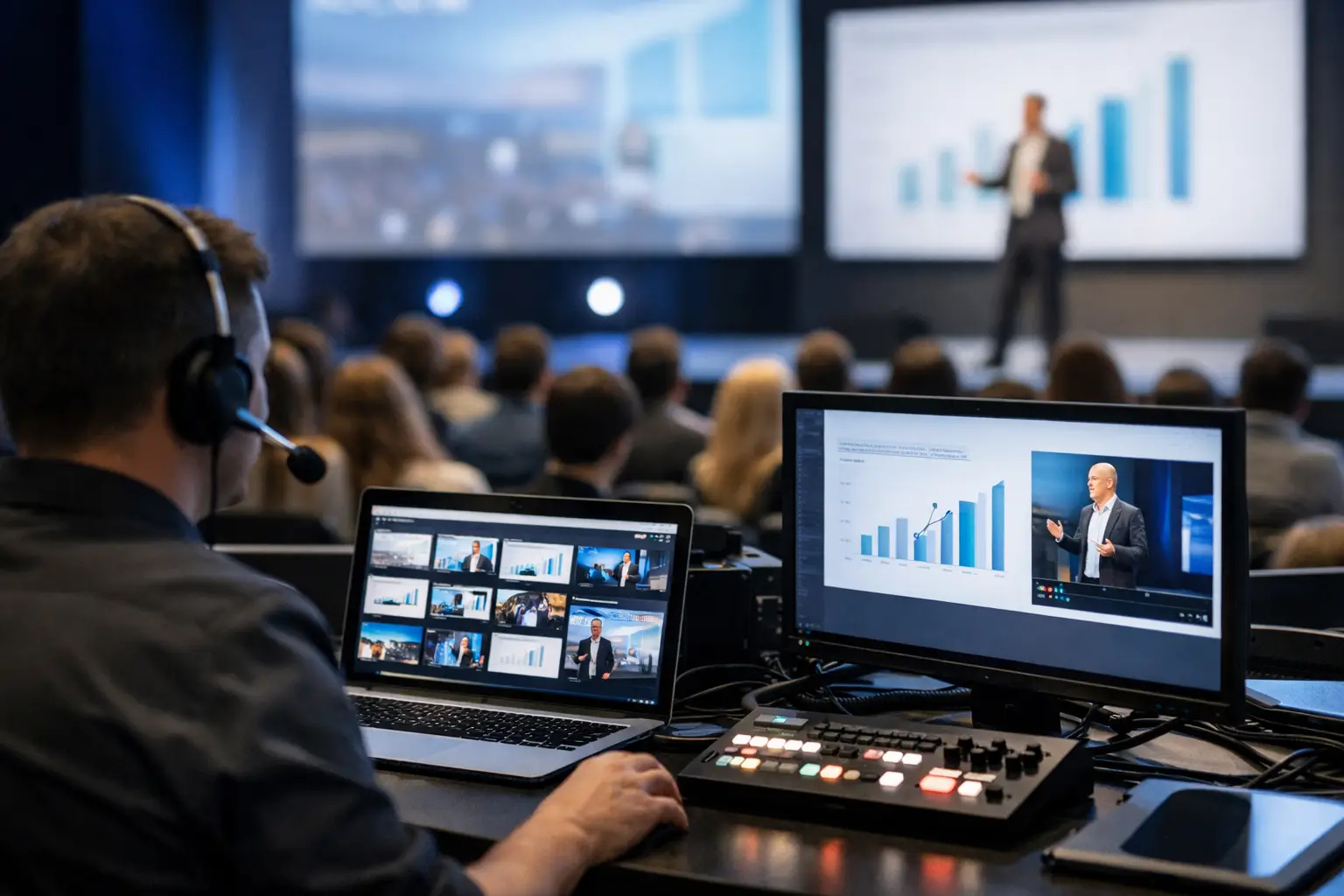
A keynote starts in Room A in 12 minutes. The speaker has a revised deck, two embedded videos, and no idea which technician is running playback. That is the moment presentation distribution software earns its place. It turns a risky handoff into a controlled route from the speaker room to the correct operator machine.
For live events, file delivery is not a generic IT task. It is part of show control. A file must arrive quickly, go to the right room, retain its final version, and be visible to the people who need to act on it. Consumer file-sharing tools can move files. They do not understand agendas, room assignments, session timing, or the difference between a draft deck and the file that is actually going on screen.
What presentation distribution software is built to solve
Presentation distribution software is purpose-built for moving speaker materials from a speaker ready room or slide room to technical operators during a conference. It replaces the usual mix of USB drives, email attachments, messaging apps, cloud folders, and someone walking a laptop down the hall.
The operational difference matters. A standard file-sharing workflow asks the sender to know where a file belongs and asks the receiver to find it, download it, confirm it, and hope nobody sends a newer version afterward. An event-focused workflow routes materials according to the event schedule and room assignment. The operator sees what is coming to their room. The speaker room team can see whether the file has been delivered.
That creates a clearer chain of custody. Instead of asking, “Did you get the final deck?” teams can see the delivery status, identify the assigned session, and communicate inside the same workflow.
Why generic sharing tools fail on show day
Email is familiar, but it is poor at version control under time pressure. Attachments get buried, file sizes hit limits, and messages are sent to the wrong person. Shared cloud folders add another layer of uncertainty: permissions, sync delays, naming inconsistencies, and internet dependency. Even when the venue Wi-Fi is working, it may not be working where the speaker room or operator position needs it most.
USB drives avoid file-size limits, but they replace one problem with several physical ones. They can be misplaced, carried to the wrong room, infected, or loaded with an older copy. They also require staff movement at precisely the time teams need to stay at their positions.
Messaging apps are faster for a one-off emergency, but they create an untracked side channel. A technician may receive a file on a phone, a laptop, or a private chat thread, with no reliable record of which version made it to playback.
These workarounds can be acceptable for a small meeting with one screen and one presenter. They become fragile when an event has concurrent tracks, multiple operator teams, video-heavy decks, strict session changes, and speakers making last-minute edits.
The workflow that reduces handoff risk
A useful system should fit the way conference teams already work. The speaker room receives and checks the material. The session is identified. The destination room is selected or assigned by the agenda. The operator receives the file on the local network and confirms it is ready for use.
No one should need to create a temporary upload link, search for an email address, or explain a folder hierarchy to a speaker. Automatic discovery of devices on the local LAN removes another common point of failure: finding the correct recipient machine under pressure.
For the operator, the value is equally practical. Incoming files are tied to the sessions they are supporting, not mixed into a generic download folder. They can review the deck and supporting assets before doors open, then flag issues early: missing fonts, unsupported video formats, incorrect aspect ratio, or a file that arrived too late for a proper check.
Route by room, not by memory
Room-based routing is one of the simplest controls with the biggest effect. If a session is assigned to Ballroom C, its materials should go to Ballroom C's operator position by default. Staff should not have to remember whether “Main Hall 3” means the same thing as “Hall C,” or which technician is covering a room after a shift change.
Agenda management adds context to the transfer. It helps the speaker room team identify the next session, confirm the speaker, and send to the correct destination without relying on handwritten notes or verbal instructions. At a multi-room event, that context is operational infrastructure.
Treat delivery and readiness as different states
A delivered file is not automatically a show-ready file. The operator may still need to test media, load presenter notes, confirm audio routing, or convert a format. Good presentation delivery workflows make this distinction visible.
That visibility prevents false confidence. A speaker room manager can see that the file reached the room. The operator can communicate that it needs a replacement video or that it has been checked and is ready. Both teams work from the same status rather than chasing answers across radio calls and chat messages.
What to look for in presentation distribution software
Start with the failure modes at your events. If the venue internet is inconsistent, local LAN delivery should be a requirement, not a nice-to-have. If your team runs six breakout rooms, you need room-level routing and a clear operator view. If presenters regularly bring videos, PDFs, and companion files, the system must handle more than a single PowerPoint attachment.
The core requirements are straightforward:
- Local network transfer that does not depend on public internet or venue Wi-Fi
- Automatic discovery of speaker room and operator devices
- Agenda and room assignments that support accurate routing
- Delivery status and in-app communication between sender and receiver
- Support for presentations, media, and related session files
- Cross-platform operation for mixed Windows and macOS environments
There are trade-offs. A cloud-first system may be useful when teams are collecting decks days before the event or collaborating remotely. It is less reliable as the primary handoff method in a busy venue. A basic network share may work for a small technical team with disciplined naming rules, but it does not provide session context, routing controls, or an operator-focused inbox.
The right choice depends on event scale and process maturity. A single-track internal meeting may not need specialized tooling. A conference with a speaker ready room, concurrent sessions, and dedicated AV operators usually does.
How to implement it without adding another show-day task
The best rollout begins before show day. Build the agenda, rooms, and operator destinations while the production schedule is still stable. Use the same room names your crew uses on comms and signage. Ambiguous labels create avoidable mistakes.
Then assign who owns each step. Speaker room staff should know who receives materials, who checks basic file integrity, and when a session is ready to send. Operators should know where incoming files appear, how to acknowledge them, and how to report a problem. Production management should define the escalation path for late changes.
Run a short transfer test before doors open. Send a typical deck, a large video file, and a package with supporting assets to several rooms at once. Confirm device discovery, routing, file arrival, and team communication. This is not busywork. It is the equivalent of checking a playback machine before the first walk-in track.
Kondukto is designed around this exact operating model: speaker room devices send presentation materials directly over the local LAN to assigned operator machines, with agenda-based routing and communication built into the application.
A better standard for presentation handoffs
The goal is not to make file transfer look sophisticated. The goal is to make it boring. A speaker brings a deck. The speaker room processes it. The correct room receives it. The operator verifies it. Everyone can see what happened.
When that chain is controlled, technicians spend less time searching inboxes and walking USB drives between rooms. Speaker room staff stop acting as human dispatchers. Production teams get fewer last-minute surprises caused by files that were sent, but never actually reached the show position.
Your presentation workflow should be as deliberate as your audio patch, video signal path, and show calling. Build it around the local network, the agenda, and the people who have to execute under pressure. Then the next “final_final_v7” deck becomes a routine delivery, not a room-wide emergency.