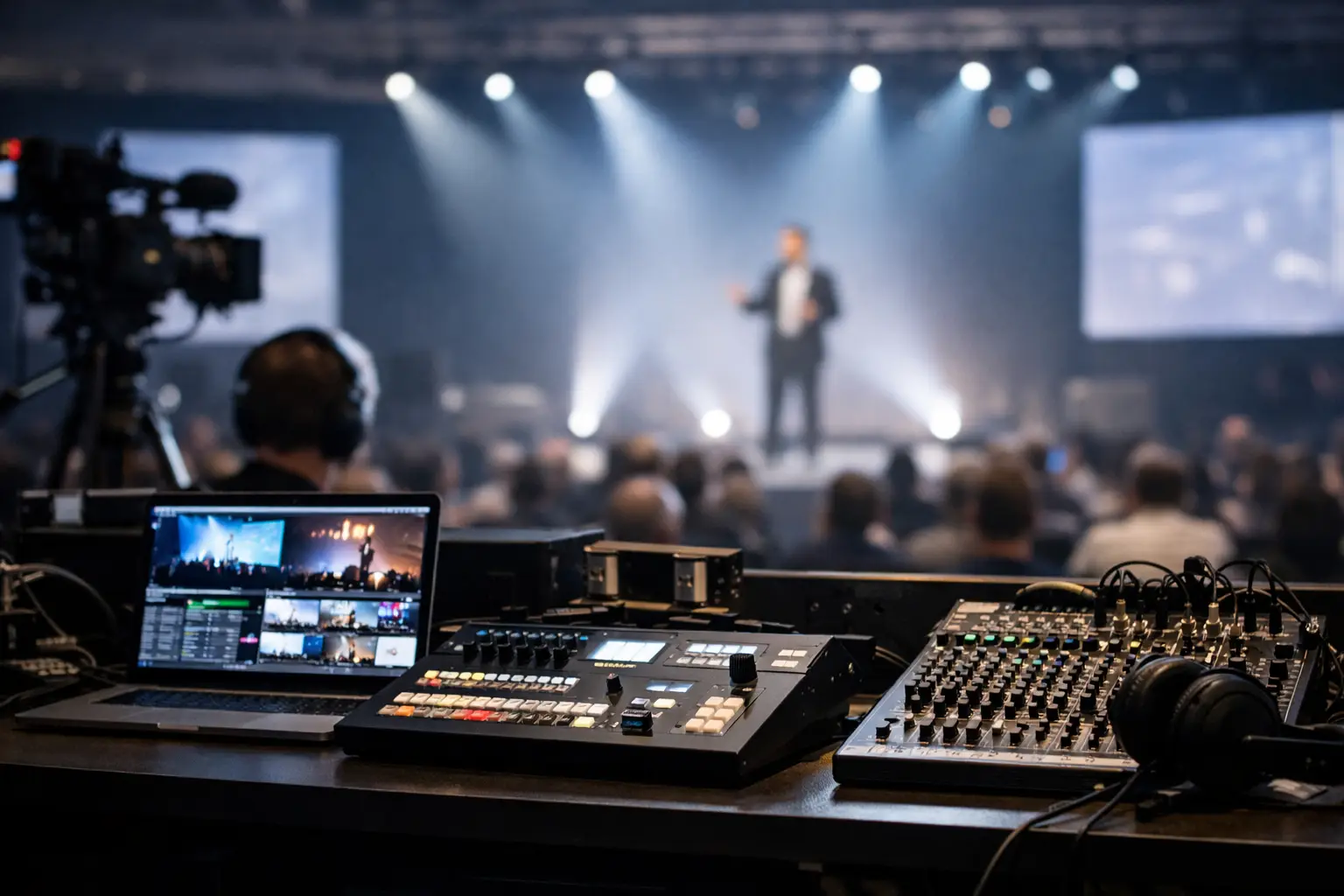
A presentation can be technically perfect and still fail the show if it reaches the wrong room, arrives after the session starts, or opens as an older version on the playback machine. This live event presentation logistics guide is built around the operational problem that matters most: getting the approved speaker file from the speaker ready room to the correct operator, on time, with proof that it is ready.
For a one-room event, a disciplined person with a USB drive may get away with it. For a multi-room conference with rolling agenda changes, last-minute video updates, and different operators on every show position, that approach creates avoidable failure points. Presentation logistics needs a defined chain of custody, not a collection of handoffs.
Build the workflow around rooms, not files
Most file-sharing tools organize work around folders, links, and recipients. Live events are organized around sessions, rooms, start times, and technical positions. That difference is where many workflows break down.
Start by treating every presentation as a scheduled show asset. It should be associated with a speaker, session, room, and delivery status. The operator in Room B does not need a shared folder containing 80 decks. They need the final deck for the next session in Room B, along with any linked video, notes about playback, and a clear indication that the file has been checked.
This room-based model reduces the most common operator question: Is this the correct version? When routing follows the agenda, the destination is determined before the file moves. That is safer than asking a busy speaker room manager to remember which technician requested which deck an hour earlier.
There are exceptions. A general session may need mirrored delivery to overflow rooms, confidence monitors, or a backup playback position. Build those routes into the plan rather than creating ad hoc copies during doors-open. If a session changes rooms, update the assignment once and make the change visible to everyone who needs it.
Define ownership before speaker arrivals
Presentation delivery goes wrong when responsibility is implied instead of assigned. The speaker believes the organizer sent the deck. The organizer believes the AV team has it. The AV team has an attachment from three revisions ago.
Assign a clear owner to each stage: intake, technical check, approval, routing, room receipt, and show playback. One person can handle several stages at a small event, but each handoff still needs a named owner.
The speaker ready room team should own intake and initial communication with speakers. They collect the current files, confirm the session and room, and flag special requirements. The technical check may sit with a presentation manager or designated AV technician, depending on the event scale. The room operator owns receipt and playback readiness, not the discovery of missing materials five minutes before walk-on.
A useful rule is simple: no asset is considered delivered because someone says they sent it. It is delivered when the intended technical position can see it, verify it, and mark it ready.
Capture the details that affect playback
A deck is rarely just a deck. Intake should capture whether it contains embedded video, external media, custom fonts, audio, animation, presenter notes, or a request to use the speaker's own laptop. Ask about those conditions while there is time to act.
Video deserves separate attention. Confirm resolution, frame rate where relevant, audio routing, playback software, and whether the video is embedded or supplied as a separate file. A PowerPoint file that looks fine in the speaker room can still fail in the ballroom if the linked media stayed behind on a personal laptop.
If the speaker is presenting from their own device, collect a backup copy anyway. The backup may not preserve every animation, but it gives the show team an option if the laptop crashes, an adapter fails, or the speaker arrives late.
Use a local delivery path that survives show conditions
Cloud storage is useful for advance collection and remote collaboration. It is a poor single point of failure for live delivery. Venue Wi-Fi can be congested, credentials expire, browsers demand logins, and a large video upload can take longer than the session changeover allows.
The show-day delivery path should run on the local network. A purpose-built system can transmit presentation materials directly from the speaker room device to the assigned operator machine over LAN, without depending on internet access. That removes the USB handoff, the emailed attachment, and the uncertainty of whether a cloud folder has synchronized.
This is where tools designed for conference operations, such as Kondukto, differ from generic file-sharing platforms. The operational value is not merely moving a file. It is connecting the file to the agenda, the room, and the person responsible for playback.
Local delivery still needs planning. Confirm that speaker room and operator devices can reach each other on the intended network segment. Some venue networks isolate wired and wireless clients, block device discovery, or place guest traffic on separate VLANs. Test the actual show network, not a convenient office network during prep.
If event policy requires a segregated production LAN, that is often the better option. It gives the AV team control over access and reduces exposure to guest traffic. The trade-off is that the network has to be available early enough for testing and staffed by someone who can resolve routing issues quickly.
Put technical checks before the final route
Checking a file at the operator position is necessary, but it should not be the first time anyone opens it. The speaker room is the right place to identify obvious issues while the presenter is still available to answer questions or supply replacements.
At minimum, open the presentation in the intended playback environment, confirm slide count and aspect ratio, play every embedded or linked video, and verify that fonts and images render correctly. For high-profile sessions, run the deck on the actual show machine and output path. A deck can behave differently on a production laptop, especially when media codecs, display scaling, or PowerPoint versions differ.
Do not confuse technical validation with content approval. AV should confirm that the file plays as supplied. The event content owner or speaker should approve whether the content is final. Keeping those decisions separate prevents technicians from being pulled into version debates they cannot resolve.
When a late change arrives, follow the same process. Do not overwrite the previous deck without retaining a visible version trail. The team needs to know which file is current, who approved it, and whether the replacement has been rechecked. Version confusion is more dangerous than a slow transfer because it can remain invisible until the speaker is on stage.
Give room operators a usable receive process
A delivery system only helps if the receiver can act on it under pressure. Operators should see new materials by room and session, not hunt through a generic inbox. They need enough context to confirm what they received without switching between the agenda, email, and a file browser.
The receive process should end with a positive confirmation: file received, file opened, media tested if applicable, and playback cue understood. If a presentation is not ready, its status must be visible to the speaker room and show caller. Silence is not a status.
For larger events, set practical delivery deadlines. For example, a standard deck might need to be checked and routed 30 minutes before session start, while a keynote with multiple videos may require a longer lock time. The deadline is not about punishing speakers. It gives the technical team enough time to protect the session.
Late files will still happen. Build an escalation path for them: who receives the update, who tests it, who tells the operator, and who informs the show caller if the change affects timing. A documented exception path is far better than a rushed message sent to a group chat.
Plan redundancy without duplicating confusion
Redundancy should protect the show, not create competing versions. Keep a controlled backup copy on the designated playback system or a managed backup position. For critical sessions, maintain a second playback machine and confirm that it has the same approved asset set.
Avoid uncontrolled backups scattered across personal laptops, random USB drives, and email threads. They feel safe until the wrong file is selected. The best backup is one that has a defined location, a known version, and an operator who understands when to use it.
Also prepare for a network interruption. If files have already been delivered locally to room machines, a temporary connection loss should not stop the next session. That is a meaningful distinction between a workflow that uses the network for delivery and one that requires the network for every file open.
Run a short rehearsal of the handoffs
Before doors open, process a test presentation exactly as you will process a live one. Submit it from the speaker room, route it to a selected room, receive it on the operator machine, open it, test media, and report its status. Include at least one file with video and one late-update scenario.
This exercise exposes the problems that documentation misses: a room machine on the wrong network, unclear session naming, a missing codec, or an operator who cannot see a delivery notification. Fixing those issues during setup is routine. Fixing them during a keynote is a show problem.
The calmest speaker rooms are not the ones with the fewest last-minute changes. They are the ones where every change has a route, an owner, and a visible confirmation before it reaches the stage.