A speaker arrives 12 minutes before their session with a revised deck, two videos, and a request to remove slide 38. The speaker room has the files. The operator in Ballroom C needs the correct version. The session is already assigned in the agenda. Yet someone is still walking a USB stick across the venue.
Conference agenda routing software fixes that exact failure point. It does more than move files between computers. It connects the agenda, the speaker room, and the technical position so presentation materials reach the right operator for the right room and session without relying on hallway handoffs, inbox searches, or venue Wi-Fi.
For production teams, that difference matters. File transfer is a technical task. Agenda routing is an operational workflow.
Why conference presentation workflows break
Most conference teams do not start with a broken process on purpose. They build one from tools already available: email, shared drives, chat messages, USB drives, and a spreadsheet containing the agenda. Each tool works in isolation. The failure happens at the handoff between them.
A speaker sends an update by email, but the sender does not know which technician is operating their room. A speaker room manager saves a deck under a new filename, but the operator has already loaded the previous version. A shared cloud folder is technically available, but the ballroom network is overloaded when everyone starts downloading media at once.
In a single-room meeting, staff can often solve this with a quick conversation. In a multi-room conference, the same approach creates version drift. Ten rooms, parallel tracks, late speaker arrivals, and several operators turn simple file delivery into a chain-of-custody problem.
The cost is not just a delayed start. Operators lose confidence in what is loaded. Speaker room staff spend their day answering status questions. Show callers get pulled into file-chasing instead of timing and room coordination. The audience sees the result when a session begins with the wrong deck, a missing video, or a presenter waiting at the lectern.
What agenda routing changes
The agenda should be the routing map. Every session already has the information a presentation-delivery workflow needs: a title, a start time, a room, a speaker, and an assigned technical destination. Good conference agenda routing software uses those details to direct files rather than asking staff to manually decide who receives every upload.
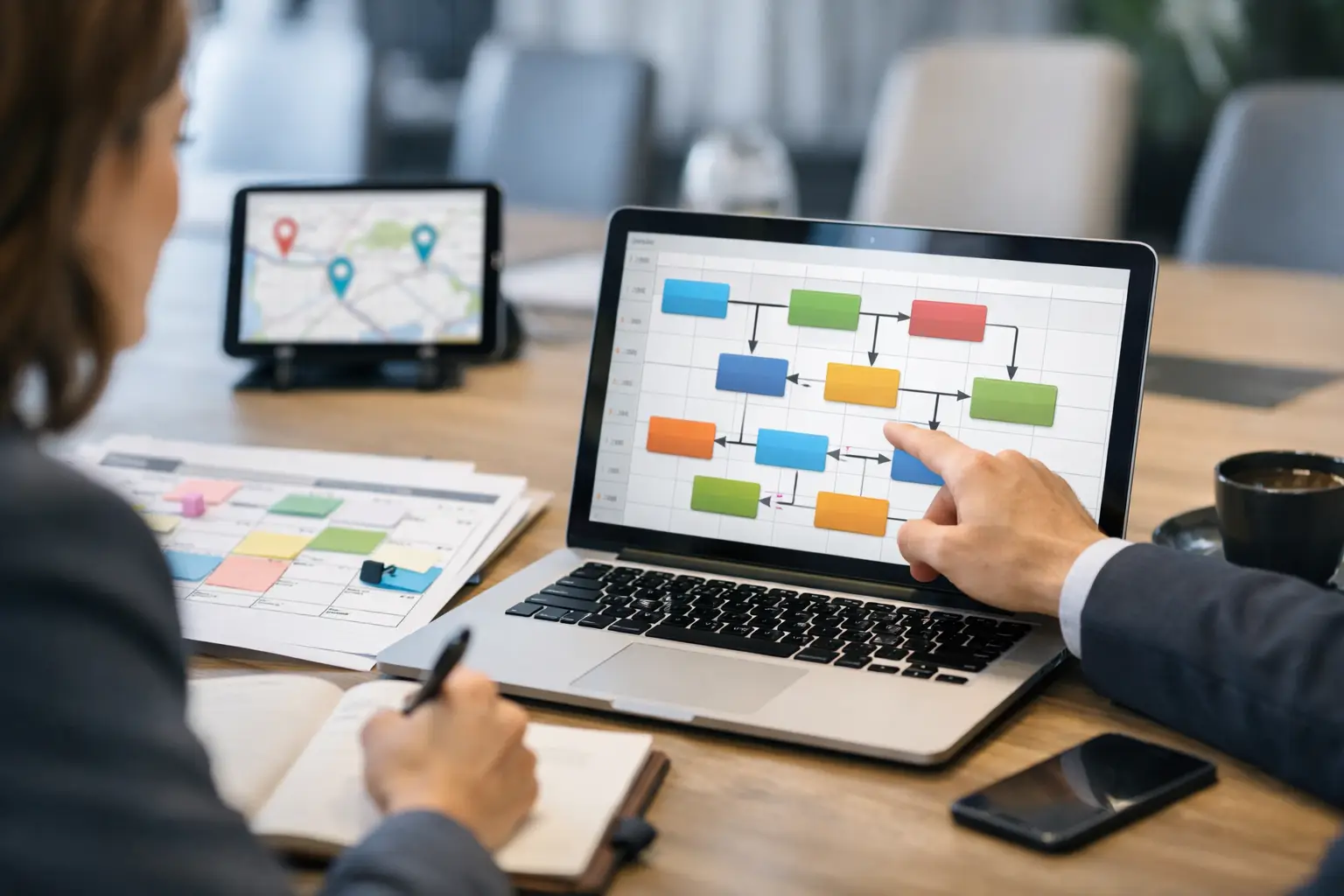
A typical workflow is straightforward. The speaker room receives the presentation and supporting media. A staff member associates it with the scheduled session. The system routes the package over the local network to the operator machine assigned to that room. The operator sees the session in context, knows what has arrived, and can prepare it before the presenter walks onstage.
That is a meaningful improvement over sending files to a generic folder. Generic folders require interpretation. A folder called Final Decks tells an operator very little when it contains three versions of the same keynote. An agenda-based queue shows the session, room, timing, and delivery status together.
Routing also gives teams a cleaner way to handle changes. A revised file should appear as an update to a specific session, not as another attachment with a name like FINAL_v7_revised_USE_THIS_ONE. The operator can identify what changed, replace the loaded version, and confirm readiness without guessing.
The local network is part of the design
Cloud storage has a place in event planning. It is useful before the show for collecting materials, sharing reference documents, and giving remote stakeholders access. It is not always the right dependency for final show-day delivery.
Venue internet can be slow, restricted, congested, or simply inconsistent between backstage areas and ballrooms. Even when the connection is good, cloud workflows add logins, browser tabs, sync delays, and permission issues that have no place in a two-minute turnaround.
A purpose-built system sends files across the local LAN. That keeps delivery inside the event environment and removes internet access as a condition of success. It also reduces the need for staff to configure shared folders or expose show files through public services.
This does not mean every event needs an elaborate network deployment. The point is simpler: presentation delivery should work on the network the production team controls. With automatic device discovery, a speaker room device can find approved operator machines without technicians entering IP addresses or rebuilding a destination list for every event.
Features that matter on show day
Not every file-transfer product is conference agenda routing software. When evaluating a platform, look beyond upload speed and storage capacity. The useful features are the ones that reduce decisions under pressure.
First, it needs room-based routing. Operators should receive only the sessions assigned to their rooms, not a venue-wide pile of unrelated decks. This prevents accidental use of another room's files and keeps the operator queue readable during busy changeovers.
Second, it needs agenda context. A file name is not enough. The receiving operator should be able to see the session it belongs to and recognize where it sits in the run of show. This is especially valuable for identical or near-identical session titles, repeat presenters, and concurrent tracks.
Third, it needs clear delivery status. Speaker room staff need to know whether a package has reached the target machine. Operators need to know whether the content is new or revised. Production leadership needs an accurate answer when a speaker asks whether their deck is ready.
Fourth, it needs support for the full presentation package. A deck may depend on local video files, PDFs, spreadsheets, fonts, or supporting documents. A workflow built only for PowerPoint files pushes staff back to USB drives as soon as a speaker brings a media-heavy session.
Finally, it needs direct communication where the work happens. A short message attached to the delivery can prevent a long chain of calls and walkie-talkie traffic: use presenter view, video begins on slide 12, speaker will arrive at 9:45, or revised deck approved by the session producer.
Where responsibility should sit
Software helps most when roles are clear. The speaker room owns intake, file checks, and session assignment. The technical operator owns receipt, testing, and playback readiness. The show caller or room lead owns the decision process when a late revision conflicts with a cue, rehearsed playback sequence, or already-loaded media.
The system should support that division without forcing every person to become an IT administrator. Speaker room staff should not have to know the operator's network path. Operators should not need to search a cloud drive to find their next session. And neither team should have to rely on a verbal assurance that a file was sent.
There are trade-offs. A tightly controlled routing setup requires accurate agenda data and room assignments before show day. If the schedule changes constantly, someone must keep those records current. That is still easier than rebuilding a manual delivery chain after every room swap, but it is not magic. The agenda has to reflect the actual event.
For very small events with one speaker room and one screen, a shared folder may be enough. Once sessions run in parallel, files contain embedded media, or the event has separate speaker room and AV teams, the operational risk changes quickly.
A practical rollout for the next conference
Start by mapping the physical workflow, not the software screens. Identify where speakers submit files, who checks them, which rooms receive them, and how an operator confirms readiness. Then compare that map with the agenda.
Load the agenda before speakers arrive. Verify room names, session times, and operator destinations. Use names that match the language production staff uses on site. If the schedule says Grand Ballroom East while the AV team calls it GBE, choose one naming standard before delivery begins.
Run a delivery test with a typical deck and a media-heavy package. Confirm that a new file reaches the correct room, an update is visible as an update, and staff can tell the difference between delivered and playback-tested. These are separate states. A file can arrive successfully and still need a video check, font check, or presenter-view setup.
Then establish one rule for the team: final presentation files enter through the speaker room workflow. Exceptions will happen, particularly with executives and last-minute presenters. But exceptions should be visible and documented rather than becoming the default process.
Kondukto is designed around this operational model: local-LAN delivery from the speaker room to assigned operator machines, with agenda management, room routing, and communication in one working environment.
The best test is not whether a platform can transfer a file. Nearly all of them can. Ask whether, at 8:58 a.m. with a revised keynote and three rooms starting at once, your team can tell where the file is, who has it, and whether it is ready. That is the answer that protects the show.