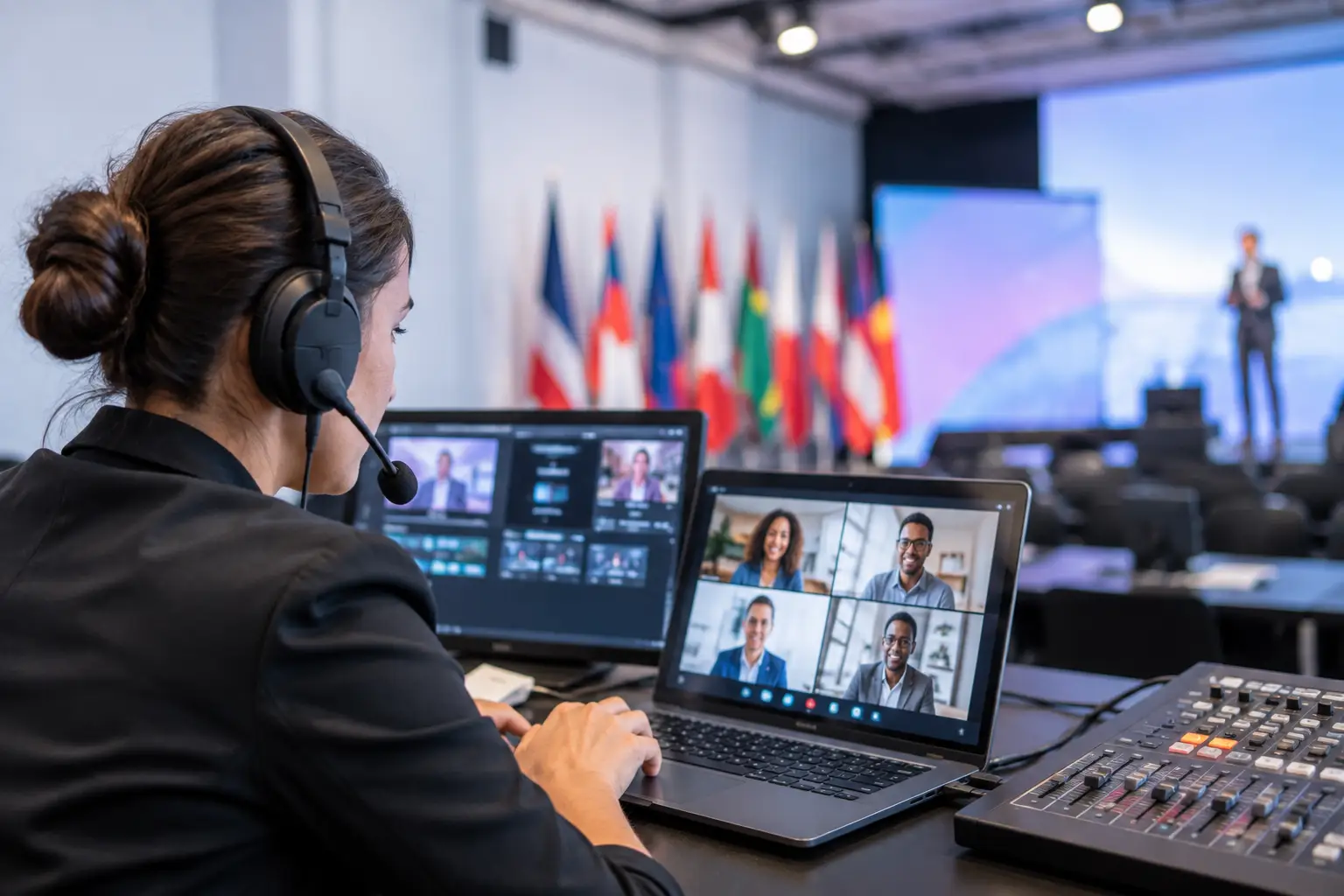
A multilingual congress can fail long before the first interpreter goes live. It starts with a revised deck sitting on a speaker’s laptop, an operator running an older version in Hall B, and a booth receiving slides that no longer match the screen. The best multilingual event tools prevent those small handoff failures from becoming a visible show problem.
For AV teams and conference producers, the right stack is not about adding more apps. It is about controlling presentation versions, language channels, room assignments, and timing under live conditions. The tools that earn a place on show day are purpose-built, fast to operate, and able to keep working when venue Wi-Fi is congested or unavailable.
What the best multilingual event tools must do
Multilingual events have a different operational chain than single-language meetings. A presentation is not only displayed to the audience. It may need to reach a show caller, a playback operator, several room technicians, and interpreter booths at the same time. Each person needs the correct material, at the correct point in the agenda, with no uncertainty about version status.
That is why consumer cloud storage and email attachments are a weak foundation. They can store files, but they do not understand sessions, rooms, operator roles, or what happens when a speaker updates slide 42 ten minutes before a panel starts. A practical multilingual event workflow needs local delivery, clear ownership, and a visible route from speaker ready room to every destination.
The best tool set depends on the format. A two-room corporate meeting with one interpreter booth needs less infrastructure than a five-day congress with parallel sessions, overflow rooms, and several language pairs. The following seven capabilities are the ones worth evaluating.
7 tools and capabilities that matter on show day
1. Local presentation delivery
The first requirement is a presentation delivery system that works over the event’s local network. Speakers or speaker-ready staff should be able to send decks, videos, PDFs, and supporting files directly to the assigned operator machine without USB handoffs, email chains, or public cloud access.
Local LAN delivery reduces the dependency on internet service and removes common version-control errors. It also gives the operator a defined incoming queue instead of a desktop full of downloads with names such as “FINAL_v7_revised_reallyfinal.” For conferences with sensitive content, keeping files inside the production network is also a more sensible operational choice.
2. Room-based routing
A file transfer tool is not enough if someone must manually decide where every file goes. In a live program, materials should be routed by room and session so the right operator receives the right presentation without a runner carrying a drive across the venue.
Look for workflows that reflect the actual production plan: agenda, room, speaker, and destination machine. This matters most when rooms turn over quickly or when one speaker appears in more than one session. Clear routing protects operators from receiving material intended for another stage.
3. Multilingual slide synchronization
Interpreters need to see the same slide progression as the audience. Relying on a confidence monitor feed can work, but it is not always practical. Booth location, signal paths, small text, and video latency can make a screen feed difficult to use, especially in large rooms or temporary builds.
Dedicated slide synchronization gives interpreter booths access to the active presentation as it advances. KonduktoPILOT is designed for this specific task, sending synchronized slides across rooms and to interpreter positions. The value is operational: interpreters can follow charts, terminology, and slide changes without waiting for a camera shot or trying to read a distant display.
When evaluating this capability, ask how it behaves with PowerPoint animations, embedded media, and late presentation changes. A polished demo is not the same as a tool that performs under a live operator’s normal show workflow.
4. Agenda and session control
Multilingual events become harder to manage when files are separated from the schedule. Operators need to know not only which deck belongs to a speaker, but also when it is needed, where it runs, and whether the session has changed rooms.
Agenda-aware tools create a single operational view of the day. Speaker-ready teams can see what is missing before doors open. Room teams can prepare the next session before the current one ends. Production management can identify a late file without calling every room.
This does not need to become a complicated planning system. The goal is simple: connect presentation assets to the live agenda so people make fewer assumptions under pressure.
5. Speaker timing and stage cues
Language interpretation adds pressure to session timing. A speaker who runs long does not only affect the next presenter. It can disrupt interpreter schedules, room resets, recordings, and planned breaks.
A dedicated speaker timer gives presenters a visible, unambiguous view of their remaining time. The best setups let the stage team control timing from a central point and provide clear color or countdown cues that can be understood at a glance. For panel sessions, timing discipline is often the difference between a controlled program and a room that never catches up.
Use a timer that is designed for stage visibility, not a phone screen or a browser tab hidden behind the presentation computer. The speaker should not need an explanation once they walk onstage.
6. Operator communication inside the workflow
A late change needs to reach the people who act on it. Messaging outside the presentation workflow can work, but it creates another place to monitor and another opportunity for a critical instruction to disappear in general chat.
Operational communication should be tied to the file, session, or room whenever possible. A speaker-ready manager needs to tell an operator that a revised deck has arrived. The operator needs a clear way to confirm receipt. The booth team may need notice that a technical presentation is switching to a new version.
The point is not to replace every communication channel on site. It is to keep file-specific decisions close to the file itself, where they can be checked later instead of reconstructed from messages.
7. Offline-ready redundancy
Venue internet is a service, not a guarantee. Even when it is available, production traffic competes with attendee devices, exhibitor networks, and building infrastructure. A multilingual event tool should not stop working because an external connection drops at the wrong moment.
Offline-ready systems operating on a local LAN are a practical form of redundancy. They allow the core presentation workflow to continue even if the venue connection is slow or absent. That does not remove the need for backups. Keep approved presentation copies on the room machine, confirm network paths during setup, and define who has authority to accept last-minute changes.
Match the tools to the event, not the feature list
For a small bilingual meeting, reliable local file delivery and a visible speaker timer may be enough. A large medical congress may need room routing, agenda management, synchronized interpreter slides, and controlled communication across dozens of sessions. Buying or deploying every possible feature for a simple event can add training overhead without improving the show.
Start with the failure points in your current workflow. If operators regularly receive the wrong deck, prioritize room-based routing. If booth teams struggle to follow dense slide content, prioritize slide synchronization. If speaker-ready staff spend the morning tracking email attachments and USB drives, prioritize direct local delivery.
Also consider who operates each tool. The best software is not useful if only one specialist understands it. Speaker-ready managers need a workflow they can use quickly. Operators need clear incoming materials. Production leads need visibility without becoming a bottleneck for every update.
Test the workflow before the first speaker arrives
Do not judge multilingual event tools only by a feature checklist. Run a realistic rehearsal. Send a deck to the wrong room on purpose, then test how quickly the team notices and corrects it. Update a file after it has been delivered. Advance a presentation while an interpreter station follows it. Disconnect internet access and verify which functions continue on the local network.
This test reveals more than a sales demo can. It shows whether room naming is clear, whether the operator can identify the latest version, whether the booth receives usable slides, and whether the team knows what to do when the plan changes.
The strongest multilingual event workflow is the one your crew can run calmly at 8:55 a.m., when the keynote deck changes, the first room is opening, and nobody has time to search through email. Build that workflow in rehearsal, assign ownership to every handoff, and show day becomes far more predictable.