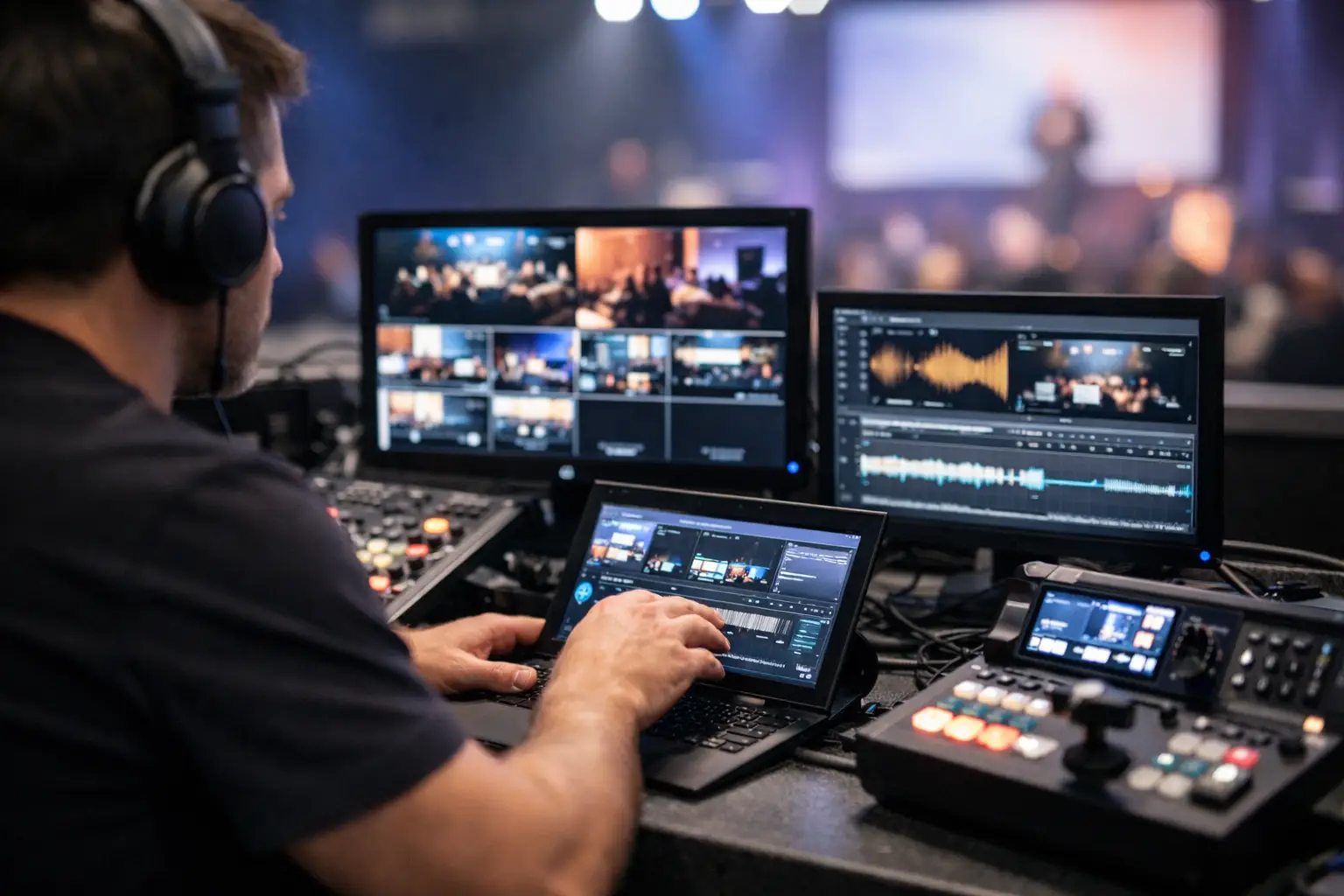
Five minutes before a keynote, nobody wants to hear that the latest deck is still in someone’s inbox, sitting on a USB stick, or stuck in a cloud sync queue. That is exactly the gap av operator workflow software is meant to close. Not generic file sharing, not another chat app, and not a patched-together folder system - a workflow tool built around how conference presentations actually move from speaker ready room to tech booth.
At live events, the problem is rarely just file transfer. The real problem is handoff under pressure. A speaker updates three slides after rehearsal. A room tech needs the right version, in the right room, tied to the right session, without guessing whether "final_v4_REALfinal" is actually final. When that process depends on email, flash drives, runners, or venue Wi-Fi, the failure points multiply fast.
What AV operator workflow software is actually solving
For conference teams, presentation delivery is an operational chain. It starts when a speaker submits or updates a deck. It continues through review, version control, room assignment, and communication between the speaker ready team and the operators in each room. If any part of that chain is handled with consumer tools, the crew ends up doing manual tracking work that software should have handled from the start.
That is why av operator workflow software needs to do more than move files. It should understand sessions, rooms, roles, and timing. A deck is not just a file. It belongs to a speaker, an agenda slot, a room, and often a last-minute change history. Operators do not need a shared drive full of folders. They need the current presentation routed to their room with enough context to trust what they are opening.
This is where purpose-built systems separate themselves from general collaboration platforms. Most office tools assume stable internet, loose timing, and users who can tolerate a little friction. Show day does not work like that. The environment is local, fast, and unforgiving.
Why generic tools break down on show day
Email feels simple until three people forward three different versions of the same deck. USB drives feel reliable until one goes missing, carries the wrong file, or forces a rushed walk across a venue. Cloud folders sound organized until bandwidth drops, sync delays hit, or operators end up digging through the wrong event directory while a session chair is already introducing the speaker.
None of these tools were designed around operator workflow. They can move files, but they do not manage responsibility. They do not tell the breakout room tech that a revised deck for Session B is ready now. They do not automatically map that file to the room where it will be shown. They do not reduce the need for verbal confirmation between teams.
That last point matters more than most buyers expect. The hidden cost in broken presentation workflows is not just technical risk. It is labor. Every workaround creates more radio calls, more hallway chasing, more room for assumption, and more dependence on experienced crew members carrying the process in their heads.
What good AV operator workflow software looks like
A useful system for AV teams should fit the logic of a conference, not force the conference to fit the software. That means local-first delivery over the venue LAN, clear room-based routing, and simple operator views that show what belongs in that room right now.
Automatic device discovery is a practical example. If slideroom stations and operator machines can find each other on the local network without a complicated setup, deployment gets much easier for production teams working under load-in timelines. The same goes for agenda-based organization. When files are tied to sessions and rooms, the chance of opening the wrong deck drops sharply.
Built-in communication also matters. A short operator-facing message such as "updated video included" or "speaker approved revised deck" can prevent the kind of ambiguity that usually triggers a phone call at exactly the wrong time. In a live environment, fewer handoffs is better, but clearer handoffs is just as important.
Offline capability is another feature that sounds technical but is really operational. If the system depends on outside internet access, the venue becomes part of your risk profile. If it runs over the local LAN, your team keeps control. That does not solve every issue, but it removes one of the most common and least predictable failure points.
AV operator workflow software in real event use
Picture a six-room medical conference with a speaker ready room near registration. Presenters arrive throughout the day, some with minor edits, some with embedded video, some with last-minute replacements downloaded from a corporate laptop. The speaker ready team reviews files and pushes them to the assigned room. The operator in Room 4 sees the session, speaker name, and latest package without waiting for a runner or searching a folder tree.
That sounds straightforward, and it should be. The point of specialized software is to make the normal path boring. On a good show day, the presentation workflow should disappear into the background. Operators should spend their attention on playback, confidence monitoring, room transitions, and problem solving at the tech position - not on chasing the latest deck.
Multi-room venues benefit even more because volume magnifies small inefficiencies. A manual process that feels manageable in one ballroom becomes fragile when it is repeated across ten concurrent sessions. The more rooms you run, the more valuable standardized routing and role-based visibility become.
Production companies see another benefit: consistency across crews. Freelancers, venue techs, and client-side event staff may all touch the workflow. When the software is built around clear operational roles, onboarding gets easier and fewer steps rely on local habits or tribal knowledge.
Where the trade-offs are
Not every event needs the same level of workflow control. A small internal meeting with one room and two presenters may not need dedicated av operator workflow software. In that case, simple shared storage might be enough, especially if the team is small and all devices are in the same space.
But once you add a speaker ready room, multiple breakout rooms, frequent revisions, or separate teams handling intake and playback, the equation changes. The cost of one missed update can outweigh the cost of using a proper tool. This is especially true at corporate conferences, medical meetings, association events, and any program where content changes right up to session time.
There is also an adoption question. Specialized software only helps if the team can learn it quickly. Overbuilt platforms can create their own friction. The best systems keep the workflow obvious: intake, assign, deliver, confirm. If basic setup takes too long or operator views feel cluttered, teams will fall back to USB and verbal handoff the moment pressure rises.
How to evaluate AV operator workflow software
Start with the real workflow, not the feature sheet. Ask how files enter the system, how they get associated with a room or session, how operators know they have the latest version, and what happens if internet access drops. If the answer to any of those depends on a workaround, you are still relying on process discipline instead of software support.
Next, look at deployment. Event teams do not have patience for long installs, account provisioning headaches, or network gymnastics on show site. Fast setup matters because this tool is usually one piece of a much larger technical build. If the software cannot be running quickly during prep, it adds stress instead of removing it.
Then look at communication and traceability. You want operators to see what changed and when, without needing a separate messaging thread to explain it. You also want the speaker ready team to know the file actually reached the destination room. Delivery without confirmation is only half a workflow.
A platform like Kondukto reflects this shift well because it is built around conference roles instead of generic file storage. The logic is operational: slideroom sends, operators receive, rooms are assigned, agendas provide context, and the local network carries the load without depending on internet access. That design choice matters more than a long list of software buzzwords.
Why this category is growing now
Conference teams have tolerated bad presentation workflows for years because the workarounds were familiar. But expectations have changed. Programs are denser, rooms are more numerous, and speakers are more likely to revise content at the last minute. At the same time, AV teams are under pressure to do more with less labor and less tolerance for avoidable mistakes.
That is why av operator workflow software is becoming a real category instead of a nice-to-have niche. It addresses a narrow problem, but it is a painful one, and it shows up at exactly the moment when timing matters most. Good event operations are not built on heroic saves. They are built on systems that remove preventable failure.
If your team is still moving show-critical presentations by inbox, thumb drive, and hallway conversation, the question is not whether that process can work. It is how long you want to keep betting the session on it.