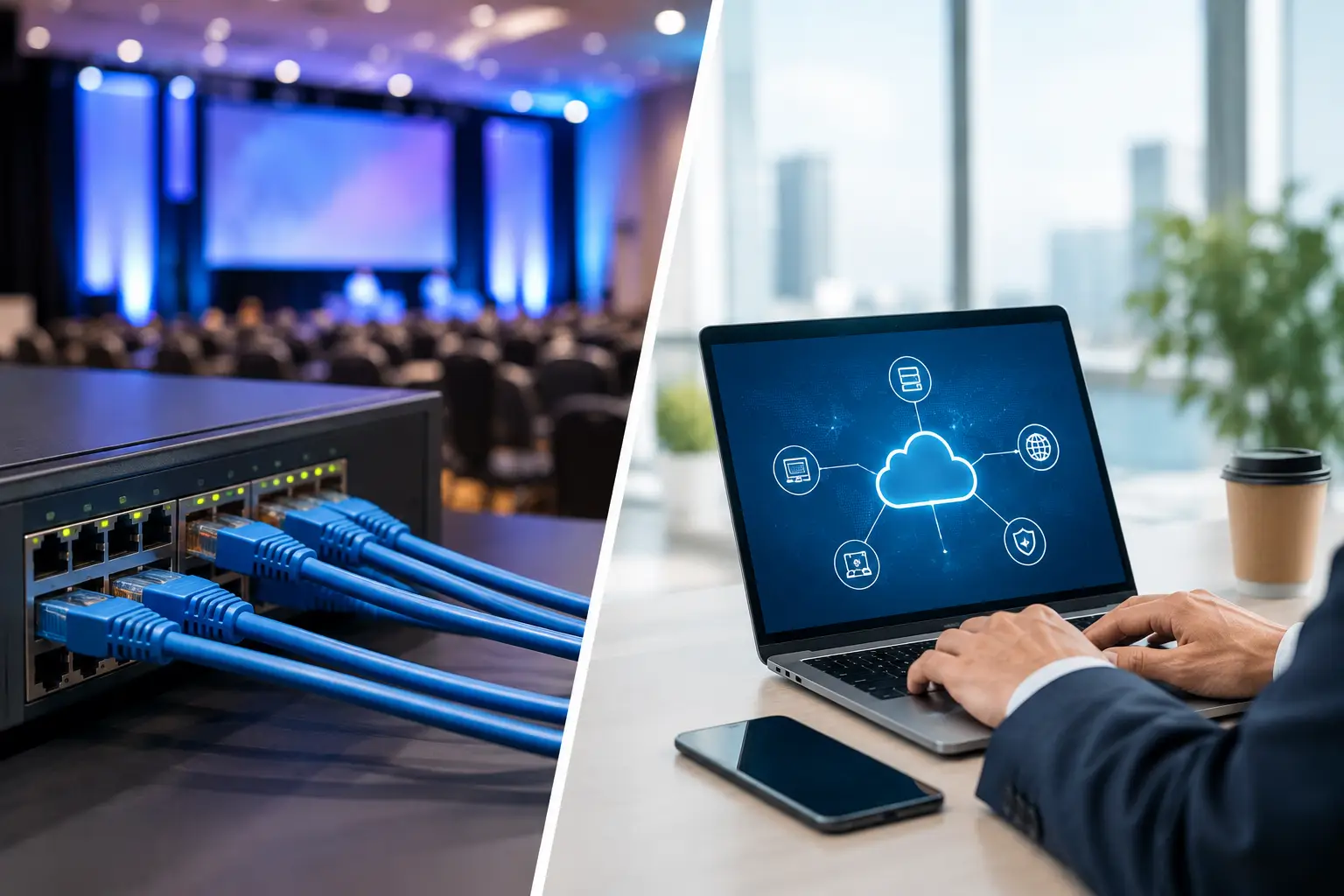
A presentation is due in Room B in 90 seconds. The speaker has revised three slides, the operator needs the correct file now, and the venue Wi-Fi is struggling under hundreds of devices. This is where event LAN versus internet transfer stops being an IT preference and becomes a show-control decision.
For conference presentation delivery, the question is not whether the internet is useful. It is. The question is whether a live room should depend on an external connection to move a time-critical file from the speaker ready room to the playback position. In most cases, it should not.
Event LAN Versus Internet Transfer: The Operational Difference
An internet transfer sends a file through a service or server that depends on internet connectivity. That might be email, cloud storage, a file-transfer portal, or a messaging platform. The speaker uploads the file, the operator downloads it, and both sides wait for the process to finish and confirm that they have the same version.
A local area network transfer keeps the file inside the event network. A device in the speaker ready room sends the presentation directly to the designated operator machine over the venue's wired LAN or a dedicated local network. External internet access is not required for that transfer to work.
That difference affects more than transfer speed. It changes who controls the path, how failures are handled, and whether the workflow still functions when the venue's upstream connection is slow, overloaded, filtered, or unavailable.
A local network is not automatically fast just because it is local. Poor switches, misconfigured VLANs, weak Wi-Fi, and overloaded endpoints can still create problems. But a properly planned wired LAN removes several variables that production teams do not control, including public internet congestion, cloud service availability, captive portals, and download restrictions.
Why Internet-Based Delivery Breaks Under Show Conditions
Internet tools work well for planning. They are less predictable at the moment a session is about to start.
First, conference internet is shared infrastructure. Attendees, exhibitors, staff, streaming teams, and venue systems may all be competing for capacity. A file that uploaded in seconds during rehearsal can take minutes during peak traffic. Even a small PowerPoint file can contain linked media, embedded video, or high-resolution images that turn a simple update into a large transfer.
Second, internet delivery adds steps. A speaker must send or upload the right version. Someone must locate the message or folder, download the file, verify it, move it to the playback machine, and confirm receipt. Those steps are manageable when there is time. They are fragile when an operator is also checking audio, confidence monitors, stage walk-on cues, and the next presenter.
Third, cloud workflows can create version ambiguity. A filename such as “Final_FINAL_v4.pptx” is not operational control. If the operator has a local copy, a cloud copy, and an attachment from a separate email thread, the team needs a clear answer to one question: which file is on screen next?
There are also access issues. Corporate firewalls, password prompts, multi-factor authentication, blocked file types, expiring links, and browser download warnings are minor inconveniences in an office. On show day, they are delays with an audience waiting.
What a Local Event LAN Changes
A dedicated event LAN shortens the delivery path and makes it visible. The speaker room sends a file to a known room or operator destination. The operator receives it, checks it, and loads it into the room workflow. The transfer does not need to leave the building, and it does not rely on a public service being reachable.
For multi-room conferences, routing matters as much as transfer. A general shared folder may make the file available to everyone, but it does not tell the team where it belongs. Purpose-built presentation delivery software can associate files with sessions, rooms, and operator machines so the transfer follows the event schedule rather than an improvised naming convention.
This is especially useful when a show has parallel tracks. The speaker ready room may be handling presenters for six rooms at once. An agenda-based workflow reduces the chance that a revised keynote reaches the breakout room, or that a technician opens the correct deck from the wrong session.
Local delivery also improves recovery. If the venue internet drops, the show can continue transferring presentations within the event network. That does not remove the need for backups, but it prevents one external failure from stopping a basic operational task.
LAN Is Not the Same as Venue Wi-Fi
Teams sometimes hear “local network” and assume they can use the public event Wi-Fi. That is a different risk profile.
Public Wi-Fi is built for convenience and broad access. It may isolate clients from each other, limit large transfers, require repeated logins, or become congested at the exact time speakers and attendees arrive. Even private Wi-Fi needs a site survey, capacity planning, and a clear understanding of where access points will be stressed.
For time-critical presentation routing, wired Ethernet is usually the preferred path for speaker room and operator stations. It offers more consistent performance and fewer radio-frequency variables. A dedicated Wi-Fi segment can be useful for mobile stations or a backup route, but it should not be assumed to behave like a controlled production network.
The practical requirement is simple: test the actual route between the devices that will send and receive files. Do not validate a workflow from the production office and assume it will behave the same way in the room.
When Internet Transfer Is the Better Choice
Internet transfer still has a place in conference operations. It is useful before the event, when speakers are remote and content needs to be collected ahead of time. A web-based upload portal can help organizers gather files, request supporting materials, and review submissions before equipment is deployed on site.
It is also useful for off-site stakeholders. A remote content team may need to send a revision to the event. An executive assistant may need to provide an approved media asset. Internet services are appropriate for those longer-distance handoffs, provided the production team allows enough time to receive, verify, and route the material locally.
The trade-off is timing. Internet transfer is best treated as an intake channel, not the last-meter delivery system for a room that is about to go live. Once a file reaches the event, it should move through a controlled local workflow to its playback destination.
A Better Model: Internet for Intake, LAN for Show Delivery
The strongest setup is usually a hybrid model with clear boundaries. Use internet-connected tools for pre-event collection and remote collaboration. Use the local LAN for on-site distribution from speaker ready room to technical operators. Keep a defined process for late changes, version checks, and operator confirmation.
This is not about rejecting cloud tools. It is about placing them where their advantages matter and removing them where they introduce avoidable show-day dependency.
A workable operating procedure should define four things:
- where speakers submit or hand over files;
- who reviews format, fonts, video playback, and slide notes;
- how the approved file is routed to the assigned room; and
- how the operator confirms that the correct version is ready.
If these decisions live only in a coordinator's memory, the process will degrade as soon as the pace increases. Software such as Kondukto is designed around this handoff: local transfer, room-based routing, agenda context, and communication between the people responsible for getting content on screen.
Plan for Failure, Not Perfect Connectivity
A local LAN is a major improvement, not a reason to abandon contingency planning. Production teams should still maintain a clear backup position for critical sessions. That may include a verified copy on the room playback machine, a controlled backup device, and a documented procedure for transferring a late revision if the primary route is unavailable.
The important distinction is that backups should support a structured workflow, not replace one. USB drives are useful as an emergency option, but they do not provide automatic routing, delivery status, version history, or room context. The more a show relies on manual handoffs, the more it relies on people remembering every detail under pressure.
Before doors open, test a realistic scenario. Send a media-heavy deck from the speaker ready room to each operator position. Confirm that devices can discover each other, that the intended destinations are visible, and that the operator receives the right notification. Test what happens if internet access is removed. If local transfer stops too, the network design is not yet independent enough for show use.
For multilingual events, include interpreter workflows in that test. The right slides need to reach the right language positions at the right time, and any synchronization process should be tested against the real agenda, not a generic sample deck.
The best file-transfer workflow is the one nobody has to discuss while a session is starting. Build the internet path for preparation, build the LAN path for delivery, and make the route from speaker to screen clear enough that every operator can trust it.