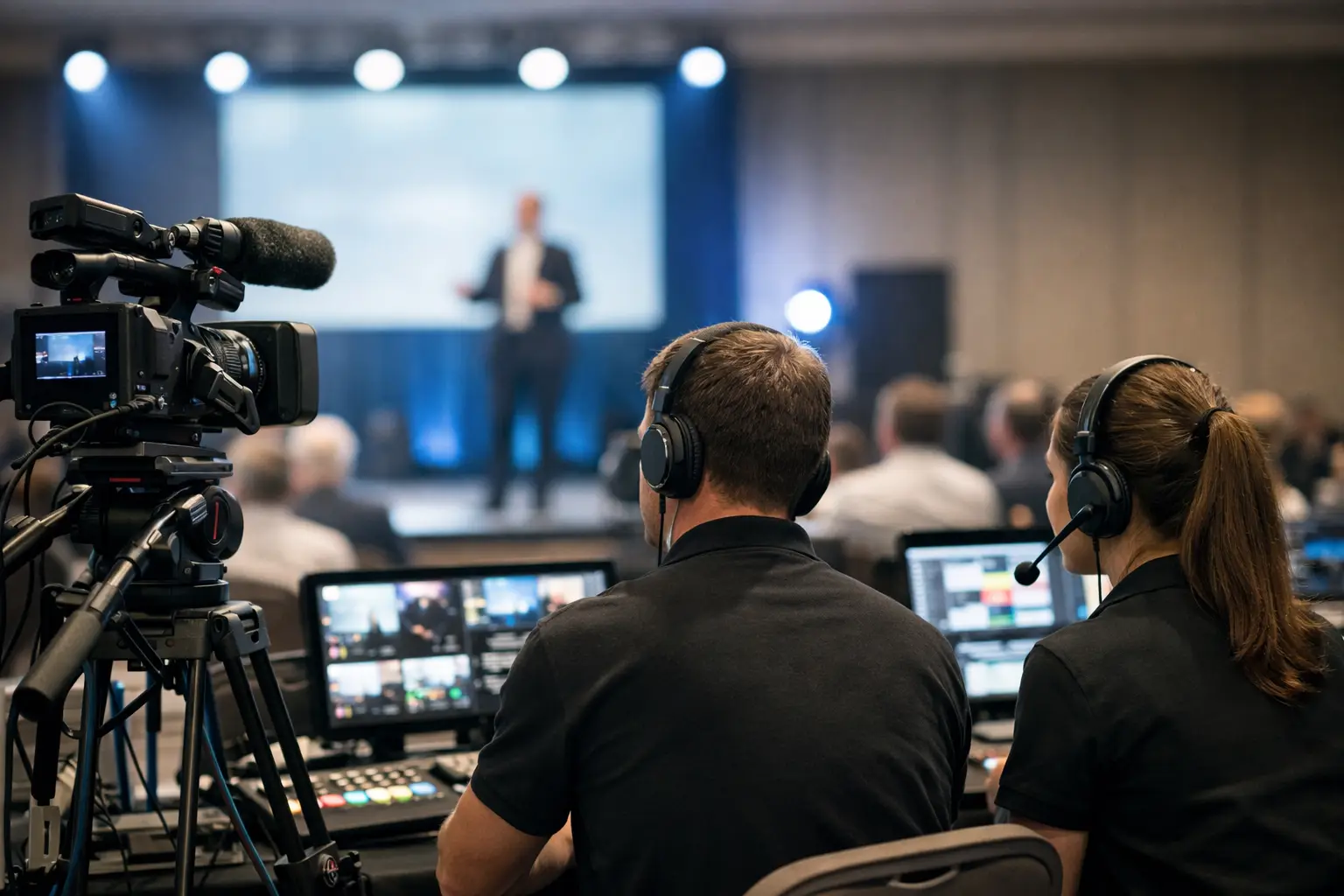
A corporate event media guide is not a folder full of PowerPoint files. For an AV team, it is the operating plan for how presentations, videos, walk-in music, lower thirds, and last-minute speaker edits move from intake to the correct room without creating uncertainty at show time. If the plan relies on USB handoffs, personal inboxes, and someone asking, “Is this the final version?” it is not a plan yet.
Corporate events create a particular kind of pressure. A CEO may revise opening remarks minutes before doors open. A panel moderator may arrive with embedded video that was never tested. One session can move rooms while the agenda is already live. The media workflow needs to handle these normal event conditions without turning the speaker ready room into a bottleneck.
What a Corporate Event Media Guide Should Control
The purpose of the guide is simple: establish one accountable path for every show file. It should define what is accepted, where it is received, who checks it, how it is labeled, which operator receives it, and how the team confirms that the correct version is ready.
This is different from a general event production schedule. The production schedule says when a session starts. The media guide explains how the session’s content reaches the playback or presentation position in a usable state. Both documents matter, but neither replaces the other.
At minimum, the guide should cover presentations, video playback files, audio assets, logos and holding slides, and any supporting materials required by a presenter. It should also make a clear distinction between files that are approved for show use and files that have merely been received. Those are not the same thing.
For multilingual conferences, include the materials required by interpreter teams. Slide decks can change terminology, charts, speaker notes, and the context needed to interpret accurately. The media path should support delivery to the relevant rooms and language positions without forcing interpreters to chase files through emails or shared drives.
Start With the Actual File Journey
A useful corporate event media guide follows the file, not the org chart. Map its journey from speaker to screen and identify every point where the team can lose control.
A typical journey begins when a speaker uploads or submits a deck. A speaker room manager receives it, confirms the session and presenter, checks format and playback requirements, and assigns it to the agenda item. The technical operator in the assigned room receives the approved file, tests it, and confirms readiness. Any revision follows that same route, with its version status visible to both teams.
This sounds obvious until the show floor gets busy. Without a defined path, the file may instead arrive through a text message, be copied onto a random USB drive, and land on the wrong machine with no record of who changed it. The failure is not just technical. It is a chain-of-custody problem.
Define a single intake point
Speakers need one instruction, not three possible submission methods. Tell them where to provide files, what formats are accepted, and the cutoff time for testing. If late changes are allowed, state how they must be submitted and who has authority to approve them.
The intake point can be a staffed speaker room, a web upload portal, or both. The critical detail is that the file enters the operational workflow once. It should not need to be downloaded, renamed, and manually forwarded across a patchwork of inboxes.
Make agenda data part of media handling
A file name alone is weak identification. “Final_v7_reallyfinal.pptx” does not tell an operator whether the deck belongs in Ballroom A at 10:30 a.m. or Breakout 4 after lunch.
Connect each asset to the agenda item, room, session time, and speaker. This removes guesswork at the moment it matters. When a room changes or a session order shifts, the media team can see the operational consequence immediately instead of searching folders under pressure.
Build Version Control for Humans Under Pressure
Version control does not have to mean a complicated technical process. It means the team can identify the current approved file in seconds and can prove what changed if questions arise.
Use a status system that makes sense on a live event floor. Received, checked, approved, delivered, tested, and superseded are more useful labels than an unstructured trail of filenames. A speaker room manager needs to know whether a revised deck was checked. An operator needs to know which version is safe to put on screen. A production manager needs to know whether a late update affects the running order.
There is a trade-off here. Extremely strict controls can frustrate executives and presenters who expect to make changes until the last possible minute. Loose controls reduce friction early but transfer the risk to the technical team later. The practical answer is a published cutoff with a controlled exception process. Late files are possible, but they are visible, logged, and treated as a deliberate operational decision.
For high-profile sessions, preserve the last tested version until the replacement is confirmed. If a new file has a missing font, broken video, or unexpected aspect ratio, the team needs an immediate fallback. Do not overwrite the known-good copy and hope the new one behaves.
Route Media by Room, Not by Memory
In a multi-room event, delivery is where otherwise capable teams lose time. Manual file copying depends on people remembering the right destination, using the right storage device, and finding the right operator. That is workable for a small internal meeting. It becomes fragile across concurrent conference sessions.
Your guide should state how content is routed to each room and who acknowledges receipt. Room-based routing reduces the chance that a breakout presentation appears at the main-stage position or that an operator receives a file without knowing which session it supports.
Local network delivery is particularly useful when venue internet is congested or restricted. Internet access may be available, but it should not be the single dependency between the speaker room and the show computer. A controlled local LAN keeps the operational path inside the event environment and avoids waiting for cloud synchronization during the busiest part of the day.
Tools such as Kondukto are built around this workflow: a speaker room device sends media across the local network to operator machines, with agenda and room context attached. The operational benefit is not file transfer alone. It is reducing the number of manual decisions between submission and playback.
Test What Can Fail on Screen
A corporate event media guide should specify the checks required before a file is marked ready. The right checklist depends on the program, but it should reflect real playback risks rather than generic IT checks.
For presentations, confirm slide count, fonts, aspect ratio, animations, embedded media, audio output, and presenter notes where applicable. For video, verify resolution, codec compatibility, audio channels, playback duration, and whether the content starts and ends cleanly. If a session includes remote presenters, confirm the playback plan for their content separately from the presentation platform itself.
Testing should happen on equipment that matches the room environment as closely as practical. A deck that opens correctly on a speaker’s laptop may behave differently on the show machine. The goal is not to test every possibility. It is to catch the failures that force an operator to improvise in front of an audience.
Keep ownership clear. The speaker room team validates intake and basic content readiness. The room operator validates show playback on the assigned system. Production decides what happens when the content cannot meet the standard in time. When these roles blur, issues can sit unresolved because everyone assumes someone else has checked them.
Plan for Late Changes Without Normalizing Chaos
Late changes are inevitable. Late-change confusion is optional.
Set a simple procedure: the speaker or authorized representative submits the replacement through the designated intake point; the team records it as a new version; the content is checked; the assigned operator receives it; and the operator confirms the update is loaded. If the update cannot be fully tested, flag that risk to the production lead rather than silently passing it to the room.
For keynote sessions and executive remarks, assign a specific person to manage final media approval. These sessions tend to attract multiple stakeholders, each with a different “latest” copy. One owner prevents parallel instructions from reaching the operator.
Also define what does not qualify as a simple update. A new video, a changed aspect ratio, added live demo, or revised session format may require more than replacing a deck. The guide should prompt escalation when a change affects cues, playback timing, display configuration, or interpreter preparation.
Use the Guide as a Live Operations Document
The best guide is not written once and filed away. It is used during preproduction, loaded into the speaker room workflow, and referenced by every room team during show days. Keep it short enough for people to follow and specific enough to settle decisions quickly.
Before doors open, run a media readiness review with the speaker room lead, technical lead, and production manager. Focus on untested content, late arrivals, missing sessions, and high-risk playback. This is more valuable than a broad status meeting because it targets the assets most likely to disrupt the program.
When the workflow is clear, speakers get a professional handoff, operators receive content with context, and production retains control when plans change. That is the standard a corporate event media guide should set: fewer assumptions, fewer manual transfers, and a reliable path from speaker room to screen.