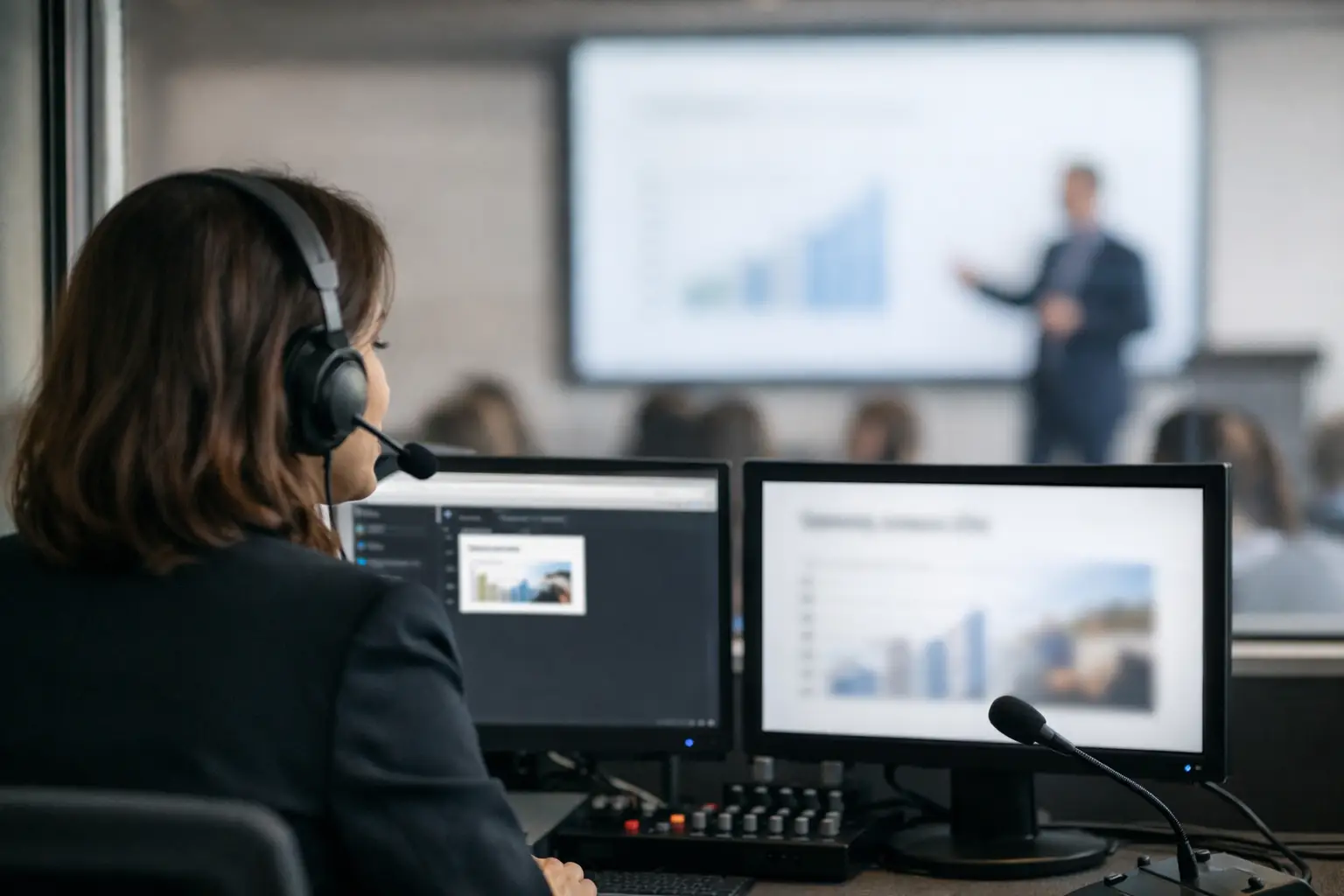
A speaker changes a slide deck ten minutes before going onstage. The presentation reaches the operator, but not the interpretation booths. By the time interpreters see the new chart, the speaker is already explaining it. This is why event teams ask: can interpreters view upcoming slides before they appear on the confidence monitor or projection screen?
The practical answer is yes, but only when the presentation workflow is designed to route the right content to the right booth at the right time. Sending a PDF by email or asking an operator to share a screen may work in a quiet meeting. It is not a dependable process for a multilingual congress with concurrent sessions, late speaker changes, and several interpretation channels.
Can Interpreters View Upcoming Slides Before They Are Shown?
They can, and in many conferences they should. Seeing the current slide and the next slide gives interpreters critical context before the speaker reaches a term, figure, quote, or technical diagram. For specialized sessions, that preparation can be the difference between a precise interpretation and a delayed, improvised explanation.
The key distinction is between access to the full presentation file and synchronized slide viewing. A full file may be useful before the session for terminology preparation. During the live presentation, however, interpreters need to know where the speaker is now and what is coming next. A static PDF on a booth laptop does not reliably provide that information, especially when the speaker skips slides, returns to an earlier slide, or presents a revised version.
A purpose-built slide synchronization workflow can show the live slide in one view and the upcoming slide in another. The interpreter follows the presentation rather than searching through a deck manually. This is particularly valuable when slides contain dense data, product names, legal language, scientific terminology, or videos with on-screen text.
Why the Next Slide Matters in the Booth
Simultaneous interpretation runs ahead of the audience's understanding. Interpreters hear the speaker, process meaning, formulate the target language, and deliver it with only seconds to spare. Upcoming slides reduce avoidable surprises.
Consider a financial results presentation. A speaker may say, “As you can see here,” before reading a revenue figure, a country name, or a footnote from the screen. If the interpreter can preview that slide, they can recognize the content and prepare the correct wording before the speaker points to it. The same applies to medical congresses, policy forums, engineering sessions, and executive presentations where a single acronym may have several possible meanings.
Preview is not about giving interpreters an unfair advantage. It is about giving them the visual context the speaker already has. When the interpretation is more accurate, every multilingual participant receives a more consistent version of the session.
There is also an operational benefit. Booth teams are less likely to call the technical desk asking for files during a session. The slide workflow becomes predictable: speaker room receives the deck, the room operator receives the approved version, and assigned booths receive synchronized viewing access.
What Interpreters Need - and What They Do Not
The interpreter booth does not need unrestricted access to every presentation across the event. That creates confusion and can expose material that is not intended for that session. Interpreters need controlled access to the presentation assigned to their room and agenda slot.
For live use, the most useful setup provides the current slide, the next slide, clear session identification, and a connection that does not depend on public internet access. If supporting media is relevant, it should also be handled deliberately. Embedded videos, playback timing, and audio feeds require coordination between the operator, booth technician, and interpretation team.
The booth view should remain simple. Interpreters are working, not operating presentation software. They should not have to search network folders, refresh cloud links, download large files, or guess whether “Final_v7_revised” is actually the version on the lectern computer.
The Difference Between Preparation and Live Synchronization
A well-run multilingual event supports two separate needs.
Before the session, interpreters need preparation material. They may review slide decks, speaker biographies, glossaries, scripts, and reference documents. Earlier access is better, but availability often depends on speaker behavior. Some presenters submit days ahead; others arrive at the speaker ready room with changes minutes before the session.
During the session, interpreters need synchronization. The system must reflect the presentation that is actually being shown in the room. This matters because the file supplied in advance can differ from the file used live. An operator may receive a corrected deck, a speaker may remove slides, or a session chair may change the running order.
Treating these needs as one process causes problems. A shared folder may support preparation, but it does not tell interpreters which slide is on screen. A screen-share feed may show the live slide, but it provides no preview and can introduce delay or poor readability. The strongest workflow supports both without forcing the booth to rely on improvised workarounds.
Build the Workflow Around Room Assignments
The reliable starting point is the agenda. Each presentation should be tied to a session, time, and room before it reaches the operator and the booth. Once that routing is established, the event team can avoid the most common failure: sending a correct file to the wrong place.
In a typical operation, the speaker room receives the presentation and checks it. The file is then delivered across the local network to the designated operator machine. The operator confirms that media, fonts, and slide order are correct. At the same time, the assigned interpretation booths receive the synchronized presentation feed for that room.
This room-based approach is more dependable than naming files after speakers and hoping everyone chooses the correct one. It also helps when several rooms run the same time slot. A booth supporting Room B should not be watching slides from Room A simply because two speakers share a surname or have similarly named presentations.
KonduktoPILOT is designed for this exact operating model: multilingual slide synchronization across rooms and interpreter booths, connected to the presentation delivery workflow rather than treated as an afterthought.
Plan for the Situations That Break a Good Plan
Even a well-built workflow needs clear decisions for exceptions. The most common issue is a last-minute version. Establish one source of truth: the approved file on the operator machine is the live version, and any replacement must be checked before it is routed to the room and booth.
Speaker-controlled decks are another consideration. If a presenter advances slides from their own laptop, synchronization must follow the actual output, not a separate copy of the file. If the speaker is using presenter view, verify before doors open that the booth sees the same slide sequence the audience will see.
Sessions with panel discussions need a different approach. There may be no linear deck to preview, or multiple panelists may take control at different points. In those cases, give interpreters the available material in advance and ensure they have a clean program feed during the session. Do not promise next-slide preview where the format cannot support it.
Finally, account for failure modes. Local LAN delivery is preferable to relying on venue Wi-Fi, but the team should still test device discovery, room assignments, display resolution, and permissions during setup. A short booth check before each room opens is faster than solving an access issue while a keynote is already underway.
Give Booths Context Without Giving Them Another Job
The best interpreter slide setup is almost invisible once the session begins. The booth sees the assigned presentation, follows the current slide, previews what is next, and stays focused on interpretation. The operator remains in control of the show file. The speaker room retains a clear handoff process. Nobody needs to pass a USB drive through a corridor or chase an attachment through an inbox.
For conference teams, the question is not merely whether interpreters can view upcoming slides. It is whether that access remains accurate when schedules move, decks change, and multiple rooms are live at once. Build the answer into the presentation workflow before show day, and the booth can focus on language instead of logistics.