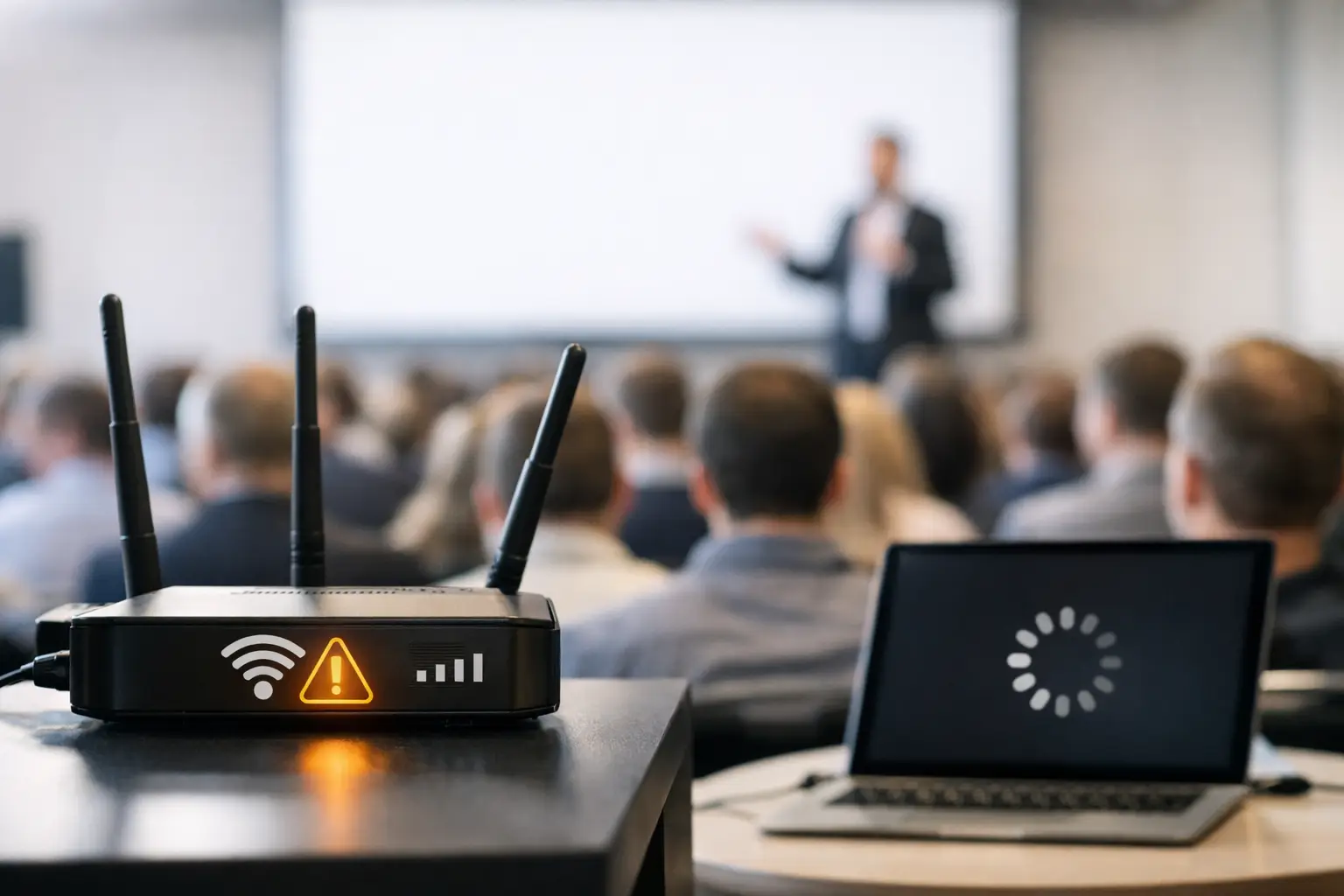
At 9:02 a.m., the keynote begins, attendees open event apps, speakers connect laptops, production checks a last-minute video, and the speaker ready room sends updated slides. That is why conference WiFi fails during sessions: the network is asked to handle its highest load at the exact moment there is no margin for delay.
For event teams, this is not an abstract IT problem. It becomes a missing deck in Ballroom C, an operator waiting on a cloud download, an interpreter booth receiving outdated slides, or a presenter standing at the lectern while someone says, “It’s still syncing.” Understanding the failure points is the first step toward building a workflow that does not depend on a perfect wireless network.
Why Conference WiFi Fails During Sessions
Conference Wi-Fi often works well enough during setup. Staff can browse, email, upload files, and test devices. That creates false confidence. A live session changes the network conditions in minutes.
Hundreds or thousands of devices arrive in the same rooms and connect at roughly the same time. Many are not actively being used, but they still generate background traffic from email, cloud storage, messaging apps, operating system updates, backups, and social media. A device connected to Wi-Fi is not a silent device.
Then session-related demand hits. Attendees open presentation links and event materials. Speakers pull files from cloud folders. Production teams receive revisions. Technical operators may access show documents, playback assets, remote-control systems, or web-based tools. The network is no longer serving occasional office traffic. It is serving a synchronized surge across a crowded radio environment.
The result is familiar: websites load slowly, uploads stall, devices disconnect, or a file transfer appears complete on one side but has not reached the destination. In a conference program, even a 30-second delay can disrupt the handoff between speaker, slide room, and operator.
Capacity Is More Than an Attendee Count
A common planning error is estimating Wi-Fi demand based only on the number of people in the building. Device density matters more than headcount, and usage patterns matter more than either.
A 500-person general session may contain 1,500 or more connected devices when attendees carry phones, laptops, tablets, watches, and production equipment. Not every device consumes high bandwidth, but every active client competes for airtime. Wi-Fi is a shared medium. Devices take turns transmitting, and the more devices competing within the same coverage area, the less predictable performance becomes.
This is particularly challenging in ballrooms, exhibit halls, and divisible meeting rooms. A room that appears well covered can still be overloaded if too many clients associate with one access point. Hotel construction, ceiling height, decorative materials, temporary walls, and neighboring rooms can further affect radio behavior.
More access points are not automatically the answer. Poorly planned access points can interfere with each other, create channel overlap, or encourage devices to cling to a distant access point rather than move to a closer one. Conference Wi-Fi needs capacity design, channel planning, and active monitoring, not simply stronger signal bars.
The Network May Be Working, but the Workflow Is Not
When a speaker cannot send a presentation, the immediate assumption is usually that Wi-Fi is down. Sometimes it is. Often, the network is technically available but the delivery path contains too many dependencies.
Consider a typical last-minute update: a speaker edits a PowerPoint file, saves it to a cloud folder, waits for synchronization, sends a link or email, and expects the operator to download the correct version. That path depends on the speaker’s device, local Wi-Fi, internet access, cloud synchronization, email delivery, the operator’s connectivity, and correct version identification.
Any step can fail without producing a clear error. A cloud client may still be uploading. A large embedded video may take several minutes to sync. An operator may open an earlier attachment. A hotel firewall may restrict a service. The Wi-Fi can be functional while the presentation workflow remains unreliable.
This is why consumer-style file sharing creates unnecessary risk in live environments. It was designed for convenience, not for controlled, time-sensitive handoffs between defined event roles.
Internet Bandwidth and Local Wi-Fi Are Different Problems
Teams often use “Wi-Fi” to describe two separate systems: the wireless connection inside the venue and the internet connection leaving the venue. Both can cause failures, but they require different responses.
A local wireless network may have excellent coverage but a limited internet circuit. In that case, internal traffic may be fast while cloud uploads and downloads crawl. Conversely, a venue may have strong internet bandwidth but poor wireless design in the ballroom, making it difficult for devices to maintain a stable local connection.
For presentation operations, this distinction matters. A workflow that sends material directly over the local LAN does not need the public internet to function. If the venue internet connection is saturated by attendees, local file delivery can continue - provided the event network is configured to allow the relevant devices to communicate.
That last condition is critical. Many guest networks use client isolation, which prevents one connected device from seeing another. This is sensible for public access, but it will block direct delivery from a speaker ready room device to an operator machine. Production workflows need a dedicated, managed network segment where authorized devices can discover and reach each other.
Radio Interference Is Hard to See Until It Is Too Late
Wireless issues do not always come from too many people. They can come from too much radio noise.
Nearby access points, personal hotspots, Bluetooth devices, wireless video systems, building infrastructure, and neighboring events can all affect the available spectrum. The 2.4 GHz band is especially crowded. The 5 GHz and 6 GHz bands offer more capacity in the right conditions, but device support, venue design, and access point placement still determine the real-world outcome.
A useful rule for show teams: signal strength is not a reliability test. A laptop can show full Wi-Fi bars and still experience slow or unstable transfers because the radio channel is busy, the access point is overloaded, or packet loss is forcing retransmissions.
Test the actual workflow with actual files. Send a large deck with embedded media from the speaker ready room to the destination operator position. Repeat it during a busy period, not only during an empty-room site visit. If the workflow depends on a network behavior nobody has tested under load, it is not ready for show day.
Presentation Files Create Their Own Load
A deck is rarely just a deck. Modern presentations may include high-resolution images, fonts, linked media, embedded videos, audio, custom plugins, and multiple language versions. A file that looks like 80 MB in a folder can trigger additional work when opened, copied, checked, or played.
Video files are especially relevant. Sending a 2 GB playback asset over congested Wi-Fi moments before a session is not a networking challenge to solve with optimism. It is an operational decision that should be avoided. Large media should be received early, verified on the playback machine, and stored locally before the room goes live.
For late changes, the goal is not to move every asset through the fastest possible internet path. The goal is to route the correct file to the correct room, confirm receipt, and preserve version clarity. A room-based delivery workflow reduces the chance that an update intended for Room 204 lands with the keynote operator instead.
Build for Local Delivery, Not Best-Case Connectivity
The most dependable presentation workflow separates critical show operations from attendee internet access. Guest Wi-Fi exists for guests. Production traffic should have its own managed path, whether that is a wired LAN, a dedicated production SSID, or a controlled local network.
For multi-room programs, assign clear delivery endpoints by room and agenda item. The speaker ready room should be able to see where a file is going, while operators should receive only the material relevant to their rooms. Add status visibility so staff can confirm that a transfer arrived before the presenter reaches the stage.
This is the operational logic behind Kondukto: presentation materials are delivered directly over the local LAN from the slideroom to operator machines, with room-based routing and device discovery. The process avoids the USB handoff, the email attachment chain, and the assumption that public internet will behave at the worst possible moment.
Local delivery is not a substitute for network planning. It still needs a tested LAN, permitted device-to-device communication, and responsible access control. But it removes a major dependency: the need to send show-critical files out to the internet and back again.
What to Test Before Doors Open
A network test should reflect the pressure of the actual event. Confirm that speaker ready room devices and operator machines are on the intended network segment and can communicate directly. Verify that client isolation is disabled where required and that firewall rules allow the planned delivery method.
Then test with realistic files, including the largest presentation and a video-heavy asset. Check transfer time, file integrity, routing accuracy, and operator confirmation. Do not stop at “the network is connected.” Confirm that the full handoff works from a real sender to a real room endpoint.
Keep a wired fallback for critical positions when the venue allows it. Wired connections are not magic, but they remove the variable radio environment from the delivery path. Also maintain a defined contingency process for files that arrive after cutoff, including who approves them, who receives them, and how the room operator is notified.
The practical standard is simple: a presenter should never have to wonder whether their final deck made it to the room. Build the delivery path before the session starts, verify it under realistic load, and keep the show-critical files close to the people who need them.