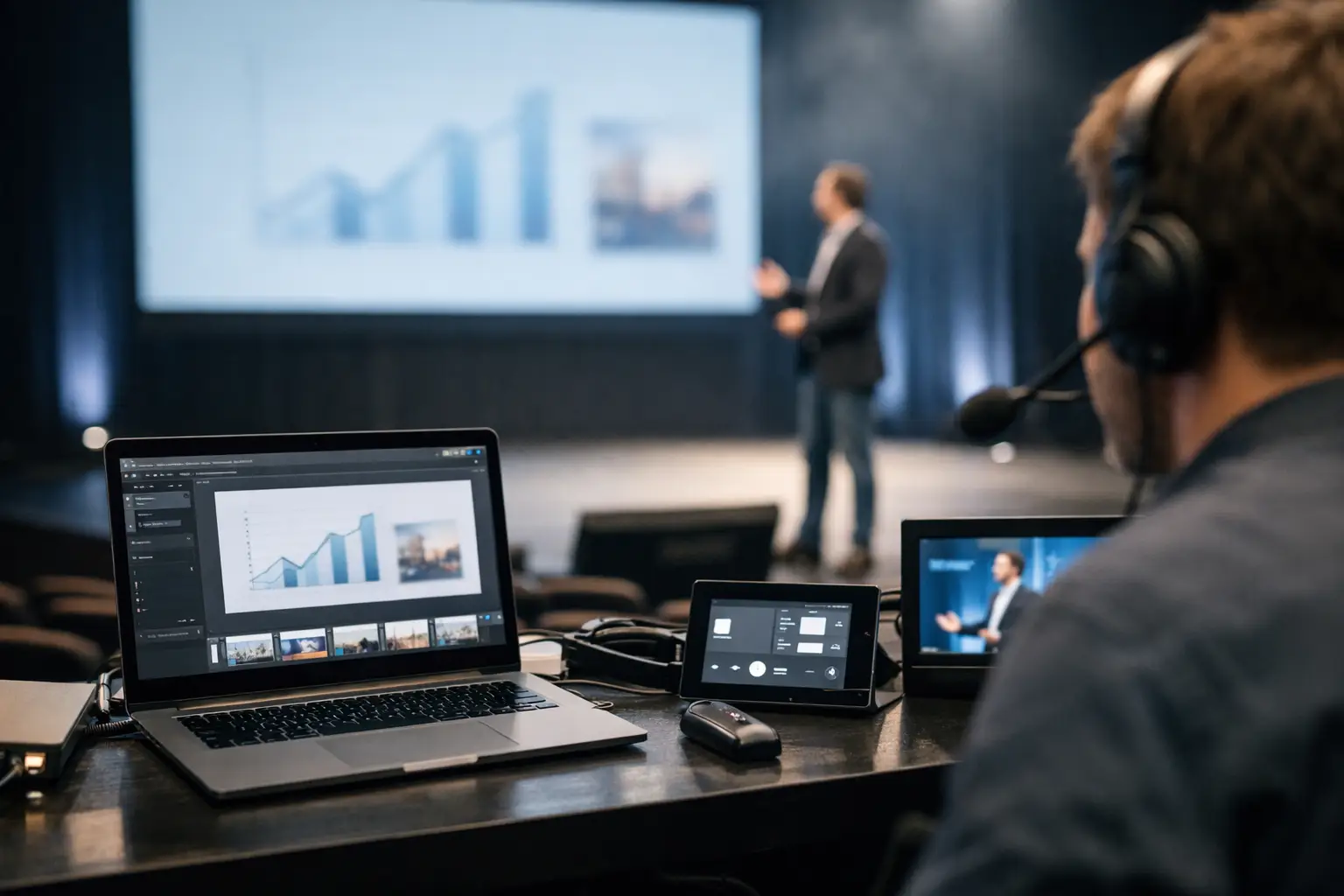
A speaker arrives 12 minutes before their session with a revised deck, two embedded videos, and a request to use the latest version only. That is not an unusual exception. It is normal conference operations. Speaker ready software exists for this exact moment: getting the right media from the speaker room to the right technical operator without a USB handoff, an email search, or a gamble on venue Wi-Fi.
Consumer file-sharing tools can move files. They do not manage a live program. They do not know which room owns a session, which operator needs the deck, whether the file arrived, or whether a last-minute replacement has been identified clearly. At a multi-room event, those gaps become missed cues, duplicate versions, and frantic calls between the speaker ready room and FOH.
What speaker ready software is built to do
Speaker ready software is a purpose-built delivery workflow for conference presentations and supporting media. A speaker room device receives the files, assigns them to the correct agenda item and room, and sends them across the local network to the relevant operator machine. The operator receives the material where they need it, with the session context attached.
The distinction matters because presentation delivery is not ordinary file transfer. A deck is tied to a person, a time slot, a room, a playback requirement, and often a version change. A workflow that treats all files as anonymous attachments forces staff to recreate that context manually, usually while the schedule is moving.
A proper system reduces that manual reconstruction. The speaker room team can see the agenda, identify the session, collect the files, and route them to the assigned room. The technical team can see what has arrived and what changed. Instead of asking, “Is this the final-final deck from Sarah?” they can verify the session and version before the speaker walks onstage.
Why USB, email, and cloud folders break under pressure
USB drives persist because they are familiar, not because they are controlled. A runner can carry a drive to a room, but there is no automatic confirmation that the right operator received it, copied it, opened it, or replaced the earlier version. The drive can be left behind, mislabeled, or handed to the wrong room. In a venue with sessions turning over every 30 minutes, even a reliable runner becomes a bottleneck.
Email is worse for version control. The subject line may say “updated slides,” but it does not tell the operator whether the attachment belongs to the 10:00 a.m. keynote or the 11:15 a.m. breakout. Large videos can be blocked, delayed, or stripped from the message. Staff end up downloading attachments to different devices and hoping the newest timestamp tells the truth.
Cloud storage solves some access problems but introduces others. It depends on credentials, browser sessions, upload speed, and internet access that may be shared with thousands of attendees. Even when the connection holds, a shared folder still requires people to locate the correct file and communicate that a replacement is ready. It is general-purpose storage, not an event routing system.
Local network delivery changes the failure model. Files move over the LAN rather than relying on public internet access. That gives the production team more control, particularly in hotels, convention centers, and temporary venues where internet performance is outside the AV team's control. It does not eliminate the need for network planning, but it removes a major dependency from the delivery path.
The workflow that keeps rooms current
The strongest speaker-ready operation follows the way conference teams already work. The agenda is loaded before show day, rooms are assigned, and operator devices are ready on the event network. When a speaker checks in, the speaker room manager selects that person's session rather than starting with a blank upload screen.
Files can then be reviewed before they are transmitted. This is where the team checks slide format, fonts, embedded media, audio, and any special playback notes. If a speaker provides PowerPoint and a separate video file, both should remain tied to the same session. Sending only the deck and hoping the room team finds the video later creates a predictable failure.
Once approved, the package goes directly to the operator for that room. Automatic device discovery is useful here because it avoids a setup task that event crews do not need during load-in: entering IP addresses, building ad hoc shares, or manually mapping laptops. The system should make the room destination obvious and confirm that delivery completed.
When a speaker returns with an updated deck, the same workflow should make the replacement visible. The goal is not merely to transfer another file. The goal is to prevent the old one from being played. Operators need a clear indication that the session material changed, while the speaker room team needs confidence that the revised package reached the correct destination.
In-app communication adds value when it stays attached to the work. A note such as “video starts on slide 14, audio is embedded” is more useful beside the session than buried in a text thread. For production teams, the context is the message.
What to look for in speaker ready software
Start with the network model. If the product requires internet access for core delivery, it may be a poor fit for events where connectivity is uncertain. Look for local LAN transfer and offline-capable operation. The software should still support the real file types that arrive at speaker check-in, including presentations, PDFs, videos, audio files, and supporting assets.
Next, assess how closely the workflow matches the agenda. A file list alone is not enough. The system should organize work by session and room so that staff are not translating a schedule into folders by hand. Agenda management also makes it easier to spot missing presentations before doors open.
Routing and confirmation are equally critical. A speaker room manager needs to know where a package was sent. An operator needs to know that the package is intended for their room. Ideally, both sides can see delivery status without calling each other for confirmation. This matters most when one speaker room is feeding six, ten, or twenty breakout spaces.
Do not overlook cross-platform support. Speaker rooms and operator positions often use a mixed fleet of Windows and macOS devices, especially when a production company is working with venue equipment or client-owned laptops. A workflow that only works on one operating system creates workarounds before the event begins.
Finally, evaluate setup time honestly. Some systems offer extensive IT controls but require an engineer to configure every endpoint. That can suit a permanent venue with dedicated infrastructure. A traveling production team may need a faster model: install the application, connect to the local event network, discover devices, load the agenda, and operate.
Where the trade-offs are real
Not every event needs a dedicated platform. A single-room meeting with five speakers and one technician may be fine with a disciplined shared folder, a wired backup drive, and direct communication. The cost of formalizing the workflow may outweigh the risk.
The balance changes quickly when sessions run in parallel, speakers update close to show time, videos are involved, or multiple teams share responsibility. At that point, the hidden cost is not file transfer. It is the labor spent chasing status, identifying versions, and recovering from preventable handoff errors.
Dedicated software also does not replace technical checks. A delivered file still needs to be opened, tested, and staged on the playback system. Video codecs, fonts, aspect ratios, clickers, and confidence monitors remain production concerns. The benefit is that the operator receives the right package early enough to do that work, rather than receiving it from a runner as walk-in begins.
Network planning still matters, too. Put speaker room and operator devices on a stable local network, validate discovery during setup, and make sure the network design permits the necessary device communication. Treat the system as part of the show network, not an app to improvise after registration opens.
A practical deployment approach
Before load-in, build the agenda with accurate session titles, times, and room assignments. Give the speaker room team a clear process for collecting material, checking it, and marking special requirements. Decide who is authorized to release a replacement file so that a speaker, session chair, and producer are not all making conflicting changes.
During setup, place an operator device in each active room and confirm receipt from the speaker room. Run a test package that includes a deck and a video. Verify not only that the transfer works, but that the receiving operator can identify the session and recognize an update.
On show day, keep the speaker room workflow simple. Collect, verify, assign, send, confirm. If the software asks staff to create folder trees, send links, or explain where each file belongs, it is adding work at the wrong point in the process. Kondukto is designed around this operational handoff: local delivery, room-based routing, agenda context, and communication between the people managing presentations and the people playing them.
Keep a fallback plan, but do not make the fallback your primary workflow. Have a controlled backup drive, retain local copies at the speaker room, and establish an escalation path for a failed delivery or late media change. Redundancy works when roles are clear, not when every person improvises a different method.
The best test is simple: imagine a presenter changes a deck five minutes before a concurrent session begins. If your team can route, confirm, identify, and play the correct version without sending a runner across the venue, the workflow is ready for show day.