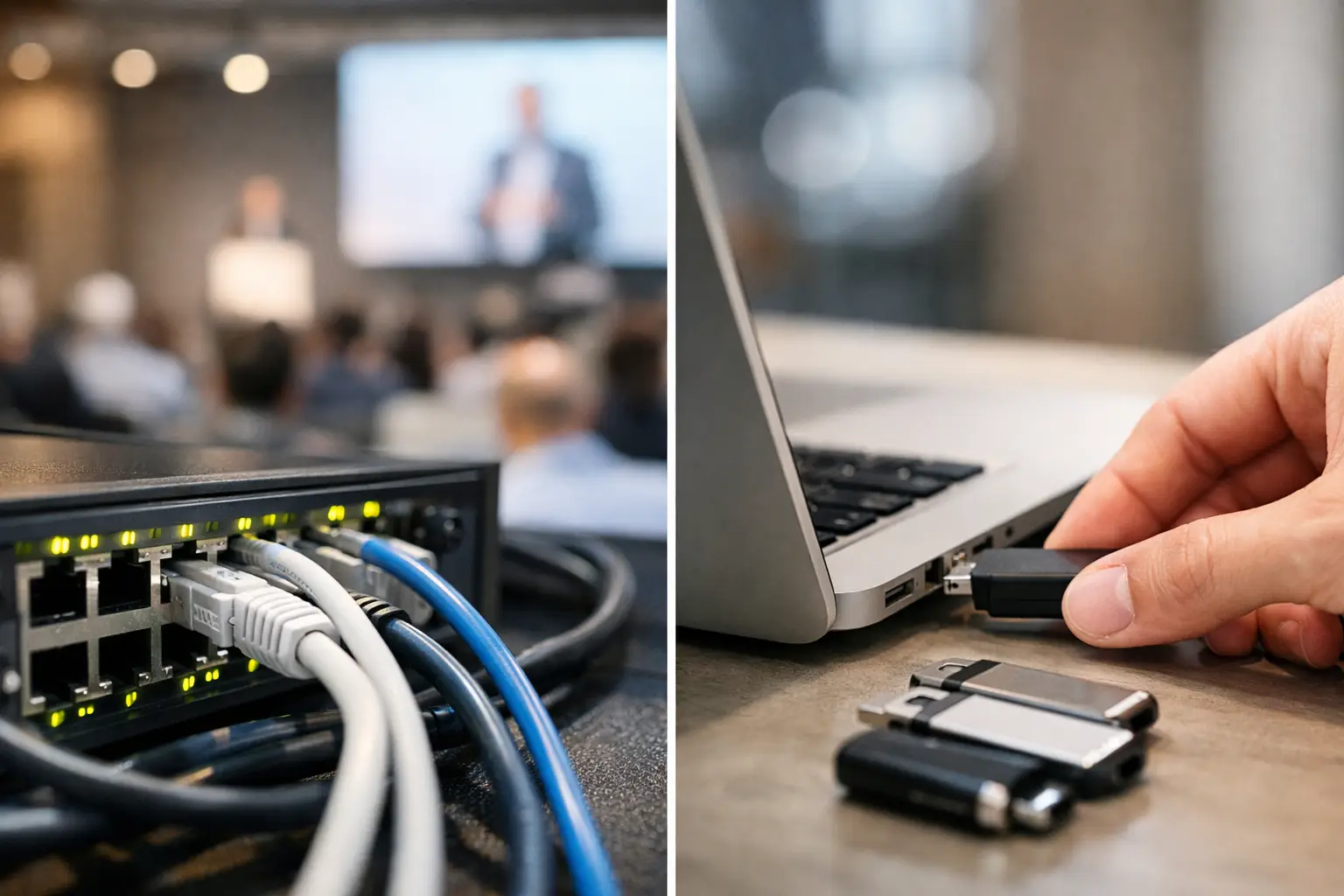
A presenter arrives 12 minutes before a breakout with a revised deck, two embedded videos, and a USB drive labeled “FINAL.” The operator already has a file called “FINAL_v7_USE_THIS_ONE.” That is the real conference LAN transfer vs USB drives decision. It is not simply about how files move. It is about whether the show team can identify the right file, route it to the right room, and confirm it is ready before the session clock starts.
USB drives still have a place in event operations. They are familiar, inexpensive, and useful as a backup. But when USB handoffs become the primary presentation-delivery workflow, teams inherit avoidable problems: version confusion, physical handoffs, malware risk, missing adapters, and no reliable record of what reached the operator position.
A purpose-built local network workflow changes the handoff from a person carrying storage media to an operational process. The speaker room sends the presentation directly to the assigned operator machine over the venue LAN. The file is tied to a session and room, the receiving team can see it arrive, and the speaker room can communicate without chasing people through hallways.
Conference LAN Transfer vs USB Drives: The Operational Difference
The key advantage of USB is independence. A drive does not need network access, credentials, or any installed application. If a presenter walks in with a working drive and the operator has a compatible port, the file can be copied immediately. For a small one-room meeting with a handful of speakers, that can be sufficient.
The weakness is that the workflow depends on the handoff going perfectly every time. Someone must receive the drive, identify the correct session, copy the files, open the deck, check fonts and media, and return the drive or keep track of it. None of that is inherently difficult. It becomes difficult when 60 speakers arrive across eight rooms, several make last-minute changes, and the speaker ready room is separated from the control positions.
LAN transfer removes the physical relay. A file can be delivered directly from the speaker room device to the correct room operator over the local network. For conference operations, that matters because the route is based on the event structure, not on whoever happens to be holding a drive. The session, room assignment, and delivery status become part of the process.
This is not the same as putting a shared folder on the network. Shared folders can move files, but they leave room for users to put content in the wrong location, overwrite a version, or lose track of who owns the next action. Conference delivery needs context: which speaker, which agenda item, which room, and whether the operator has received and verified the materials.
Where USB Drives Still Make Sense
Treating USB as obsolete is as unhelpful as treating it as the main plan. Good event teams build redundancy around realistic failure points.
A USB drive is valuable when a speaker has no time for intake, when a device needs to be recovered outside the normal workflow, or when a venue network segment is unavailable. It is also a sensible emergency copy for a keynote or high-risk media package. The important distinction is between backup media and the working system.
When USB is the default, every update starts another manual chain. The speaker changes slide 14. A speaker room coordinator takes the drive. A runner may be involved. An operator copies the new deck, identifies the old deck, and confirms that embedded media still works. If any step is skipped, the room may run the wrong version even though everyone believes the update was delivered.
Use drives as a controlled fallback: label them clearly, scan them where practical, return them to the speaker, and record what was copied. Do not let a pile of untracked drives become your session-management system.
Speed Is More Than File Transfer Time
A large video package may copy faster over a wired LAN than through an older USB drive, but raw transfer speed is not the whole comparison. The bigger time savings come from fewer touches.
With a physical drive, the file must travel with a person. The receiving operator may be busy on comms, switching a room, or handling another speaker. The drive can wait on a desk. It can be handed to the wrong technician. A speaker may leave before the team discovers that the version on the drive is not the one rehearsed.
With room-based LAN delivery, the sender selects the appropriate destination and transmits the package directly. The operator receives the content at their position while remaining in the room. That reduces travel time and avoids interrupting the technical team during a critical turnover.
For a short deck, the difference may be minutes. For a conference schedule with continuous changes, those minutes compound. More importantly, the workflow removes uncertainty. The speaker room knows whether delivery was completed instead of relying on “I gave it to someone from AV.”
Version Control Is the Real Show-Day Problem
Most presentation failures are not caused by a drive failing to mount. They are caused by a human being asked to make a rushed decision between similarly named files.
A clean delivery process should preserve the original file, make the current version obvious, and show the receiving operator what changed. If the speaker submits an update, the team needs a clear action: replace the previous version, retain it as a backup, and notify the room that a revision is waiting for review.
USB-based workflows rarely give teams this control by default. The contents of a drive may include five decks, old PDFs, duplicate videos, and unrelated files from the presenter’s desktop. The operator has to interpret the package under time pressure.
A conference-specific LAN system can attach delivery to the agenda and room. That does not eliminate the need to test fonts, playback, aspect ratio, clickers, or presenter notes. It does eliminate the avoidable question of where the latest file went. Kondukto is built around this exact workflow: speaker room intake, direct local delivery to operator machines, and visibility across the event schedule.
Reliability Depends on the Network Design
“LAN” does not automatically mean reliable. A congested guest Wi-Fi network is not a production network. Nor should presentation delivery depend on internet access or cloud synchronization during a live event.
The strongest approach uses a local, wired network or a properly managed dedicated wireless segment for the operational devices. Speaker room and operator stations should be able to discover one another and transfer files locally without needing outside connectivity. Test this before doors open, along with the actual devices, ports, security policies, and file sizes the event will use.
Network planning should also account for the venue. Multi-room hotels, convention centers, and temporary builds often have segmented networks, access controls, or switch configurations that prevent devices from seeing each other. Find that out during setup, not when a session chair is waiting at the lectern.
USB avoids network dependency, but it introduces different reliability risks: bad ports, incompatible connectors, damaged drives, corrupted media, and unknown file contents. Neither method is failure-proof. LAN delivery gives teams a better primary workflow when the network is designed and tested for the job, while USB remains a sensible contingency.
Security and Chain of Custody
USB drives are portable by design. That means they can be misplaced, left in a laptop, or plugged into multiple machines without a clear chain of custody. For public events, this may be an inconvenience. For financial, medical, government, or internal corporate conferences, it can be a serious concern.
A controlled local delivery system reduces the number of physical copies moving between people. It also keeps the transfer within the event environment instead of relying on personal email accounts, consumer cloud storage, or ad hoc messaging tools. Access still needs to be managed, and operator devices still need basic endpoint hygiene. But the process is easier to govern when it is not built around anonymous removable media.
Choose the Workflow That Matches the Show
For a small meeting with one technician and a stable agenda, a USB intake process may be enough. Keep it disciplined, test every file, and maintain a backup copy on the show machine.
For multi-room conferences, speaker ready rooms, frequent revisions, or distributed AV teams, LAN delivery is the stronger operational choice. It reduces walking, prevents routing errors, gives updates a defined path, and lets technical operators stay focused on the room rather than on file collection.
The most reliable teams do not ask whether they should trust a network or a USB drive. They define a primary path, test it under show conditions, and keep a controlled fallback. When a presenter arrives with a last-minute change, the goal is not to move a file. The goal is to get the correct content to the correct room with enough time to verify it.