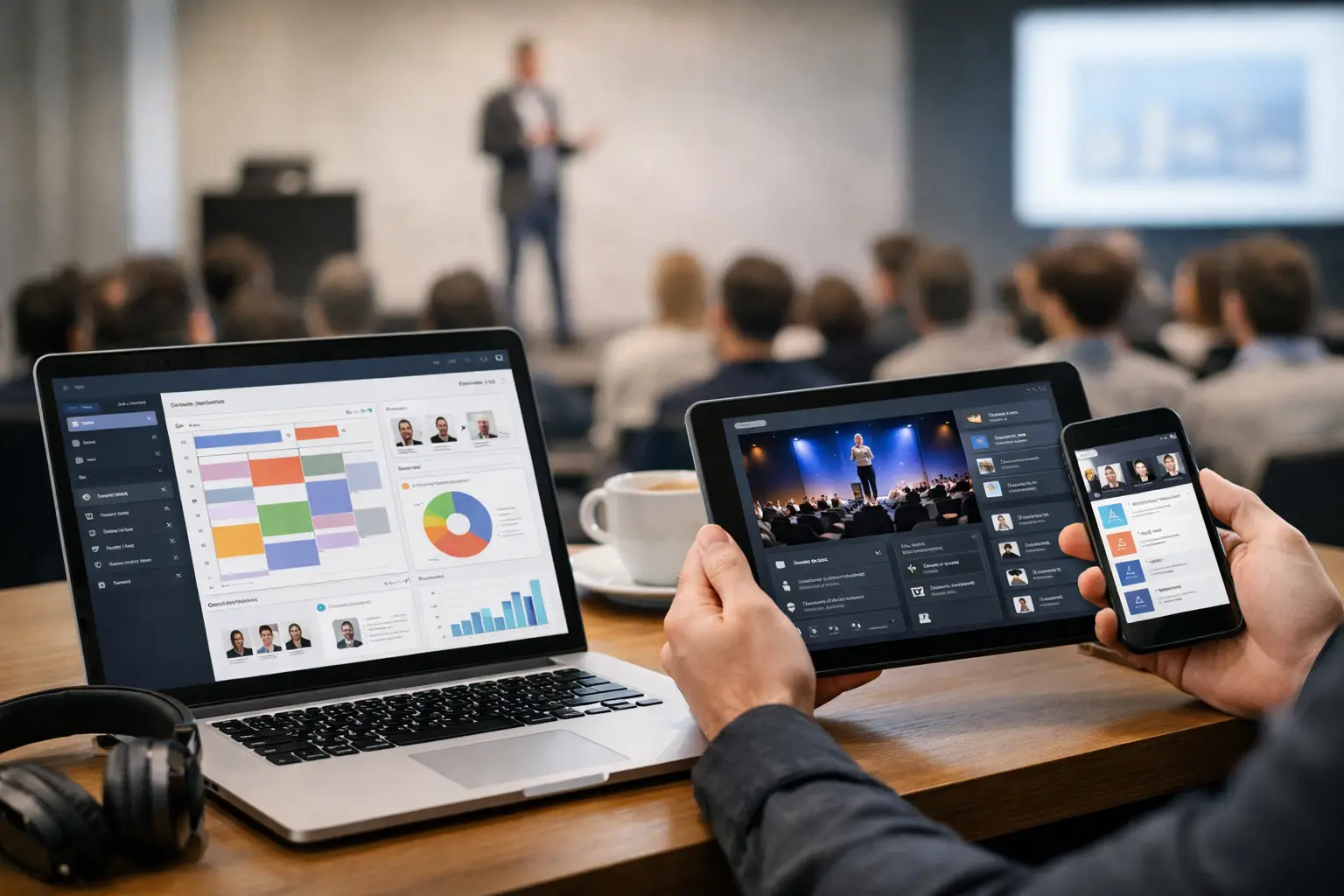
A speaker arrives 12 minutes before their session with a revised deck, two embedded videos, and a request to use the version on their laptop. The room operator is already checking playback for the previous session. This is where cross platform event software stops being a procurement category and becomes an operational decision.
At a live conference, presentation delivery has to work across the devices and roles already in the building. Speaker room staff may be on Windows laptops. A show caller may carry a Mac. Operators may run different systems in different breakout rooms. The workflow cannot depend on everyone owning the same hardware, finding the right cable, or getting onto congested venue Wi-Fi.
Why Cross Platform Event Software Matters on Show Day
“Cross platform” is often treated as a compatibility checkbox. For conference production, it needs to mean more than an app that installs on both Windows and macOS. It should mean the workflow stays intact when files move from the speaker room to the correct room, the correct operator, and the correct slot on the agenda.
Consumer file-sharing tools can move a file. They do not know that the file belongs to the 10:40 a.m. keynote in Ballroom B, that a confidence monitor operator needs a copy, or that the session has been moved to another room. Teams then rebuild that context manually through naming conventions, email threads, group chats, and last-minute verbal handoffs.
That process works until it does not. A deck gets renamed. A video stays on a USB drive. The speaker approves one version while the operator has another. The venue internet slows down just as several rooms begin uploading large media files. None of these failures are unusual. They are normal risks in a workflow built around general-purpose tools.
Purpose-built cross platform event software should replace that improvisation with a shared operating picture. The speaker room sees incoming materials and agenda status. Operators see what is assigned to their room. Production teams can confirm delivery without walking a drive across a convention center.
Local Delivery Beats Cloud Dependency
Cloud storage has a place in pre-event preparation. It is useful for collecting materials days or weeks before doors open, reviewing decks with clients, and creating an archive after the event. It is less reliable as the last-mile delivery method during show hours.
On-site Wi-Fi is a shared resource. It competes with attendee devices, exhibitor networks, streaming demands, staff phones, and the venue's own infrastructure. Even a strong connection can become inconsistent in the rooms where teams actually need to work. Cellular service is not a dependable backup in crowded ballrooms or lower-level meeting spaces.
A local LAN-based workflow avoids that dependency. Files transfer inside the event network, directly from the speaker room device to the operator machines. That matters most for large PowerPoint files, media-heavy decks, and late video replacements, where a cloud upload and download can consume the few minutes a team does not have.
Local delivery is not just about speed. It gives the production team control over the path a file takes. The network can be planned, tested, and kept separate from public attendee traffic. If the internet connection drops, the presentation delivery workflow can continue.
There is a trade-off: the local network still needs to be designed and verified. Cross-platform software cannot fix an unmanaged switch, blocked firewall rule, or operator laptop that was never connected to the production LAN. The benefit is that the critical workflow is operating on infrastructure the event team can inspect and control.
Cross Platform Event Software Must Understand Roles
The real difference between file transfer and event delivery is routing.
A speaker room manager needs a simple intake process. Receive the deck, check that fonts and media are present, confirm the final version with the speaker, then send it where it needs to go. They should not need to know an operator's IP address, locate a shared folder, or ask which laptop is currently assigned to the room.
The operator needs a different view. Their priority is not every file received across the event. It is the agenda for their room, the current session, the next session, and any update that requires attention. Sending every incoming presentation to every machine creates noise and increases the chance of loading the wrong deck.
This is why room-based routing and agenda management matter. When a session is tied to a room and time, the software can carry the context with the file. The operator receives the material in the place it belongs. The speaker room can see that it reached its destination. Production has fewer verbal checkpoints and fewer opportunities for assumptions to become errors.
In-app communication also has practical value when it is attached to the workflow. “New video added to Slide 18” is useful when the message appears with the session record and reaches the assigned operator. The same message in a busy group chat can disappear under catering questions, crew calls, and attendee support requests.
Device Discovery Reduces Setup Friction
Manual connection setup is one of those tasks that looks harmless in a planning document and becomes expensive under pressure. Someone has to identify every receiving machine, confirm addresses, test access, and troubleshoot differences between operating systems. Add a second speaker room or a late-added breakout space, and the process starts again.
Automatic device discovery removes much of that work. Once approved devices are on the same local network, the speaker room application can identify available operator stations without requiring staff to build a contact list of machines. That reduces setup time and avoids the common failure of sending a file to a laptop that is no longer in use.
For larger conferences, discovery should still be paired with control. Not every device on the network should be a destination. Teams need to know which operator machine belongs to which room and whether it is online and ready. The point is not to make the network invisible. It is to make the correct operational choices obvious.
Platform parity matters here. A Windows operator should not become a second-class participant because the speaker room happens to use macOS, and vice versa. The functions that matter on show day - receiving, reviewing, confirming, and communicating - should work consistently across the systems in use.
What to Test Before You Commit
A demo with one laptop and one sample PDF proves very little. Test cross platform event software against the conditions it will face at a real event.
Start with the actual mix of machines used by your team. Send a PowerPoint deck from a Windows speaker room station to a Mac operator station, then reverse it. Include files with embedded video, unusual fonts, linked assets, and large file sizes. Confirm that the recipient can identify the session and room without relying on a separate spreadsheet.
Then test the operational exceptions. Change a room assignment. Replace a deck after it has already been sent. Take an operator machine offline and bring it back. Run transfers while internet access is disabled. Ask a new staff member to use the workflow with minimal instruction.
You are not looking for a perfect laboratory result. You are looking for clear behavior when something changes. Can the team see what was delivered? Can they distinguish a replacement from an older version? Can they communicate a problem without switching to an unrelated channel? Does the process still make sense when five rooms are active at once?
For teams running speaker-ready operations, also test the handoff itself. The best system does not force staff to choose between supporting the speaker and managing the software. It should let them complete the task in a few deliberate actions: receive, verify, route, confirm.
Where General File Sharing Still Fits
Not every event file needs to move through the same system. Contracts, marketing assets, venue diagrams, and planning documents can remain in the tools your organization already uses. Trying to force all event collaboration into one application often creates its own friction.
The critical use case is the show-critical presentation package: slides, video, supporting media, and late revisions that must reach the right playback position without ambiguity. That is where purpose-built tools such as Kondukto earn their place. They are designed around the handoff between speaker room and technical operation, not around generic storage.
A cross-platform tool also does not replace technical rehearsal. Operators still need to open decks, check playback, verify audio, and confirm aspect ratios. Software can improve the delivery chain, but it cannot tell you whether a presenter embedded a 4K video that will strain the playback machine. Good operations keep those responsibilities separate and visible.
The best time to fix presentation logistics is before the first speaker asks where to hand over their deck. Build the workflow around local delivery, room ownership, and clear confirmation, then rehearse it with the people who will run it. When the schedule tightens, that preparation gives the team something better than a workaround: a process they can trust.