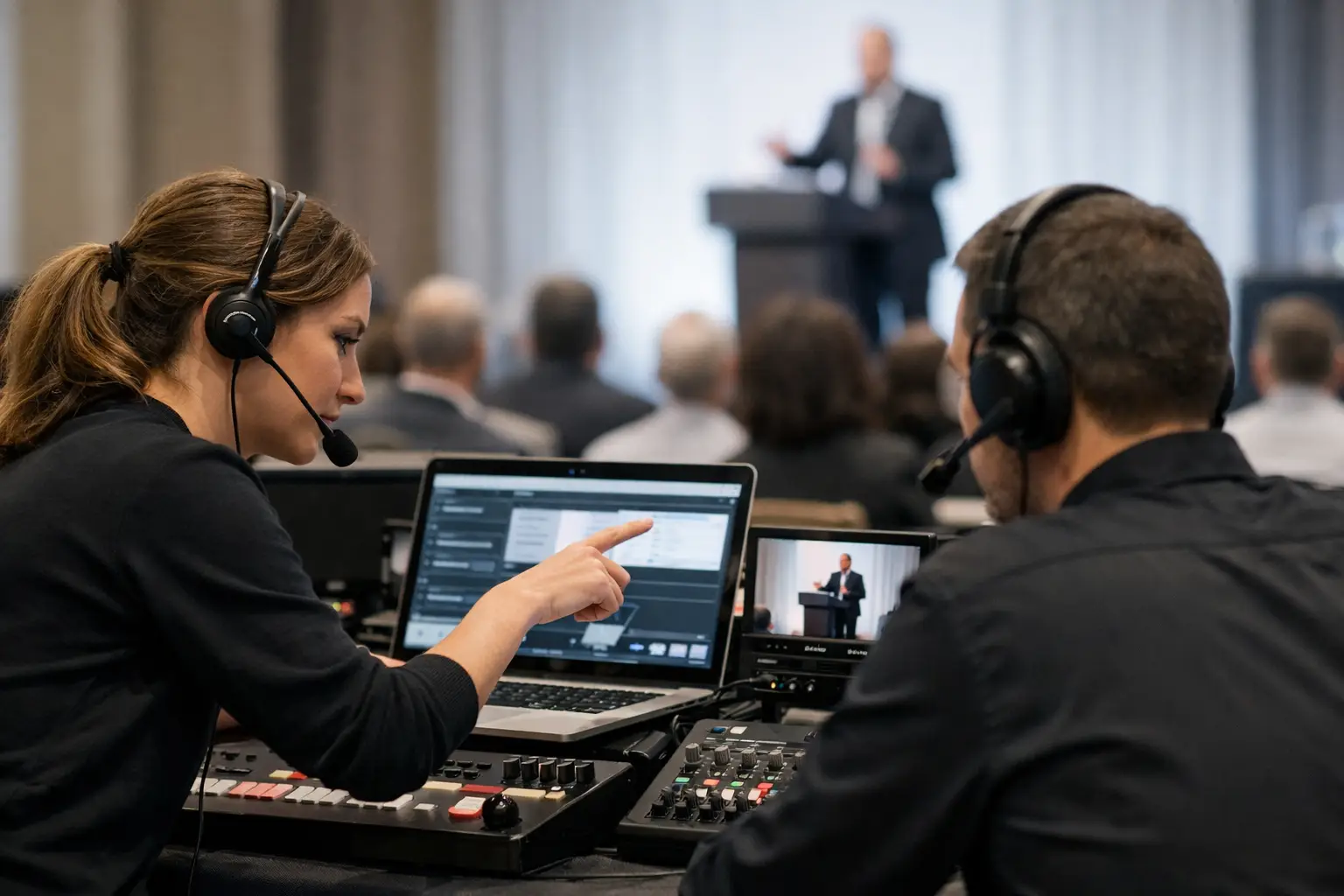
A speaker arrives 12 minutes before their session with a revised deck, two embedded videos, and a request to use their own laptop. The room operator is already line-checking the previous session. This is where presentation delivery stops being an administrative task and becomes show-critical coordination.
Knowing how to coordinate speaker room operators means building a controlled path from the speaker's file to the correct playback machine, in the correct room, with the correct version, before the doors open. It is not solved by adding more chat messages, USB drives, or shared folders. It is solved by defining ownership, routing, and confirmation points that hold up when the schedule gets tight.
Start with one operational owner
Every speaker room needs a named lead who owns the status of each presentation until it is accepted for delivery. That person may be the speaker ready room manager, presentation manager, or lead show caller, depending on the event structure. What matters is that operators know exactly who can approve a file, change a room assignment, or declare a presentation ready.
Without that owner, small questions turn into delays. Is this the final deck? Did the speaker approve the font substitution? Has the revised video reached Room C? The speaker room team may assume AV has it. AV may assume the speaker room is still checking it. A clear owner closes that gap.
For larger congresses, assign a lead for each shift and document the handover. The incoming lead should not have to reconstruct the day from email threads or verbal updates. They need a live view of what is pending, what is approved, and what has already been delivered.
Coordinate speaker room operators around a fixed workflow
A reliable workflow has a beginning, a middle, and a confirmed end. The speaker submits material, the speaker room checks it, the file is routed to the assigned room, and the room operator confirms receipt and playback readiness. Skipping any one of those steps creates an assumption. Assumptions are expensive when a session is about to start.
At intake, capture the information the technical team actually needs: speaker name, session title, agenda time, room, file name, format, and any playback notes. Notes should be specific. “Play video on slide 14 with audio” is useful. “Important video” is not.
The speaker room operator should open the presentation on a designated test machine rather than merely checking that the file exists. Confirm fonts, aspect ratio, embedded media, animations, audio output, and any external dependencies. If the event runs PowerPoint and PDF as fallback formats, make that rule clear before speakers arrive. A PDF can protect continuity, but it may not preserve builds, video, or timed animation. Use it as contingency material, not as a substitute for checking the intended deck.
Once accepted, route the approved presentation directly to its room. A conference-specific delivery tool such as Kondukto can map files to agenda sessions and operator machines over the local LAN, reducing the manual work of renaming, locating, and forwarding files. The operational value is simple: the sender can see where the file is meant to go, and the receiving operator can see that it is intended for their room.
Separate delivery status from technical status
“Sent” does not mean “ready.” This is one of the most common failures in presentation operations.
A file can be delivered to the right operator but still fail on playback because of an unsupported codec, missing font, audio routing issue, or last-minute change that has not been rehearsed. Conversely, a technically clean file is not ready if it is still sitting in the speaker room rather than on the correct show machine.
Use separate statuses. Delivery status answers whether the file reached its destination. Technical status answers whether it was tested and approved for use. A third status, speaker approval, is useful for high-profile sessions or complex decks where the presenter needs to confirm the loaded version.
This distinction also improves escalation. If a file is missing, investigate routing or network availability. If it is present but not working, investigate the content and playback environment. The team wastes less time because the problem is already categorized.
Use a version rule that operators can enforce
Version confusion is rarely caused by bad intent. A speaker sends “final.pptx,” then returns with “final_final2.pptx,” then asks whether the team has “the newest one.” The answer cannot depend on memory.
Set a simple version rule before the event. Every replacement file must be submitted through the same intake point, be marked as a revision, and receive a new timestamp or version identifier. The speaker room operator should retain the prior approved version until the replacement has been tested. Do not overwrite a working deck before the new one is confirmed.
The room operator should be notified when a replacement is delivered, especially when the session is within the next hour. Silent updates are risky. A visible notification and acknowledgment create a usable audit trail: the revised file was received, tested, and made active.
Build room-based communication, not a general chat stream
A large event does not need one busy group chat with every operator, stage manager, and speaker room assistant trying to follow it. It needs communication tied to rooms and sessions.
The room operator needs to know when a session file has changed, when a speaker is bringing their own laptop, or when the presentation has special playback requirements. The speaker room team needs to know when the operator has received and tested the file. The show caller needs escalation only when a decision affects timing, programming, or the session plan.
Keep messages short and operational. “Room 4, 10:30 keynote, revised deck v3 delivered. Video tested. Operator acknowledgment pending.” That is actionable. Long explanations can follow only if there is a technical issue to resolve.
For multilingual conferences, add interpreter requirements to the same workflow. If slides must reach booths for preparation or live synchronization, the language team needs the approved version early enough to work with it. Treat interpreter delivery as a room-adjacent destination with its own confirmation point, not as an afterthought handled after the deck reaches the stage.
Plan for the exceptions before they arrive
The normal path should be fast. The exceptions should be predictable.
A speaker may arrive late, submit from a personal device, change rooms, bring a video separately, or insist on presenting from their own laptop. Each scenario needs a defined response. If personal laptops are permitted, specify who checks output resolution, audio, sleep settings, power, clicker compatibility, and connection type. If they are not permitted, give the speaker room lead authority to state the policy and offer the approved alternative.
Late changes require a cutoff decision, not wishful thinking. A revision five minutes before stage time may be deliverable, but only if the receiving operator can confirm it without disrupting the current session. The right question is not “Can we send it?” It is “Can we send it, test it, and make it active without increasing the chance of failure?” Sometimes the safer decision is to retain the tested version.
Maintain a local contingency path as well. Local LAN delivery is preferable to relying on venue Wi-Fi or internet access, but the team should still know what happens if a device loses connection. Keep approved materials available on the designated show machine, retain prior versions, and define who can authorize a manual transfer if the normal route is unavailable.
Run shift handovers like a technical handoff
Speaker room coordination often breaks during lunch, room resets, and crew changes. The outgoing operator remembers that a panel deck is incomplete or a speaker is expected with a revised video. The incoming operator receives only a vague instruction to “keep an eye on it.”
Use a short handover review tied to the agenda. Cover the next sessions, untested files, pending revisions, personal laptop requests, special media, and rooms awaiting acknowledgment. The goal is not paperwork. It is ensuring that no unresolved item exists only in one person's memory.
For multi-day events, review recurring failure points at the end of each day. If speakers are repeatedly arriving with untested media, adjust the intake message or staffing. If operators are receiving files without enough context, improve the routing notes. Good event operations are iterative, even when the event itself only happens once.
The best speaker room is not the one that looks busiest. It is the one where every file has an owner, every room has a confirmed destination, and every last-minute change has a controlled path to the stage.