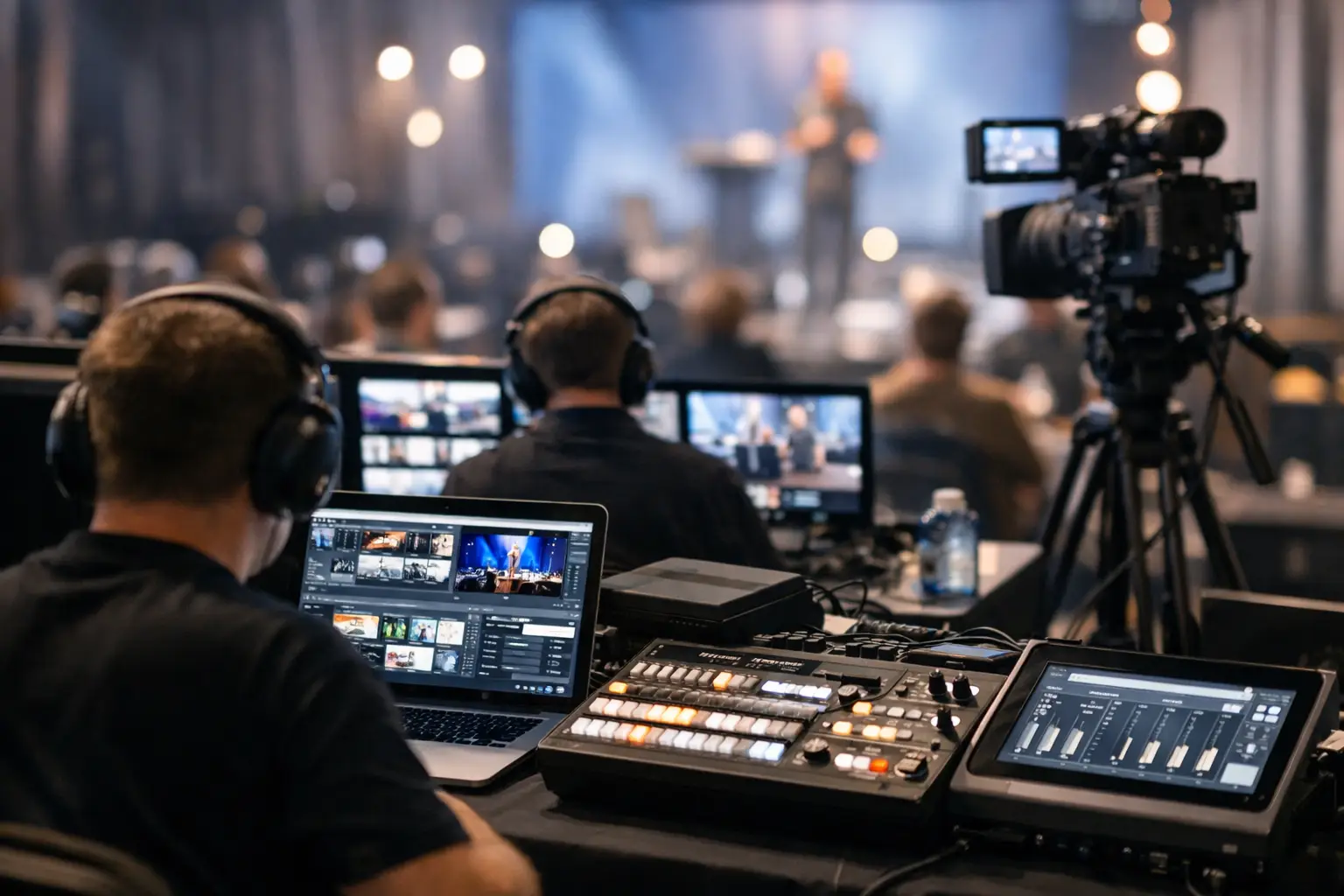
A useful offline event software review starts in the speaker ready room, not with a feature checklist. A presenter arrives ten minutes before a session with a revised deck, embedded video, and a request to use the latest version. The room operator is already checking playback. The technical team needs the file in the right room, on the right machine, with a clear record of what changed. That is the real test.
For conference and AV teams, offline event software is not simply a way to move files without internet access. It is an operational system for controlling presentation handoffs across people, rooms, and a live agenda. The difference matters when a venue Wi-Fi network is overloaded, a cloud upload stalls, or three versions of the same keynote are circulating at once.
What Offline Event Software Should Actually Solve
Consumer file-sharing tools are built around an individual sending a file to another individual. Conference production is different. A speaker room manager receives material, confirms session details, handles late updates, and sends files to operators working in scheduled rooms. Operators need to know whether a file is final, where it belongs, and whether the latest version has arrived.
An offline system should reflect that workflow. It should use the local network, allow devices to find each other without manual IP configuration, and route materials based on rooms or agenda assignments. The goal is not to create another folder structure for staff to manage. The goal is to remove the decisions and handoffs that cause mistakes under pressure.
This is especially relevant in multi-room conferences. A shared drive may hold every presentation, but it does not tell an operator which deck belongs to the next session in Ballroom B. Email creates an equally familiar problem: the attachment may arrive, but the team still has to decide whether it supersedes the version already loaded on the playback machine.
Purpose-built software makes the event structure visible. It connects files to sessions, rooms, and operational roles instead of treating each transfer as an isolated task.
Offline Event Software Review: The Criteria That Matter
The best way to assess a system is to follow the path of a real presentation from intake to show call. Marketing-level claims about collaboration are less useful than answers to a few practical questions: Can the team move a large video locally? Can an operator identify the newest file immediately? Can staff work when the venue internet is unavailable? Can the workflow be understood by a temporary ready-room assistant as well as an experienced AV engineer?
Local LAN operation is the foundation
Offline should mean the system can function over a local LAN without depending on an external internet connection. That is different from software that temporarily caches cloud files but still needs an account login, web service, or remote synchronization to complete normal work.
A local-first workflow reduces exposure to venue bandwidth limits and internet outages. It also avoids sending presentation material through public cloud storage when an event requires tighter control over where files travel. For corporate conferences, institutional meetings, and events handling sensitive material, that distinction can be operationally significant.
Still, local operation is not a substitute for network planning. Teams need a stable wired or managed local network, appropriate permissions, and a clear plan for where ready-room and operator devices connect. Software cannot repair an unmanaged network, but it can remove unnecessary dependency on one that is outside the production team's control.
Room-based routing prevents human routing errors
Manual delivery sounds simple until the agenda changes. A presenter moves rooms, a breakout is added, or a session is renamed. If staff must remember device names, shared-folder paths, and email recipients, the risk of sending a file to the wrong operator rises quickly.
Look for room-based routing tied to the agenda. A ready-room user should be able to select the scheduled session or destination room and send the materials directly to the corresponding operator machine. The operator should receive enough context to act without calling the ready room to verify the session.
This does not eliminate the need for communication. It makes communication more useful. Instead of asking, “Which version is this?” the operator can ask a specific production question, such as whether a presenter wants to start from slide 18 or whether the video has been tested with room audio.
Version visibility is more valuable than storage capacity
Storage is cheap. Certainty is not.
An event system should make it clear when a replacement file arrives and whether it has been delivered to the correct destination. File names alone are unreliable because presenters commonly use names such as “Final,” “Final 2,” or “Use This One.” A useful workflow gives both sides a visible trail: what was received, where it was sent, and what the current version is.
The exact level of version control depends on the event. A one-day meeting with six speakers may need only clear timestamps and replacement notices. A congress with concurrent tracks, speaker changes, and multiple ready-room staff needs stronger oversight. In either case, the team should be able to answer a basic question in seconds: what is loaded for the next session?
Communication belongs beside the file transfer
Messages split across text threads, radio calls, email, and personal messaging apps are easy to lose. When the message concerns a presentation update, it should travel in the same operational environment as the presentation itself.
In-app communication is useful when it is tied to the room, session, or delivery. It gives operators and ready-room staff a shared place to confirm receipt, flag a technical concern, or advise that a presenter has arrived with a new video. It should support the workflow, not become another chat channel that demands constant attention.
Setup must be realistic for show conditions
Some systems look capable in a controlled demo but require too much configuration for a live deployment. AV teams should examine how devices are discovered, how rooms are assigned, how users are added, and what happens if a device reconnects after a network interruption.
The right balance depends on the scale of the event. A production company running the same equipment package every week may accept a more detailed setup process. A venue hosting rotating clients and crews benefits from fast discovery and a repeatable configuration. In both cases, the workflow should be simple enough to brief during a production meeting and reliable enough to use during doors-open pressure.
Where General File Sharing Falls Short
USB drives remain common because they work without a network, but they create a physical chain of custody. Someone must carry the drive, locate the correct operator, wait for the copy, and confirm that the right version is on the right playback machine. They also introduce avoidable security and compatibility concerns.
Email avoids the walk across the venue but creates attachment limits, inbox clutter, and version ambiguity. Cloud drives can be helpful for pre-event collection, yet they depend on accounts, browser access, bandwidth, and staff discipline. They are often useful before the event and less dependable as the primary delivery method during it.
A dedicated offline workflow is not trying to replace every preproduction process. It addresses the show-day gap between receiving presentation material and putting it under the control of the correct room operator.
Consider the Full Presentation Chain
Presentation delivery is only one part of conference control. Multilingual events add another layer: interpreters need current slides in the booth, operators need the final playback version, and session teams need to stay aligned as timing changes. Speaker timing displays and presentation remotes introduce further handoffs between technical staff and the stage.
These functions do not have to come from one platform, but they should work as one operational model. Every additional tool should reduce ambiguity, not add a separate login, isolated schedule, or manual export. For example, Kondukto is designed around this production chain, with local presentation delivery as the core workflow and related tools for slide synchronization, speaker timing, and presentation control.
The key question is whether the system respects role boundaries. Ready-room staff should manage intake and delivery. Operators should receive and prepare files. Stage managers should manage time. Interpreters should see the material they need. Good event software supports those handoffs without forcing every user into the same crowded interface.
Questions to Ask Before You Commit
Before selecting offline event software, test it against your actual show plan rather than an idealized process. Use a sample agenda with concurrent rooms, a last-minute speaker update, a large video file, and a temporary network disruption. Ask who receives alerts, how the team confirms delivery, and what the fallback process is if a device is unavailable.
Also consider deployment across your typical events. A system that fits a single-room corporate meeting may not fit a congress with six parallel tracks. Conversely, a highly complex platform can be unnecessary if your main need is a clean, local route from speaker room to operator. The best choice is the one that removes the most frequent failure points without creating new work for the crew.
The useful measure is simple: when the next presenter arrives with a revised deck, can your team get it to the right room quickly, verify it is there, and return their attention to the show?