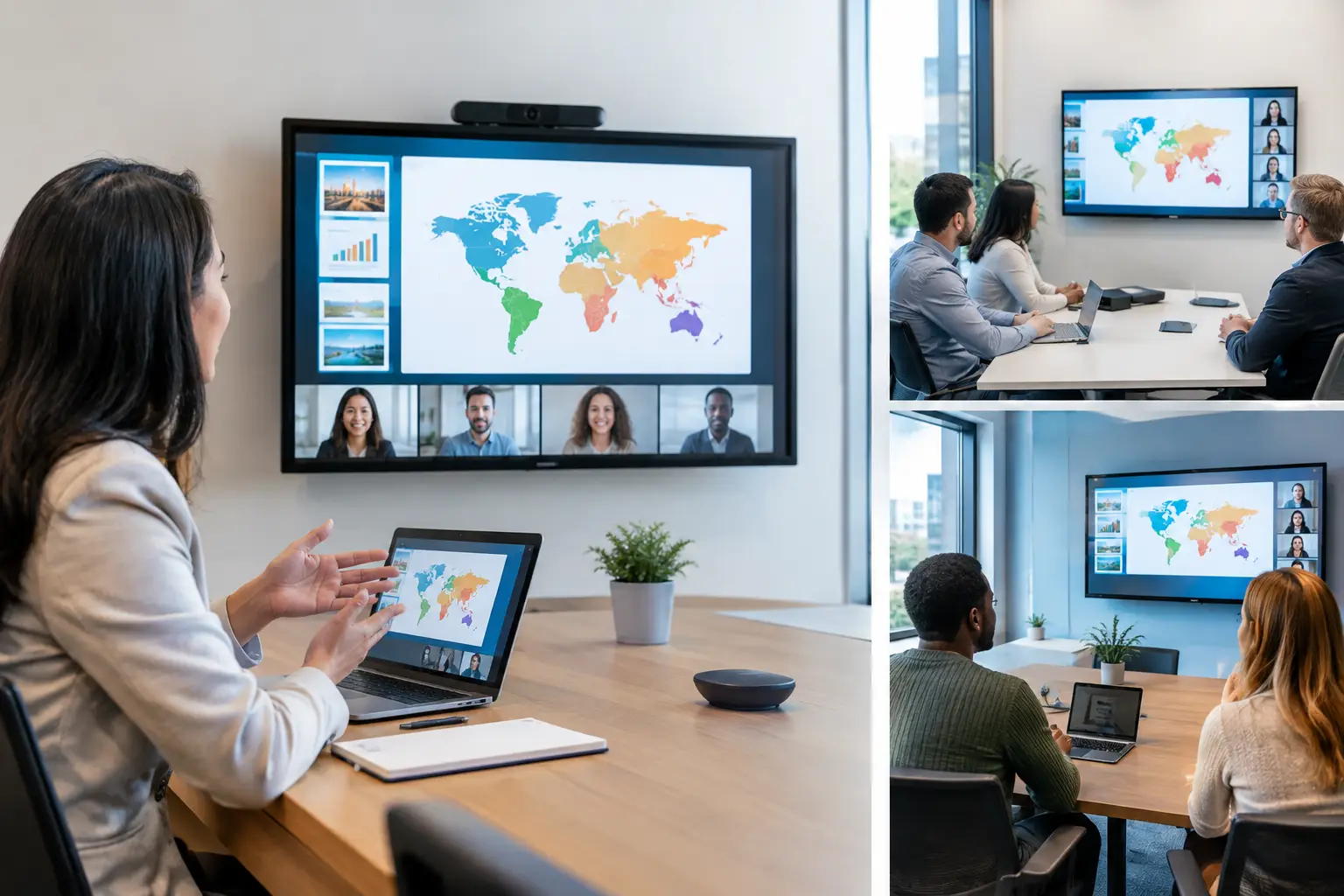
A speaker changes one chart three minutes before going on stage. At a multilingual congress, that change cannot stop at the presentation operator’s desk. To sync multilingual slides properly, the revised deck must reach every relevant room and interpreter booth quickly, with the right file version and no uncertainty about what is currently on screen.
That is not ordinary file sharing. It is a live production workflow. The difference matters when multiple language feeds, parallel sessions, last-minute speaker edits, and strict session timing all meet at once.
Why multilingual slide sync fails on show day
Most failures begin with a workflow that was acceptable for a single-room event. A speaker submits a deck by email, someone saves it to a shared folder, and operators download it when they have time. Add simultaneous interpretation and parallel rooms, and that process creates too many handoffs.
The first problem is version control. A file named `Final_v7_REALFINAL.pptx` may reach the English operator but not the French booth. An interpreter may be working from a printed handout while the speaker presents a revised slide with different figures. The audience hears a translation of content that no longer matches the screen.
The second problem is routing. Not every revision should go everywhere. A deck may need to reach the operator in Room B, the language booths assigned to Room B, and a show caller or session manager. Sending it to every device creates noise. Sending it manually to each destination takes time that the team does not have.
The third problem is dependency. Cloud folders and email depend on internet access, browser logins, upload completion, and people checking the right place at the right moment. USB drives avoid some of those dependencies but introduce others: physical movement, duplicate copies, missing adapters, and no record of who has received the update.
For multilingual events, the cost is higher than a minor technical inconvenience. Interpreters need enough lead time to understand terminology, charts, names, and changes in slide order. Operators need certainty that the deck is approved, complete, and correctly assigned. The speaker needs confidence that the content will appear when the session starts.
Sync multilingual slides by workflow, not by file
A reliable operation treats presentation delivery as a controlled route through defined roles. The goal is not merely to move a PowerPoint file. The goal is to place the correct material in front of the correct people, in the correct room, before it becomes a stage problem.
Start with room and agenda assignments
Before speakers arrive, build the event structure around the way the program will run. Each session should have a room, time slot, speaker, and the operator devices or booths that support it. This gives every file a destination from the beginning.
Agenda-based routing is more useful than folders labeled by language. The language requirement usually follows the session. If a keynote in the main hall requires English, Spanish, and French interpretation, the deck should be associated with that session and automatically available to the teams assigned to it.
This also prevents a common error: a booth receives a presentation for a similarly named session in another room. At a congress with repeated topics or multiple tracks, a visible room and time context is more reliable than a filename alone.
Use the local network for delivery
On-site presentation distribution should run over the local LAN, not depend on the venue’s public internet. A local connection keeps delivery inside the event network and reduces exposure to weak Wi-Fi, login issues, and external service interruptions.
The practical benefit is speed under pressure. A speaker room manager can send an updated presentation directly to assigned operator machines and interpretation positions without asking each recipient to download, refresh, or search for a link. Devices on the local network can be discovered and targeted according to the event setup.
This does not remove the need for a properly planned network. AV and IT teams still need to confirm VLAN access, IP addressing, firewall rules, wired connections where appropriate, and device visibility before doors open. But it removes the public internet as a critical part of the show path.
Give the speaker room one source of truth
The speaker room should be the controlled intake point for final presentation materials. That does not mean every file arrives there first, but it does mean one team owns the decision to release a deck to production.
When a speaker submits an update, the speaker room manager should verify the file opens, confirm the session assignment, review embedded video or supporting files, and identify whether the revision affects interpreters. Once approved, that version becomes the current production file.
The discipline is simple: do not let parallel copies become unofficial masters. If an operator receives a file by text message or a speaker hands a USB drive directly to a booth, send it through the same controlled path before it is used. That may feel slower in the moment, but it prevents operators and interpreters from working from different versions.
Make interpreter booths part of the distribution plan
Interpreter booths are often treated as an afterthought because they do not run the show computer. In practice, they are a critical production endpoint. A booth needs presentation material early enough to prepare, and it needs notice when anything changes.
A working setup should give interpreters access to the relevant deck in a usable format while preserving the operator’s show-ready materials. Whether the booth receives the original presentation, a rendered PDF, or both depends on the language provider’s process and the complexity of the deck. Animated builds, embedded media, and speaker notes can make a PDF insufficient. For dense technical content, interpreters may also need terminology lists or supporting documents.
The key is to decide this before the event. Ask language teams what format they need, how they will view files in the booth, and how late changes must be flagged. A deck delivered ten seconds before a speaker starts is technically delivered, but operationally too late.
When an update is sent, communicate the nature of the change. “Updated slide 14: revised revenue table” is more useful than “new file uploaded.” If the speaker has reordered sections, changed a key figure, or added an unplanned video, interpreter booths need that information immediately.
Build confirmations into the handoff
A delivered file is not the same as a received and usable file. Good multilingual slide synchronization includes confirmation at the points that matter.
The presentation operator should be able to confirm that the file has arrived, opens correctly, and contains expected media. The booth should be able to confirm that the deck is visible and that the correct version is available. The speaker room should know whether a delivery is pending, completed, or needs attention.
This is where purpose-built event software earns its place. KonduktoPILOT supports slide synchronization across rooms and interpreter booths through a local-network workflow designed around event roles, room assignments, and real-time operational communication. It replaces the question “Did you get it?” with a visible delivery status and a defined route.
Confirmation does not mean every minor update needs a long approval chain. The level of control should match the risk. A corrected speaker title can move quickly. A revised deck containing new videos, changed timings, or altered language-sensitive figures deserves a check by both the operator and the relevant booth.
Plan for exceptions before they happen
No workflow eliminates late changes. It gives the team a way to handle them without improvising. The best time to set that process is during technical planning, not during a keynote countdown.
Define who can release updated files, who approves changes after a cutoff time, and who communicates those changes to interpreters. Establish a clear naming convention, but do not rely on filenames as the only version indicator. Keep the session context and delivery history visible.
Also decide what happens when a booth connection drops or an operator device needs replacement. A local distribution system should be supported by practical redundancy: prepared backup devices, a tested network path, and an agreed fallback format. The right fallback depends on the event. A small internal meeting may be fine with a secured backup drive. A major multilingual congress may require redundant operator positions and a dedicated support person.
The result is less traffic, not more technology
The value of syncing multilingual slides is not that everyone receives more files. It is that fewer people need to chase, forward, rename, download, and verify them manually. The workflow removes unnecessary traffic between the speaker room, technical control, and booths.
For operators, that means more time to test playback, check aspect ratios, and prepare session transitions. For interpreters, it means better preparation and fewer surprises mid-sentence. For organizers, it means a late speaker revision stays a managed task instead of becoming a room-to-room emergency.
At multilingual events, presentation distribution is part of the show system. Treat it with the same planning you apply to audio routing, confidence monitors, and show calls. When the next revised deck arrives five minutes before stage time, the team should not need a workaround. They should already have a route.