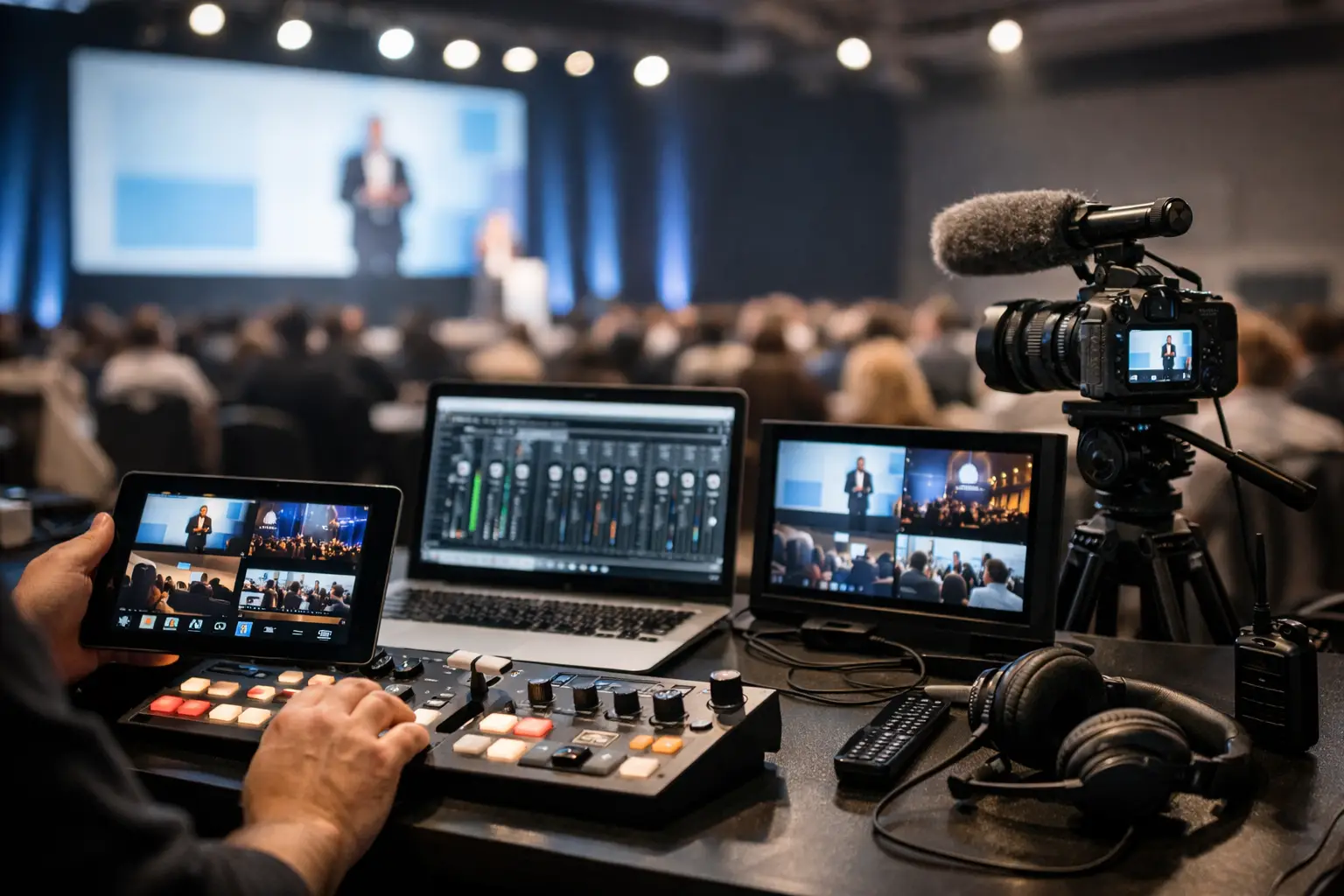
A speaker arrives 12 minutes before their session with a revised deck, an embedded video, and a USB drive labeled “FINAL_v7.” The room operator is already checking playback for the previous speaker. That handoff is where the best conference media tools earn their place. They do not just move files. They give the speaker room, technical team, and production manager a controlled way to prepare, route, confirm, and run content under pressure.
For a single-room meeting, consumer file sharing may be enough. For a congress with parallel tracks, speaker ready rooms, interpretation booths, and last-minute changes, it creates more work than it removes. The right media toolset is built around event roles and room assignments, not around generic folders.
What Conference Media Tools Need to Solve
Conference media operations are a chain. A file must arrive, be checked, reach the correct room, open on the intended playback machine, and remain traceable when the speaker changes it at the last minute. A failure at any point can affect the next session, the confidence of the presenter, and the schedule for an entire track.
The weak points are familiar: USB drives that never return to the speaker room, attachments blocked by size limits, cloud uploads stalled by venue Wi-Fi, and multiple versions of the same presentation sitting on different laptops. None of these are unusual problems. They are the predictable result of using tools that were not designed for a live production workflow.
The best systems reduce uncertainty in four areas: file delivery, version control, live presentation control, and communication between the people responsible for content. They should work on the local event network, keep room destinations clear, and allow teams to confirm status without walking across a venue to ask whether a deck has arrived.
The Best Conference Media Tools by Operational Job
There is no single application that replaces every piece of a conference media workflow. The strongest setup uses purpose-built tools for the jobs that carry the most risk.
1. Presentation delivery software
This is the foundation. Presentation delivery software moves slides, video, PDFs, and supporting assets from the speaker room to the operator position. For professional events, the key question is not whether it can transfer a file. Almost any service can do that. The question is whether it can route the right content to the right room, on the local LAN, without depending on public internet access.
Look for automatic discovery of operator machines, room-based destinations, visible transfer status, and agenda-linked sessions. These features prevent a common mistake: a file is successfully sent, but it lands on the wrong computer or the team cannot tell which version the operator received.
Offline capability matters even when a venue promises strong Wi-Fi. Public networks are shared, unpredictable, and often heavily restricted. A local network workflow gives the production team a controllable path between the speaker room and show machines. It also avoids asking presenters to sign into personal cloud accounts on event equipment.
Kondukto is designed around this workflow, sending presentation materials directly over the local LAN from the speaker room to assigned technical operators, with agenda and room context built into the process.
2. Speaker ready room intake tools
A speaker ready room needs more than a table full of adapters and a file browser. The team needs a repeatable intake process: receive the presentation, inspect fonts and media, confirm the session and room, test playback, then transmit the approved version.
An intake tool can be a dedicated desktop workflow or a web portal used before the event. The right choice depends on presenter behavior. A pre-event upload portal can reduce show-day traffic for organized speakers, but it will not eliminate late arrivals or on-site edits. The speaker ready room remains the final quality-control point.
The useful tools keep presenter information, session timing, and files connected. If a technician has to search three spreadsheets to identify a deck, the process is already too fragile. Make sure the team can see the session title, speaker name, destination room, received time, and current version at a glance.
3. Presentation remotes and backup control
A reliable presentation remote is small equipment with a large effect on stage. It gives speakers control without requiring them to stand at the lectern or call slide cues to an operator. But it must be tested against the actual presentation computer, receiver placement, and stage layout.
For high-stakes sessions, the remote should not be the only control method. The operator needs direct keyboard or show-control access as a backup. A battery check, spare remote, and a defined handoff procedure are more valuable than a remote with a long list of features.
The trade-off is simple. More controls can help experienced presenters, but extra buttons can create accidental blackouts, laser activation, or unwanted slide jumps. Choose remotes that fit the speaker profile and keep the operating method obvious.
4. Speaker timing tools
Timing tools protect the agenda when speakers do not. A clear confidence timer gives presenters usable cues for elapsed time, remaining time, and session end. It reduces the need for a stage manager to make improvised hand signals from the wings.
The best timing setup is visible from the speaking position and easy for the show caller to adjust. It should handle session-specific durations, warning states, and overtime indicators without distracting the speaker. For panels, it is often more useful to run a shared session clock than to time every participant separately.
Do not treat timing as an isolated feature. The agenda must be accurate, the stage manager must know who starts the clock, and the speaker should understand the display before walking onstage. A timer is only effective when its signals are agreed upon.
5. Multilingual slide synchronization
At interpreted conferences, slides reaching the room is only part of the job. Interpreters need timely access to the same presentation materials so they can prepare terminology, follow visual references, and anticipate content changes.
A multilingual slide synchronization tool should distribute materials to interpreter booths without requiring manual forwarding by the speaker room team. It should also respect the reality of parallel tracks: booths need the content for their assigned room, not a flood of every file from the event.
This is an area where generic sharing tools create hidden operational load. They may make files available, but they do not connect slides to rooms, sessions, and language workflows. For international congresses, that missing context becomes expensive in time and attention.
How to Evaluate the Best Conference Media Tools
Before buying software or assembling a toolkit, map the actual path a presentation follows at your events. Include the exceptions, not just the planned process. What happens when a speaker changes one slide after technical check? What happens when the assigned room changes? Who has authority to replace the live version? Where does the operator see the update?
Use these criteria to assess each tool:
- Local-network operation that does not require public internet access
- Clear routing by room, session, and technical destination
- Visible confirmation that a transfer or update was received
- Version clarity, including who sent the latest file and when
- Role-based access for speaker room, operators, stage management, and interpreters
- A workflow that can be learned during event setup, not after a lengthy technical rollout
Compatibility also deserves a practical test. Bring in a real PowerPoint deck with embedded video, unusual fonts, and external media. Test it on the exact playback machines and network that will be used on show day. A tool can look correct in a demo and still expose a gap when faced with actual conference content.
Build Redundancy Without Building Confusion
Redundancy is necessary. Duplicate pathways are not. Keep one approved master presentation per session, one defined delivery route, and one clearly stated fallback method if the primary route fails. For many teams, the fallback is a controlled local copy held by the technical lead, not a collection of random USB drives.
Document ownership as well. The speaker room team owns intake and quality checks. The room operator owns receipt and playback verification. Stage management owns timing and live cues. Production leadership owns the exception path when a change affects the running order. Tools work better when nobody has to guess who is responsible for the next action.
A good conference media workflow should feel quiet during the busiest hour of the day. Not because there are no changes, but because every change has a known route, a visible status, and a person accountable for it. Start with the handoff that causes the most friction in your current operation, then choose the tool that removes that failure point first.