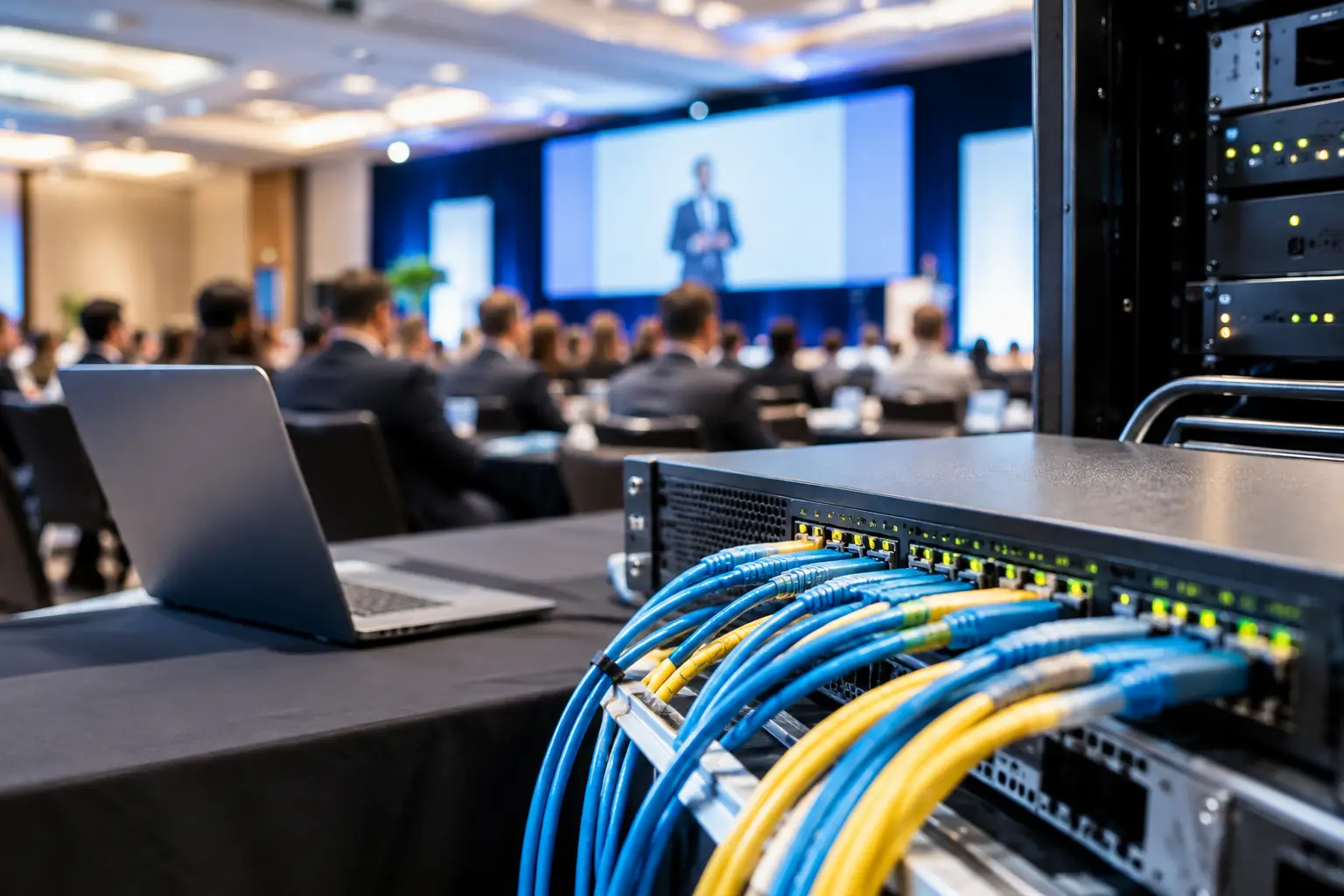
A speaker arrives 12 minutes before a session with a revised deck, a video file, and no idea which room they are assigned to. This is when the question of how to configure event LAN stops being an IT task and becomes a show-critical production decision. The network must move files quickly, route them to the right operator, and keep working when the venue Wi-Fi fills up.
For conference presentation delivery, a good event LAN is not defined by internet speed. It is defined by predictable local performance, clear separation of traffic, and a workflow that tells every team member where a file is going and whether it arrived. Build for the room operators first. Everything else follows from that.
Start with the presentation workflow, not the network diagram
Before assigning an IP address, map the path of a presentation. In a typical conference setup, materials move from a speaker-ready room to one or more technical operator positions. Some events also need files routed to interpreter booths, overflow rooms, confidence monitors, or recording stations.
List the locations that must send and receive files, then identify who owns each handoff. A speaker-ready manager should not need to guess which laptop belongs to Ballroom C. The operator in Ballroom C should not have to search email, USB drives, and shared folders for the latest version.
This is where purpose-built event software earns its place. A system such as Kondukto can use room assignments and agenda data to direct a presentation from the speaker room to the correct operator machine over the local network. The LAN provides the transport, while the event workflow provides the control.
Your network plan should answer four operational questions:
- Which devices are allowed to exchange presentation files?
- Which rooms or workstations receive files from the speaker-ready room?
- What happens if a file must go to multiple destinations?
- How will the team confirm that the correct version reached the correct room?
If these answers live only in one technician's head, the setup is already fragile.
How to configure event LAN for presentation delivery
The most reliable approach is a dedicated wired network for production file delivery. It can be physically separate from the venue network or logically separated using VLANs. Either can work. The right choice depends on venue access, the scale of the show, and whether the venue IT team can provide clean network segmentation.
Use wired Ethernet as the primary path
Run Ethernet to the speaker-ready room, the show-control or network position, and every technical operator desk that receives presentations. A managed gigabit switch is usually sufficient for standard slide decks and most playback files. For events with high-resolution video, large media packages, or many simultaneous transfers, use switching with 10 Gb uplinks between core locations where practical.
Wi-Fi can support mobility, but it should not be the only path for time-sensitive transfers. Conference Wi-Fi is shared radio space. It changes as exhibitors arrive, attendees connect, and nearby access points compete for channels. A deck may transfer without issue at 7:00 a.m. and stall just before a full afternoon program.
A practical model is wired operator stations and wired speaker-room infrastructure, with a controlled Wi-Fi access point only when staff devices genuinely need mobile access. Keep the wireless SSID separate from public attendee Wi-Fi.
Create a dedicated VLAN when sharing venue infrastructure
If production devices must use the venue's managed switching, request a dedicated VLAN for presentation delivery. This isolates file-transfer traffic from guest devices, office systems, point-of-sale equipment, and general venue operations.
The VLAN does not need internet access to move files locally. In fact, a local-only design often reduces risk. It prevents an internet outage from becoming a presentation-delivery outage and avoids unnecessary exposure to external traffic.
Ask venue IT for the VLAN ID, the assigned switch ports, available DHCP service, and any firewall rules that could block local device discovery or file-transfer traffic. Do not assume that devices on the same Wi-Fi name can see each other. Client isolation is common on managed guest networks and will break peer-to-peer discovery.
Use a simple, documented IP plan
For small and medium events, DHCP reservations are usually the cleanest option. Reserve predictable addresses for the speaker-room workstation, file-delivery server or coordinator device, operator machines, and any critical network hardware.
For example, you might use one private subnet for the presentation VLAN and keep the first address range for infrastructure, the next range for fixed production computers, and a separate range for temporary approved devices. The exact numbering matters less than consistency.
Static IP addresses can work, especially in tightly controlled systems, but they create more room for human error when devices are swapped, reimaged, or added late. If you use static addressing, maintain a device list with the hostname, MAC address, room, operator position, and IP address. Print it. Save a local copy. Do not leave this information only in a cloud document that may be unavailable on site.
Control access without blocking the show
The production LAN should not be an open network for every crew laptop. Use a network password, restrict switch ports where possible, and approve the devices that need access. At the same time, avoid security settings that prevent required devices from finding each other.
The balance is simple: isolate presentation delivery from public and nonessential networks, then allow the approved devices on that segment to communicate directly. Test the actual software workflow after applying any firewall policy. A successful ping does not prove that discovery, routing, or file delivery will work.
Build redundancy around the real failure points
Redundancy is not adding equipment at random. It is protecting the parts of the workflow most likely to fail under pressure.
Start with power. Put the core switch, router or firewall, and speaker-room delivery workstation on an uninterruptible power supply. A brief power interruption can reboot a switch, interrupt transfers, and leave operators wondering whether they have the current file.
Then protect physical links. If the speaker-ready room is distant from the ballroom cluster, consider two possible cable routes or keep a tested spare cable path available. In venues where cable runs are impossible, a dedicated point-to-point wireless bridge may be a valid backup, but it should be tested in the actual RF environment and not treated as equivalent to Ethernet.
Finally, plan for workstation failure. Keep a spare operator laptop configured for the presentation LAN and ready to join the assigned room workflow. A spare laptop with no approved software, no cables, and no IP configuration is not a backup. It is a future task.
Test the network like a live event, not like an office
A network test is complete only when it proves the operating workflow. Connect every speaker-room and operator device in its final physical location. Send a normal presentation, then send a large video package. Route a file to one room, then to multiple rooms. Confirm that the receiving operator can identify the sender, session, room, and version without calling the speaker-ready desk.
Test while other production equipment is online. Streaming encoders, control systems, and venue services may create conditions that do not exist during an empty-room test. If your event will run simultaneous interpretation, include interpreter-related devices and verify that presentation changes reach the required locations at the right time.
Run one failure exercise as well. Disconnect a network cable, reboot an operator workstation, or take the primary switch out of service during rehearsal. The goal is not to create drama. It is to verify that the team knows the fallback process before an audience is in the room.
Keep the show-day network simple
Once testing is complete, resist last-minute redesigns. Label switch ports by room and role. Label both ends of every cable. Keep a small network map at the speaker-ready desk and at the technical control position. Record who has authority to connect a new device or change a switch setting.
During show hours, monitor the basics: link status, device connectivity, transfer failures, and available switch ports. Do not use the presentation LAN as a convenient network for ad hoc staff browsing, personal backups, or unrelated production traffic. The more exceptions you allow, the harder it becomes to troubleshoot the one transfer that matters.
A well-configured event LAN should disappear into the workflow. Speakers hand over files, the correct rooms receive them, operators have confirmation, and the team stays focused on the program rather than chasing USB drives. Build that certainty before doors open, when there is still time to fix the cable, the VLAN, or the process.