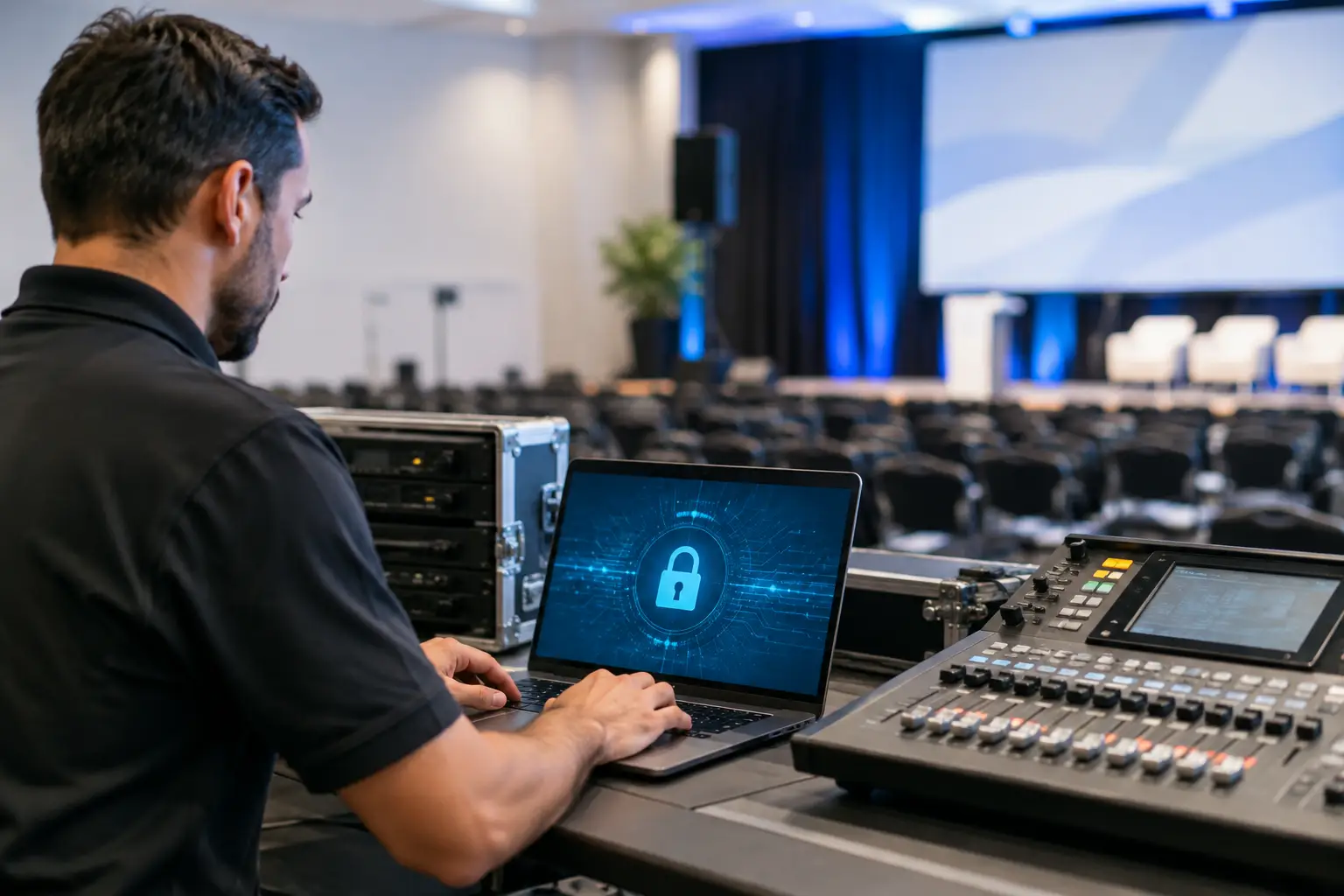
A presentation can contain unpublished financials, patient data, product roadmaps, legal material, or speaker notes that were never meant to leave the production workflow. That makes an event encryption review more than an IT checkbox. For conference AV teams, it is a practical test of whether presentation delivery is protected without creating another point of failure on show day.
Encryption matters, but it is only one part of secure event operations. A system can use strong encryption and still expose files through shared credentials, unrestricted operator access, personal cloud accounts, or an uncontrolled USB handoff. The right review looks at the whole path: where a speaker uploads a file, who can see it, how it reaches the assigned room, and how the team recovers if a device or network segment fails.
What an event encryption review should cover
Start by defining the material at risk. Not every breakout presentation requires the same controls as a board meeting, government session, investor briefing, or medical congress. The security requirement depends on the content, venue network policy, client obligations, and the number of people handling files.
Then map the delivery path. In a typical conference, files may move from a speaker laptop to a speaker ready room, from a web upload portal to a storage location, from a technician workstation to a playback machine, and sometimes to interpreter booths or overflow rooms. Every transfer, copy, and account creates a decision point.
A useful review separates three questions. Is the data protected while it travels across the network? Is it protected where it is stored? And are only the right people able to access it? Those questions sound basic, but they expose many weak event workflows quickly.
Encryption in transit protects a file while it moves between devices or services. For an internet-facing speaker upload process, this is essential. For local presentation distribution, the review should confirm that traffic on the event LAN is protected where appropriate and that the system does not quietly fall back to an open or outdated connection method.
Encryption at rest concerns files saved on workstations, local servers, or hosted storage. This is particularly relevant when files remain available after a session, when laptops travel between venues, or when an operator machine is shared across shifts. It also raises a practical question: how long does the event need to retain each file? Keeping everything forever is not a security plan.
Access control is the third part, and often the part that matters most operationally. A room operator needs the current deck for that room. They do not necessarily need visibility into every executive presentation at the event. A speaker ready room manager may need to receive and validate a file without being able to alter a show machine. The system should reflect those real roles instead of treating the entire production team as one shared user.
Encryption is not a substitute for a controlled workflow
Email attachments, consumer cloud folders, and USB drives make it difficult to know which version is current and who has copied it. They also force teams to create workarounds when a file changes five minutes before doors open. Those workarounds are where files get misplaced, duplicated, or sent to the wrong room.
A purpose-built delivery workflow reduces that exposure by routing material according to the agenda and room assignment. The security value is not just technical. It is procedural. When a slide coordinator can send a revised deck directly to the assigned operator machine, there is less reason for staff to use personal email, ad hoc file-sharing accounts, or a USB drive passed through three people.
That distinction matters in any event encryption review. Ask whether encryption supports the workflow or whether it adds steps that operators will bypass under pressure. If staff need to install a consumer app, exchange passwords, locate a folder, and manually identify the correct version, the process is already vulnerable. A good system reduces choices at the moment people have the least time to make them.
For example, Kondukto is designed around the speaker room-to-operator workflow, with room-based routing and local network delivery. The operational benefit is clear: teams can keep presentation movement inside a controlled event process rather than improvising file transfers across unrelated tools.
Review the local network, not just the cloud
Conference teams often focus on internet security because speaker upload portals and remote stakeholders are visible concerns. But many of the most sensitive transfers happen after the file reaches the venue, on the local LAN between the speaker ready room and technical positions.
A local network can be fast and reliable, especially when the venue internet is overloaded or unavailable. It is not automatically private. Event networks may include guest Wi-Fi, exhibitor devices, venue systems, and third-party staff. A secure design should account for network segmentation, controlled access to the production network, and the ability to identify which devices are participating in presentation delivery.
Automatic device discovery is useful when rooms are changing and technicians need speed. It should still operate within clear boundaries. During a review, establish whether unauthorized devices can appear as possible destinations, whether operators can confirm the target room before sending, and whether the production network is separated from public guest access.
Do not assume that a password alone solves this. Shared Wi-Fi credentials often move far beyond the core crew. The better approach is to work with the venue IT team early, define a production network or VLAN where possible, and confirm the routing rules before the first speaker arrives.
Access should follow event roles
Live events need speed, but unrestricted access creates avoidable risk. The answer is not to put every file behind a complicated approval chain. It is to give each role the access needed to do its job.
A practical model separates speaker upload or intake, file validation, room delivery, and system administration. The person checking fonts and embedded video may need to replace or approve a file. The room operator may need to receive and play the approved version. The lead AV manager may need an overview of every room and the ability to intervene. Those are different responsibilities.
During an event encryption review, look for evidence that the platform supports this separation. Confirm whether accounts are individual or shared, whether permissions can be limited by room or function, and whether departing freelancers can be removed promptly. Also ask whether the system records meaningful operational activity, such as who sent a file, when it was received, and which room was selected.
Logs do not need to turn a speaker ready room into a compliance project. They are valuable because they settle practical questions fast. When a presenter says the revised deck was sent, the team should be able to verify the transfer instead of searching inboxes and chat threads.
Offline capability changes the risk calculation
Cloud-only delivery creates a dependency that does not fit every venue. Internet access can be congested, restricted, or temporarily unavailable. If a security control requires a live external connection to validate every action, it may become the reason a team abandons the approved process when the network fails.
For conference operations, local delivery and offline continuity are security features as well as reliability features. They keep sensitive content within the event environment and let the team continue working when the internet is not usable. The review should clarify exactly what remains functional offline, what needs connectivity, and how the system behaves when a device reconnects.
There is a trade-off. Offline workflows require disciplined preparation. Devices must be enrolled, rooms must be assigned, and the local network must be tested before show time. That is still preferable to discovering at 8:55 a.m. that the production workflow depends on a hotel internet connection that has just slowed to a crawl.
Questions to ask before approving a system
A short vendor conversation can reveal whether security claims are operationally useful. Ask these questions in plain language:
- How are files protected during upload, local transfer, and storage?
- Can access be limited by role, room, or event?
- What happens if the internet fails while the local event network remains available?
- How are device discovery and destination confirmation handled on a multi-room network?
- Can the team verify who delivered a file and which version reached the room?
- How are files and user access removed after the event?
The answer should be specific enough for an AV manager and event IT contact to test. Broad claims about being "secure" are not enough. Ask for the workflow behind the claim, including the failure case.
Build security into rehearsal, not the crisis response
The best time to test encryption, permissions, and routing is during technical preparation. Run a real transfer from the speaker ready room to each room. Send a revision. Confirm that the operator sees the correct version. Test a device reconnection and a local-network-only scenario. Verify that a person assigned to one room cannot accidentally send material to another.
Keep a defined exception process as well. A keynote speaker may arrive with a last-minute video file, or a client may require a restricted handoff. The team should know who can authorize the exception, how it is recorded, and when the temporary copy is removed. Security works best when the approved path is faster than the workaround.
A useful event encryption review leaves the team with fewer assumptions and clearer decisions. Protect the file, control who can move it, keep the workflow functioning without internet dependency, and rehearse the recovery path before the room fills. That is how encryption becomes part of reliable show delivery rather than another item on a pre-event checklist.