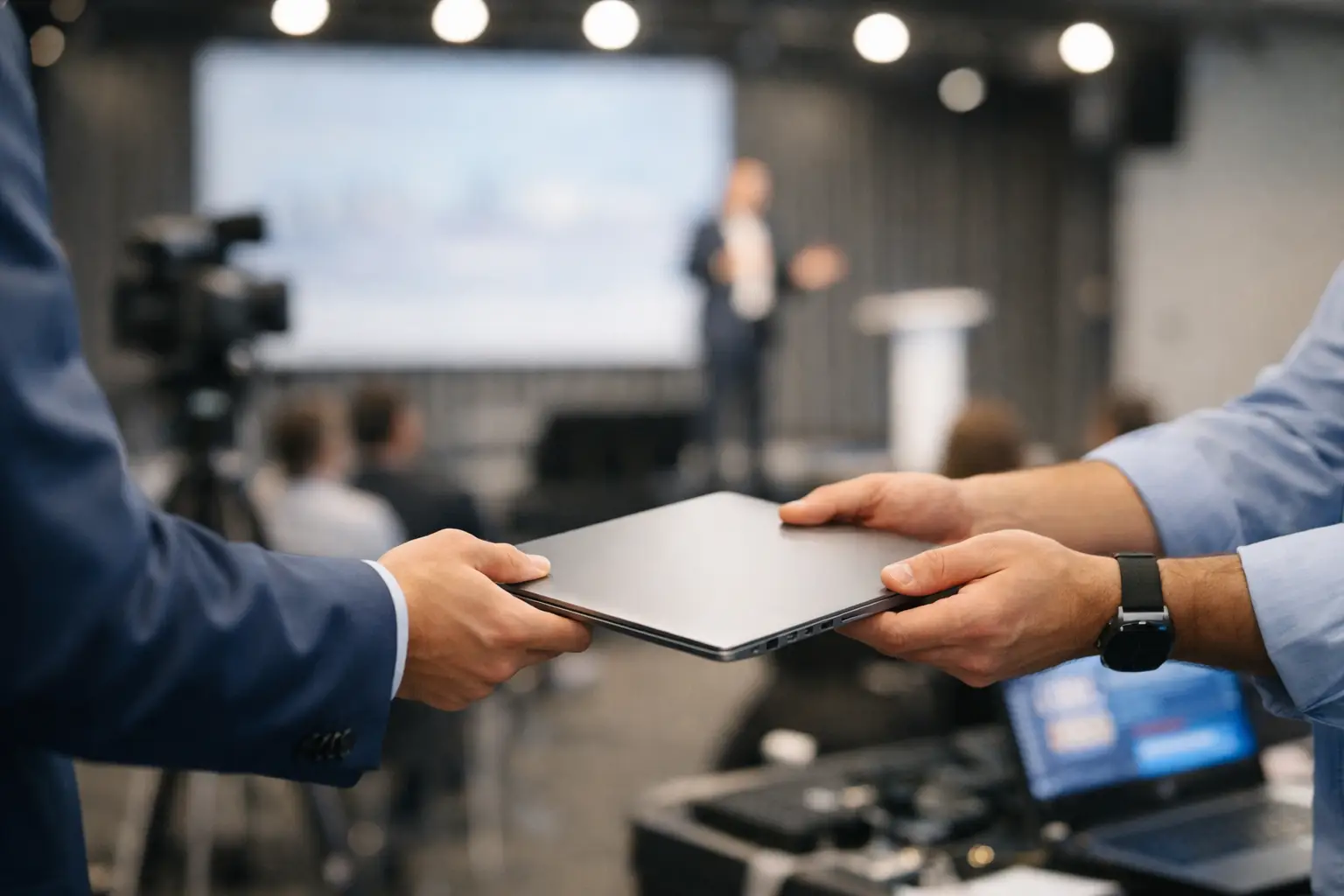
At 8:12 a.m., the keynote deck is still in the speaker ready room, the operator in Ballroom A is asking which version is final, and someone is jogging across the venue with a USB stick. That is presentation handoff for live events in its most familiar form - rushed, manual, and one mistake away from a visible show problem.
Most teams do not lose control because they lack effort. They lose control because the handoff process was never designed for show conditions. A conference may have multiple rooms, overlapping sessions, late speaker edits, embedded video, confidence monitor requirements, and operators who need the right file now, not after another round of emails and naming checks. When the transfer method is improvised, the pressure lands on people instead of the workflow.
Why presentation handoff for live events fails so often
The usual tools are not wrong in general. They are wrong for this job.
USB drives are still common because they feel direct. But direct is not the same as controlled. Drives get mislabeled, left in machines, overwritten, or handed to the wrong room. Even when the process works, it depends on physical movement through a venue that is already on a tight clock.
Email is worse once the event starts. File size limits force workarounds. Version history becomes guesswork. Operators receive attachments with names like Final_v3_REAL and have no clean way to know whether a newer deck is still in the speaker room.
Cloud storage sounds better until venue conditions get involved. Shared folders can work for prep, but live show use is another matter. If on-site Wi-Fi is congested, segmented, or restricted, access slows down at the exact moment the room needs certainty. Even when connectivity holds, cloud tools are not built around room routing, session timing, or operator-specific delivery.
That is the core issue. Presentation handoff for live events is not basic file sharing. It is an operational workflow with room assignments, deadlines, and consequences. Treat it like generic storage, and the process stays fragile.
What a working handoff process actually needs
A reliable handoff system has to match how conference teams really operate. It needs to move files from speaker intake to the correct operator position without relying on memory, foot traffic, or internet access. It also needs to handle the ugly realities of show day: last-minute edits, unsupported media, speaker confusion, and parallel sessions.
The first requirement is local reliability. On show day, local network transfer is usually the safer choice than anything that depends on external connectivity. If the slideroom station and operator machines can discover each other on the LAN and exchange content directly, the workflow becomes faster and easier to trust.
The second requirement is role-based clarity. Speaker ready room staff should not need to explain every detail over radio or chat. Operators should be able to see what belongs in their room and when it changed. If a deck is updated 10 minutes before session start, the room should know that update is intentional and current.
The third requirement is file completeness. A deck is rarely just a deck. Videos, fonts, PDFs, backup assets, and supporting files all matter. Handoff breaks when only the PowerPoint travels but the linked media stays behind.
The fourth requirement is a workflow built around agenda and room structure. Events are not flat directories. They are sessions, speakers, rooms, and times. The more the system reflects that structure, the less human translation the team has to do under pressure.
The hidden cost of manual routing
A lot of teams tolerate manual routing because it feels familiar. But familiarity hides labor.
Every time a speaker ready room manager renames files to make them understandable for an operator, that is manual routing. Every time a stage manager confirms over comms that Ballroom B has the latest deck, that is manual routing. Every time an operator checks a USB drive against a run of show to confirm the speaker order, that is manual routing.
None of those steps are dramatic on their own. Across a multi-room conference, they add up to delays, repeated questions, and avoidable risk. The process works until one person gets busy, one file goes to the wrong room, or one late revision slips through.
How to improve presentation handoff for live events
The fix is not adding more heroics. It is removing unnecessary decisions from the chain.
Start with a single intake point for speaker materials. Whether that is a staffed speaker ready room or a designated prep station, the rule should be simple: all final presentation assets enter the show workflow there. That gives the team one source of truth instead of three side channels.
From there, route content by room and session, not by individual memory. If Session 204 is assigned to Room C, the file should follow that structure automatically. Operators should receive only what is relevant to their room, with clear visibility into updates.
Keep the transfer local whenever possible. A local LAN-based workflow removes one of the biggest variables on-site - internet dependence. It also shortens the path between intake and playback positions, which matters when a speaker makes a correction minutes before walking onstage.
Just as important, move full presentation packages rather than isolated files. If a deck includes video or supporting assets, they should travel together. That reduces the chance of the classic show-day failure where the slides are present but the media is missing or broken.
Finally, build communication into the handoff itself. Teams often patch this together with radios, text threads, or hallway conversations. Those methods can still have a place, but the core workflow should not depend on them. If the handoff tool can show what was sent, where it went, and whether something changed, the team spends less time confirming basic facts.
Where different event types need different approaches
Not every show has the same handoff pressure.
A single-room corporate meeting can survive with a lighter process because the room operator and speaker wrangler may be standing next to each other. The risk goes up as soon as the event expands across rooms, floors, or buildings. Multi-track conferences need more structure because distance and overlap remove the safety net of informal coordination.
Production companies also face a different challenge than in-house venue teams. They may walk into a new network environment every week, with different client expectations and different levels of speaker readiness. In that case, simplicity matters as much as control. If setup is complicated, the workflow may be ignored in favor of old habits.
There is also a trade-off between strictness and flexibility. A locked-down process reduces mistakes, but if it cannot handle a VIP speaker arriving with a last-second replacement video, staff will work around it. The best systems enforce the essentials while still letting experienced teams respond fast.
What operators and organizers should look for
If you are evaluating your current process, the right question is not whether files usually get where they need to go. The right question is how much effort and luck it takes.
A stronger workflow should reduce USB movement, reduce dependence on public or guest Wi-Fi, and reduce version confusion between speaker ready rooms and operators. It should also make training easier. New crew should be able to understand the path from intake to room delivery without learning a stack of unwritten rules.
This is where purpose-built event software has an advantage over generic sharing tools. Software designed around conference operations can map to rooms, schedules, and technical roles in a way consumer platforms do not. Kondukto, for example, is built around that exact problem: sending presentations, videos, and supporting files from slideroom to operator stations over the local network without turning the handoff into a scavenger hunt.
That does not mean every event needs the same level of tooling. Smaller shows may accept more manual handling. But once presentation traffic becomes frequent, cross-room, or time-sensitive, the cost of improvised methods usually exceeds the cost of fixing the workflow.
The cleanest handoff is the one nobody has to think about during doors. When the right file reaches the right room at the right time, operators can focus on playback, organizers can focus on the program, and the speaker ready room stops acting like a courier desk. That is the standard worth building toward before the next show asks your team to move faster than your process can handle.