
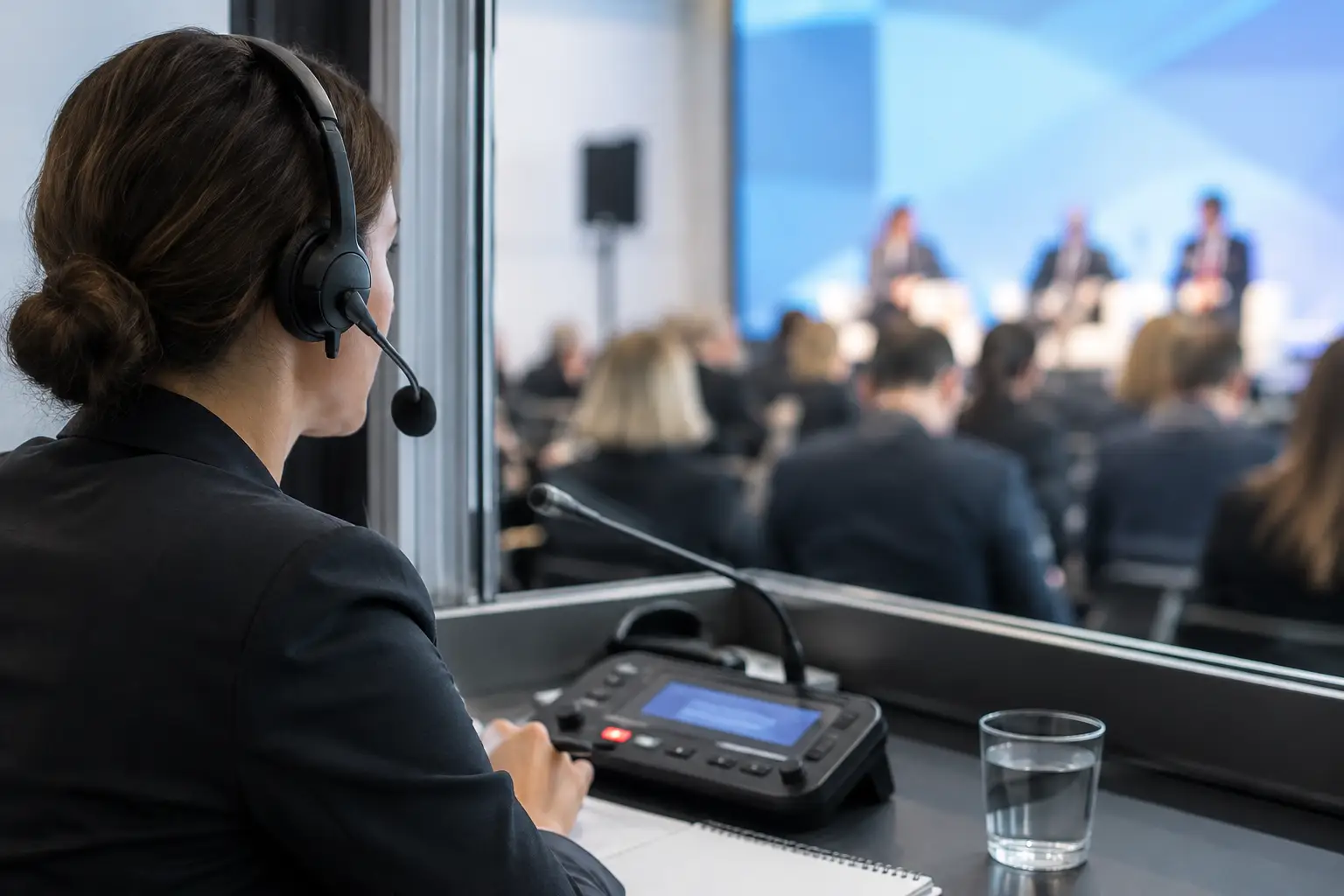
A speaker changes three slides while the interpreter booth is still working from an older deck. The audience may not notice immediately, but the interpreter does. At multilingual conferences, interpreter workflow trends are increasingly shaped by one operational requirement: booth teams need the same visual context as the room, at the right moment, without chasing files during a live session.
For years, the workaround was familiar. A speaker room coordinator forwarded a presentation, an AV operator loaded it, and someone tried to get a copy to the booth. That process breaks down when the speaker makes a last-minute edit, switches to a new deck, or presents in a different room than originally planned. The issue is not simply file access. It is timing, version control, room assignment, and the ability to respond when the agenda changes under pressure.
Why interpreter workflows are changing
Simultaneous interpretation has always depended on preparation. Interpreters need terminology, speaker notes when available, and a clear view of the presentation. But preparation alone cannot solve the live problem: presentations are active show assets. They change, move, and sometimes arrive minutes before a session starts.
The strongest trend is a shift away from treating slides as documents that are sent once. Production teams are starting to treat them as live content that must be routed, tracked, and synchronized across specific event roles. A deck belongs to a session, a room, a speaker, and a current approved version. When those relationships are visible, the booth is no longer dependent on a manual handoff from a busy technician.
This matters most at congresses, institutional meetings, medical programs, and corporate events with multiple parallel rooms. A single missed update can affect a full interpretation team and reduce clarity for an entire language channel. The operational cost is higher than the inconvenience of one misplaced file.
Interpreter workflow trends: slides follow the agenda
Agenda-aware delivery is replacing folder-based delivery. A shared folder can store a presentation, but it does not know whether that file is scheduled for Ballroom B at 2:30 p.m., whether it replaces a previous version, or whether the speaker has been moved to another room.
Event teams are increasingly building workflows around the running order. When a coordinator assigns a presentation to a session and room, the technical operator and interpreter booth should receive the correct material through that assignment. This reduces the number of decisions people need to make during a changeover.
The practical benefit is simple: people stop asking, “Which deck is current?” and start working from an operational view of what is next. For interpreter teams, that means less time spent comparing file names and more time spent preparing for the next speaker.
There is a trade-off. Agenda-based workflows require discipline before doors open. Sessions, rooms, and speaker materials must be organized accurately. But that work is far easier to manage in advance than during a live session when an operator is loading a revised file and an interpreter is asking for the same update through a separate channel.
Version control is becoming a live-production requirement
Version confusion is one of the most persistent causes of friction between speaker management, AV, and language teams. Files named “Final,” “Final 2,” and “Final Really Final” are not a system. They are a warning that nobody can confidently identify the file currently on screen.
The emerging standard is to make replacement visible and controlled. When a new deck arrives, the production team needs to know what it replaces, who receives it, and whether it has already reached the room. The booth needs the same certainty. If a last-minute revision is not ready for use, it should be obvious rather than silently mixed into the workflow.
This does not mean every speaker update should automatically go live. Some changes need approval, especially when video, fonts, embedded media, or timing cues may affect the show. The point is to give teams a clear state for each presentation instead of leaving that status inside email threads and desktop folders.
Local delivery is gaining ground over cloud dependency
Cloud storage remains useful during event preparation, especially when speakers submit materials before arrival. On show day, however, cloud-first delivery can introduce delays and uncertainty. Venue Wi-Fi may be congested. Internet access may be restricted. A browser login, a sync conflict, or a slow upload is not what an AV team needs five minutes before a keynote.
That is why more production teams are separating pre-event collection from on-site delivery. Materials can be gathered ahead of time through a web-based process, then distributed during the event over the local network. The critical path stays inside the venue rather than depending on a public connection.
For interpreter workflows, local delivery has a second advantage: it supports predictable distribution to booths and rooms. The goal is not merely to make a file available somewhere. It is to put the current presentation in front of the people who need it, without USB drives, repeated email attachments, or a search through a shared cloud folder.
A local workflow still requires planning. Network segmentation, device permissions, and operator access should be tested before the event begins. Local does not mean unmanaged. It means the event team controls the delivery path when reliability matters most.
Booths are becoming part of the production workflow
Interpreter booths were often treated as a separate service area, connected to the program but disconnected from presentation operations. That model is changing. More teams recognize that interpreters need timely access to the same visual cues as the room, especially when speakers work from dense technical content, charts, video, or product demonstrations.
This does not mean interpreters need to operate show-control systems. Their interface should remain focused: see the right slides, understand the next session, and communicate when something is missing or wrong. The production team, meanwhile, needs room-based control and confirmation that materials have reached the intended destination.
Purpose-built tools support this division of responsibility. KonduktoPILOT, for example, is designed to synchronize multilingual presentation content across rooms and interpreter booths while keeping slide handling tied to the live event structure. That approach removes the need for a coordinator to act as a permanent manual relay between the speaker room, control position, and booth.
Communication needs context, not more channels
A message that says “Please send the deck” creates more work if nobody knows which speaker, room, or version it refers to. Interpreter and AV communication works better when it is attached to the relevant session or presentation.
Context reduces back-and-forth. The booth can flag that a slide is missing. The operator can see which room and session are affected. The speaker room can confirm whether a revised file has arrived. In a busy venue, this matters more than adding another chat tool to the day.
The best workflows also distinguish between routine updates and urgent exceptions. A new deck before a session is routine. A speaker changing the presentation order while already on stage is an exception. Teams should have a defined response for both, including who approves changes and who confirms that the booth has the material.
What to test before adopting a new workflow
A workflow should be tested against real show-day conditions, not a quiet office demonstration. Run a rehearsal that includes a revised deck, a room change, an offline internet connection, and a speaker who arrives with media that needs checking. These are normal event conditions, not edge cases.
Confirm that the operator can identify the active version quickly and that the interpreter booth receives the matching presentation without manual copying. Check what happens when a device disconnects, when a session runs late, and when two rooms request content at the same time. The value of a system is clearest when the schedule stops behaving as planned.
Also define ownership. Speaker room staff should know who validates incoming materials. Technical operators should know when a presentation is cleared for playback. Booth teams should know where to report missing or incorrect content. Software can reduce handoffs, but it cannot replace clear responsibility.
The direction is clear: interpreter support is no longer an afterthought added after slides reach the control position. It is part of presentation delivery itself. Build the workflow around the agenda, route the current version to the right room and booth, and give every role a clear view of what is happening. When the next speaker walks on with a last-minute update, that preparation is what keeps language access moving with the show.