
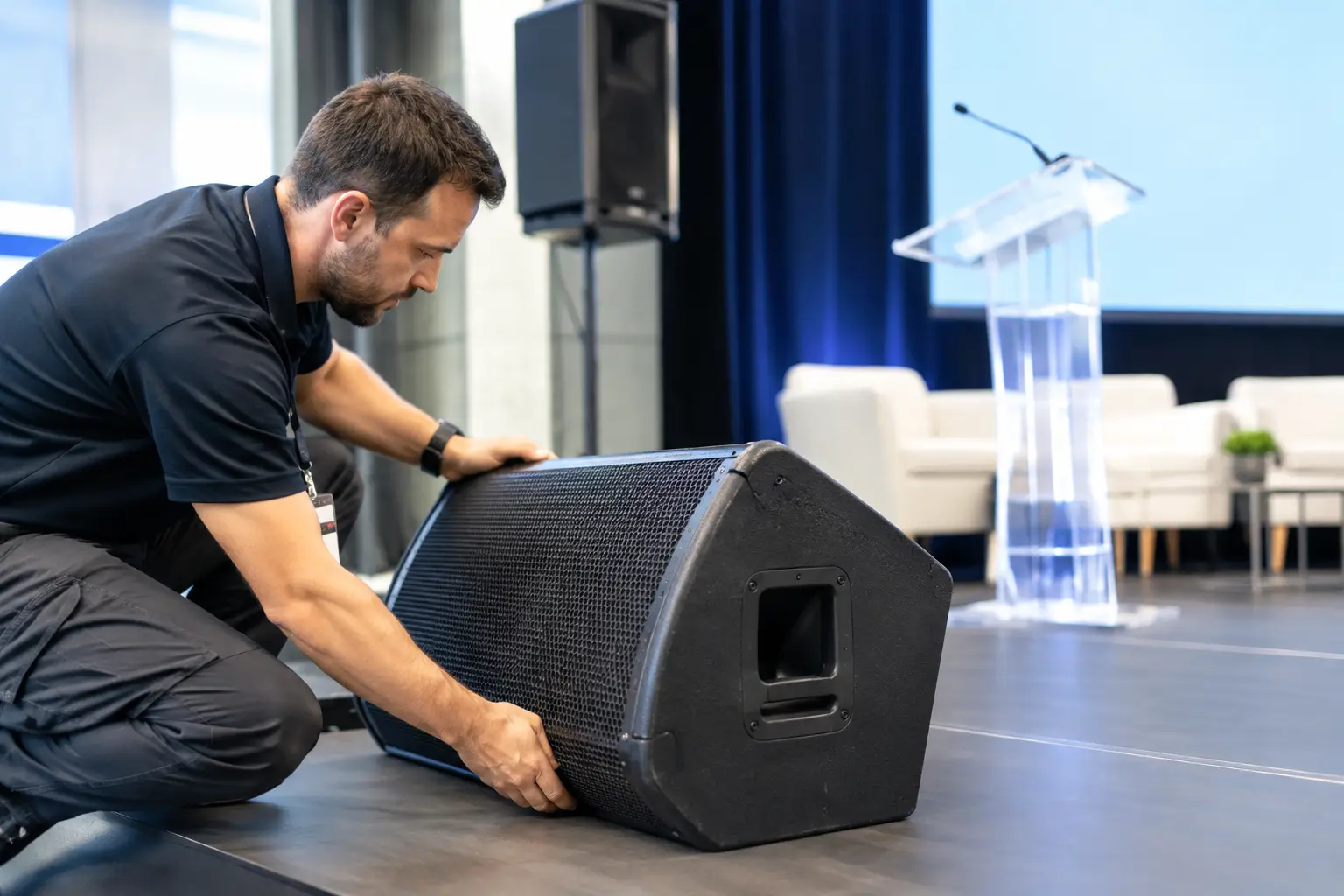
A keynote speaker arrives 20 minutes before doors open with a revised deck, two embedded videos, and a request to use the version they emailed “this morning.” At the same time, the breakout room operator is asking whether the 10:30 presentation has been approved. This is where speaker logistics stops being an admin task and becomes a live production problem.
For conferences, congresses, and multi-room events, the goal is not simply to collect presentations. The goal is to get the correct, tested, approved file to the correct operator in the correct room before it is needed - without creating a version-control mess or depending on unreliable internet access.
Why Speaker Logistics Fails on Show Day
Most presentation failures are process failures. A speaker may bring a USB drive, send a cloud link, email a last-minute attachment, or hand a laptop to staff in the speaker ready room. Each route creates a new copy of the same file. Once copies begin moving through different people, folders, and devices, no one can be fully certain which version is on the playback machine.
That uncertainty becomes expensive under pressure. An operator may load an older deck. A video may be missing. The file may be routed to the wrong room after a session change. A speaker may assume their slides were received because they sent an email, while the technical team has never opened or checked the attachment.
Consumer file-sharing tools help people move files, but they do not manage event operations. They do not understand agendas, room assignments, speaker ready room workflows, technical operators, or the fact that a presentation must arrive where it will actually be played. They also introduce dependencies that are difficult to control on-site: account access, download permissions, slow uploads, weak venue Wi-Fi, and browser-based confusion.
A professional workflow treats presentations as production assets. They need ownership, status, routing, verification, and a clear handoff path.
Build Speaker Logistics Around the Event Schedule
The agenda should be the operational backbone of presentation handling. Every session has a time, room, speaker, and technical destination. If files are managed separately from that information, staff must manually connect the dots every time a deck changes hands.
A better setup assigns each presentation to its session from the start. The file is then visible in the context that matters: which speaker owns it, when it is due, which room it belongs in, and which operator needs it. When an agenda change happens, the routing can be updated without relying on someone to remember to forward an email or carry a replacement USB drive across the venue.
This matters most in multi-room programs. A small meeting with one stage can survive a few manual handoffs. A congress with 12 concurrent rooms cannot. The more rooms, speakers, languages, and session changes involved, the more dangerous informal workflows become.
There is a trade-off here. Building sessions and room assignments in advance requires discipline before the event. But that preparation replaces a much larger amount of reactive work during the event. For teams that handle recurring conferences, the schedule-based approach also creates a repeatable operating model instead of reinventing file handling every show.
Separate Collection From Technical Acceptance
Receiving a file is not the same as accepting it for playback. Speaker ready room staff need a way to collect materials quickly, while AV teams need to confirm that those materials are technically usable.
The collection step should record who delivered the file and what session it supports. The technical acceptance step should confirm the practical details: file format, slide count, embedded media, fonts, aspect ratio, audio requirements, and whether the presentation opens correctly on the event machine.
This distinction prevents a common gap in speaker logistics: everyone assumes someone else checked the deck. A visible status helps the team identify what has arrived, what has been reviewed, what needs follow-up, and what is ready in the room.
For high-profile sessions, technical acceptance may include a full playback test with the speaker. For standard breakout sessions, a faster review may be sufficient. The level of checking depends on program risk, available staff, and the amount of media in the deck. The process should be consistent even when the depth of testing varies.
Route Files Directly to the Operator
The handoff between the speaker ready room and the control position is where many event workflows lose control. A staff member downloads a deck, copies it to a shared folder, messages an operator, then waits for confirmation. If a revised file arrives later, the same sequence starts again, often with less time and more confusion.
Direct, room-based delivery removes unnecessary steps. The speaker ready room device sends the approved presentation over the local network to the operator machine assigned to that room. The operator sees what has arrived and can prepare the file in the show environment. No USB handoff, no inbox search, no reliance on public cloud access.
Local LAN delivery is particularly valuable in venues where internet service is shared, restricted, or unpredictable. Internet access may still be useful for speaker communication and external uploads before the event, but internal presentation delivery should not depend on it. A conference needs to keep moving even if the venue Wi-Fi is saturated by attendees.
The routing must also make sense to the people using it. Operators should see their rooms, not a generic folder full of filenames. Speaker ready room staff should be able to send to a session or room, not memorize technical device names. That is the difference between a file-transfer tool and an event operations tool.
Make Version Control Visible, Not Verbal
“Use the latest one” is not a reliable instruction. It is often how the wrong presentation reaches the stage.
A workable process needs a single current version attached to the session, with a clear record when it has been replaced. Staff should not have to compare filenames such as Final_v3, Final_v3_NEW, or Final_USE_THIS. Those names are usually created under time pressure and rarely tell the operator what is actually current.
When a revised deck arrives, the replacement should be deliberate. The team needs to know that the session has a new file, whether the operator received it, and whether the new version was checked. If the speaker changes only one slide, that may still affect video playback, branding, interpretation, or a timed cue sequence.
Communication belongs inside this workflow. A short operational message such as “Speaker replaced slide 14, operator notified” is more useful than an email thread with six recipients. The objective is not to create more commentary. It is to preserve the few facts that the next person needs to act correctly.
Plan for the Cases That Do Not Fit the Standard Process
Strong speaker logistics does not assume every presenter is prepared. It gives the team a controlled response when they are not.
Some speakers will arrive with a personal laptop and insist on presenting from it. Others will have a video file too large to transfer at the last minute. A presenter may need a different language version for interpreter booths, or may replace a deck after the session has already been loaded in the room. These are normal production scenarios, not exceptions that can be solved with a generic upload folder.
Set practical rules before doors open. Define who can approve last-minute changes, how operators are notified, when a personal laptop is allowed, and what happens if a new file cannot be fully tested. For critical sessions, establish a cutoff time after which changes require production approval. This does not mean refusing speakers. It means making the risk visible and deciding how to manage it.
Multilingual events need additional coordination. Interpreters may require current slides before the session begins, especially where technical terminology, charts, or legal language are involved. Slide synchronization tools can support this need, but the basic requirement remains the same: the interpreter booth and the presentation operator must be working from the correct version.
Give Every Role a Clear Job
Presentation delivery becomes unreliable when responsibilities overlap without ownership. The speaker ready room should own collection, session matching, and escalation. The AV operator should own receipt, technical preparation, and room playback. The production lead should own exceptions, policy decisions, and high-risk changes.
This does not require a large team. Even a small event benefits when each handoff is explicit. One person may cover multiple roles, but the workflow should still make it clear whether a file has been received, approved, delivered, and loaded.
Kondukto supports this model by connecting agenda-based presentation handling with local-network delivery to room operators. It is built for the practical reality of speaker ready rooms and control positions, where the question is never just “Do we have the file?” The question is “Is the right file ready in the right room?”
The best speaker logistics workflow is usually quiet. Speakers do not need to know how many checks happened behind the scenes. Operators do not need to chase attachments. Production does not need to guess which version is live. When the session starts and the correct content is already on the screen, the system has done its job.