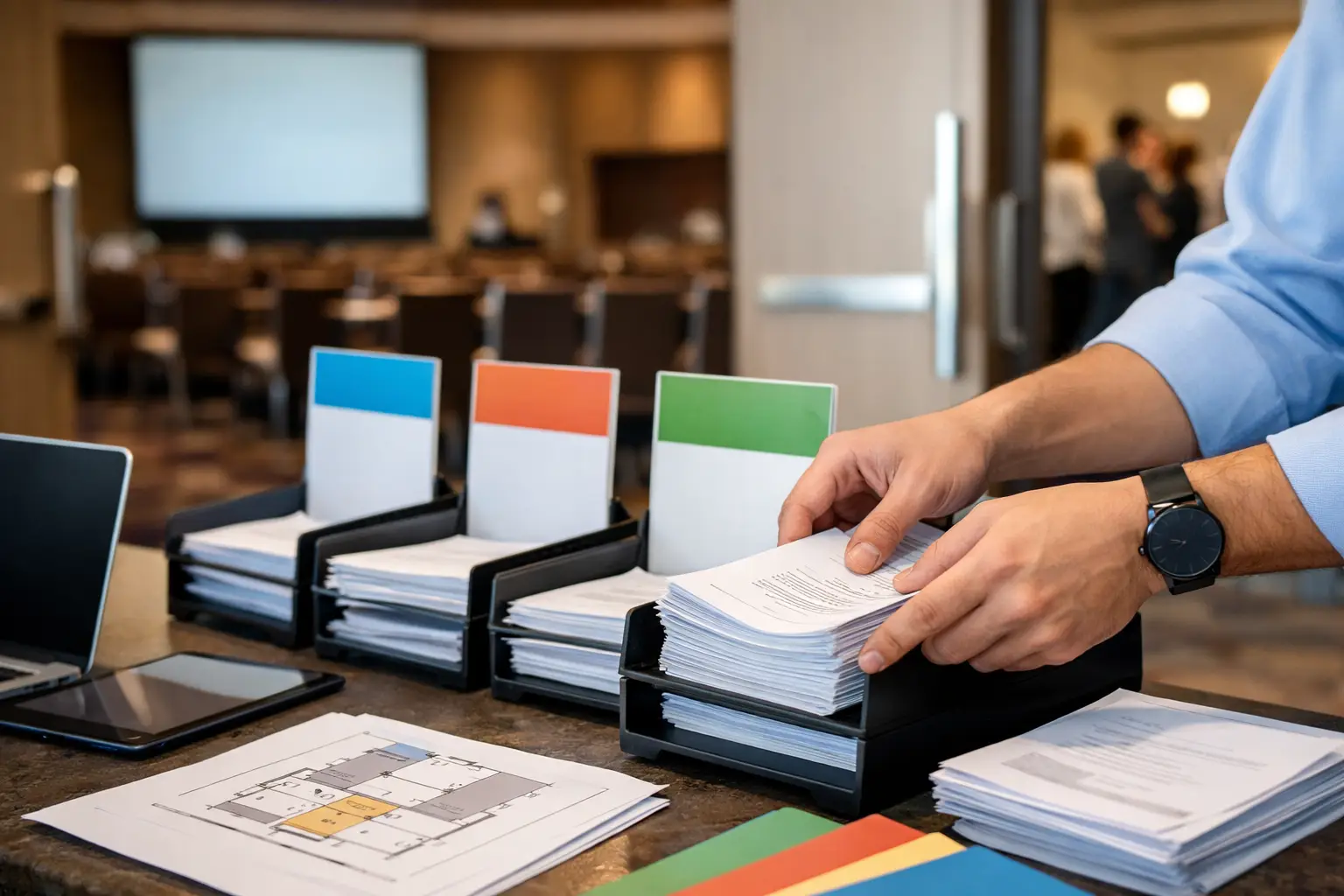
A speaker walks into the ready room 12 minutes before their session with a revised deck, a 4K video, and the familiar request: “Can you make sure the room has the latest version?” If the answer involves a USB drive, an email thread, or someone manually finding the right operator, the workflow is already exposed.
Knowing how to route session files by room turns presentation delivery into a controlled production process. The speaker room receives the files, the correct technical position receives them over the local network, and the team can verify exactly what was delivered before the presenter reaches the stage.
For multi-room conferences, this is not a convenience feature. It is how you prevent wrong-room delivery, outdated decks, missing media, and last-minute calls across the venue.
Why room-based routing matters on show day
A conference agenda is more than a schedule. It is the routing map for the event. Every session has a time, a room, a speaker, and a technical destination. When file delivery follows that same structure, operators receive material intended for their room instead of sorting through a shared folder or guessing which file belongs to the next session.
The alternative is usually an improvised chain of custody. A speaker hands over a USB drive. A ready room coordinator labels it. Someone walks it to a room, sends it by email, or copies it onto a shared drive. Each handoff creates another opportunity for a file to be misplaced, overwritten, or delivered to the wrong destination.
This becomes more difficult when rooms run similar session names, speakers revise their decks more than once, or a production team is operating across several floors. A file called “Final Presentation v3” is not useful if three speakers have uploaded a file with the same name.
Room-based routing provides context. The operator does not just receive a PowerPoint file. They receive a session package associated with a specific agenda item and room. That context reduces the amount of interpretation required under pressure.
How to route session files by room
The most reliable workflow starts before speakers arrive. Build the agenda into the delivery system, assign each session to a room, and connect the ready room and operator devices to the same local LAN. The goal is simple: the person receiving files should choose a session, not hunt for a destination.
1. Build the agenda around real production destinations
Create the event agenda with the information the production team actually uses: session title, start time, room, speaker, and any relevant notes. Keep room names consistent with the names used on site. If signage says “Grand Ballroom A,” do not shorten it to “Ballroom” in the file delivery workflow.
For larger events, separate spaces that have independent playback positions even if they are physically close. A main room with a confidence monitor and a separate overflow room may need different destinations and different content checks. Treat them as separate rooms unless the same operator machine is genuinely responsible for both.
The agenda should also account for parallel tracks. A session at 10:00 a.m. in Room 201 and a session at 10:00 a.m. in Room 202 may have similar names or shared speakers. Their files must still route independently.
2. Assign operator machines to their rooms
Each playback or technical operator machine needs a clear room assignment. This is the point that makes automatic delivery possible. When an operator device is assigned to Room 201, it should receive files sent to sessions in Room 201 and not material intended for another space.
Use a naming convention that can be understood at a glance. “Room 201 - Playback A” is better than “Laptop 4.” The first name tells the ready room team where the files are going. The second requires someone to remember a device map.
A purpose-built conference delivery platform such as Kondukto can discover devices on the local network and support room-based routing without requiring the ready room team to deal with IP addresses, shared-drive permissions, or manual destination selection.
3. Deliver by session, not by filename
At the ready room position, the coordinator should select the speaker’s scheduled session and add the presentation, video, PDF, or supporting files to that session. The platform then routes the material to the assigned room operator.
This is a better control point than asking staff to select from a long list of rooms or devices. The session already contains the correct room assignment. The coordinator can focus on verifying that they have selected the right speaker and the right agenda item.
This approach also handles updates cleanly. If a speaker provides a revised deck, submit it to the same session. The operator can see that an updated version has arrived for the upcoming presentation, rather than wondering whether a newly named file belongs to a different session.
4. Confirm receipt and technical readiness
Delivery is not the same as readiness. Once files reach the operator machine, the AV team still needs to verify that the deck opens correctly, fonts render as expected, embedded video plays, and audio is present where required.
The ready room should be able to see whether the file was delivered, while the room operator should be able to acknowledge its status. A short in-app message is often enough: “Received, video checked, ready for walk-in.” That is far more useful than a vague verbal confirmation relayed through several people.
For high-profile sessions, establish a simple status convention before doors open. For example, received means the files have arrived, checked means they were opened and reviewed, and show-ready means the operator has placed the approved version in the playback queue. The exact labels matter less than making them consistent across every room.
5. Keep late changes traceable
Late changes are normal. The problem is not that speakers revise presentations. The problem is losing track of which revision was approved and which room received it.
When a new version arrives, do not rely on a speaker’s filename alone. Ask the ready room coordinator to attach it to the correct session, note the change if necessary, and send it through the same route as the original. The room operator should confirm that the updated file has replaced the previous show file.
For a keynote or executive session, it may be appropriate to hold the earlier version until the operator confirms the replacement. For routine breakout content, a simple update notification may be enough. The right level of control depends on the consequence of playing the wrong version.
Set up the local network for delivery, not internet dependence
Room-based routing works best over a dedicated local LAN. Internet access can be useful for speaker communications or cloud backup, but it should not be the dependency that determines whether a presentation reaches the room.
Before the event, test connectivity between the speaker ready room and every operator position. Confirm that devices can discover each other on the production network and that network segmentation is not blocking local communication. Hotel and venue networks often isolate client devices by default, which can prevent direct delivery even when every machine appears to be online.
If the event has a separate AV network, use it. Keep delivery traffic away from guest Wi-Fi where possible. Large media files can create avoidable delays when they compete with attendee traffic or pass through restrictive venue infrastructure.
There is still a trade-off to manage. A centralized network can simplify routing and monitoring, but it becomes a critical operational dependency. Protect it with a tested switch configuration, spare cables, known-good adapters, and a backup method for exceptional failures. Redundancy should support the workflow, not replace it with a second unstructured process.
Define who owns each handoff
Software reduces manual work, but it does not remove the need for clear roles. The ready room team owns intake and correct session selection. The operator owns playback checks and show readiness. The production manager owns escalation when a file is late, corrupt, or assigned to the wrong session.
Make that ownership visible in the briefing. A coordinator should not be expected to diagnose a codec issue in a room, and an operator should not have to chase a speaker for missing files while preparing the next session. Room-based routing works because it gives each role the information needed to do its job without unnecessary back-and-forth.
For multilingual events, include interpreter booth requirements in the same planning conversation. If interpreters need the latest slide deck before a session begins, they need a defined delivery path and confirmation point, not an informal promise that someone will forward the file.
Avoid the routing mistakes that create show-day chaos
The most common failure is routing by room name without anchoring the file to a session. Room-only routing can work for a single presentation, but it becomes ambiguous when a room runs back-to-back sessions or receives multiple speaker updates. Session context is what makes the file operationally useful.
Another mistake is treating every file equally. A 20 MB slide deck, a 12 GB video package, and a presentation with linked media do not have the same transfer and validation requirements. Flag large or complex files at intake so the operator has time to test them. If a session includes separate media, keep the package together and make the relationship clear.
Finally, do not let a manual workaround become the default. If someone bypasses the routing workflow with a USB drive because they are in a hurry, record what was delivered and make sure the room operator knows which version is authoritative. The exception must be visible, or it can create a silent version conflict minutes before show time.
A good room-routing workflow should feel quiet. Speakers hand over files, coordinators assign them to sessions, operators receive and check them, and the agenda keeps everyone aligned. When the next presenter asks whether their deck is in the room, the team should be able to answer with certainty, not a radio call.