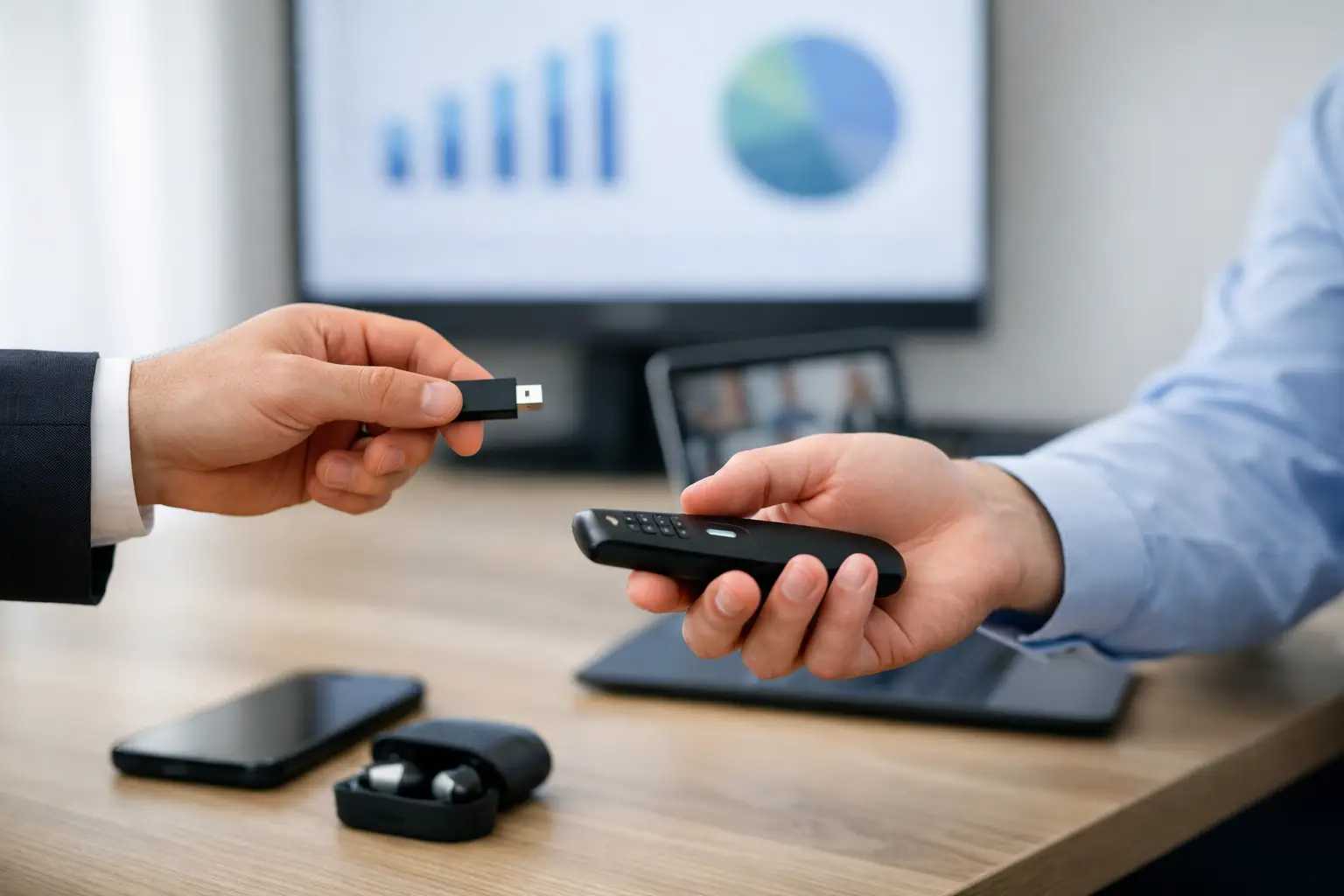
A speaker arrives ten minutes before doors with a revised deck, a video file, and a USB drive labeled “FINAL.” Your operator already has a file called “FINAL_v7.” Someone has to decide which one goes to screen before the session starts. That is the real reason to learn how to replace USB presentation handoffs: not because USB drives are obsolete, but because they leave version control, routing, and confirmation to chance.
For a small meeting with one presenter and one screen, a USB handoff may be tolerable. For a conference with a speaker ready room, multiple breakout rooms, technical operators, and last-minute changes, it becomes an operational risk. The replacement is not simply a different way to move files. It is a workflow that connects the speaker room, the agenda, and the right playback position on the local network.
Why USB Handoffs Fail Under Show Pressure
A USB drive does one thing well: it carries files from one person to another. It does not identify the session, confirm the destination room, preserve a clear revision history, or tell the speaker ready room that the operator has received the update. Those gaps get filled with verbal instructions, labels, text messages, and memory. That works until the pace increases.
The usual failure points are familiar. A drive goes missing between the ready room and ballroom. The operator receives a presentation but not its linked video or font package. A speaker replaces a deck after it has already been copied to the show machine. Two people make separate changes and both believe theirs is the live version. The room receives the correct file, but too late for playback testing.
Email and consumer cloud storage remove the physical drive, but often preserve the same operational problem. Attachments are buried in inboxes, cloud permissions fail, upload speeds vary, and a venue internet connection becomes part of a critical path. A file transfer method is not a presentation-delivery system unless it accounts for who owns the file, where it needs to go, and whether it arrived.
How to Replace USB Presentation Handoffs With a Local Workflow
The most reliable model uses the local event LAN as the delivery path. The speaker ready room sends files directly to designated operator machines, without depending on public internet or a speaker's personal email account. Local delivery reduces latency and removes one of the most common show-day dependencies: venue Wi-Fi that looks available until hundreds of attendees connect.
Start by assigning each presentation to the agenda, room, and session. This changes the handoff from “send this deck to John” into “deliver this session package to Ballroom B.” The distinction matters when the production team is managing simultaneous rooms and different operators. A room-based destination reduces the chance that the correct file lands on the wrong machine.
Next, make the speaker ready room the controlled intake point. Staff should receive the presentation, inspect the file set, and confirm the session details before it is delivered. The goal is not to create a slow approval queue. It is to make one team accountable for the master version and prevent speakers from bypassing the workflow with direct USB drops at the tech table.
Once the package is accepted, route it over the LAN to the assigned operator device. The operator should receive a clear notification with the speaker name, session title, room, and file version. At that point, the operator can test the deck, videos, audio, and any supporting media before the room goes live. The ready room can see that delivery occurred rather than asking someone to walk down the hall for confirmation.
A purpose-built platform such as Kondukto organizes this process around the way conferences actually run: slideroom devices, operator devices, agenda entries, rooms, and direct local delivery. That is more useful than a generic shared folder because the workflow has an operational destination, not just a storage location.
Keep the Operator in Control of Playback
Replacing USB does not mean removing operator judgment. The operator still needs time to check aspect ratio, video playback, audio routing, embedded fonts, presenter notes, and display output. The system should deliver files quickly, but it should not imply that every received file is automatically show-ready.
This is where a clear status model helps. “Received” means the file arrived at the operator machine. “Tested” means the operator has opened or played the material. “Ready” means it is approved for the live session. If a speaker sends a late revision, the status should make it obvious that a new file requires another technical check. A newer timestamp alone is not enough.
Build Rules for Late Changes
Most presentation workflows fail at the edges, especially when a keynote changes five minutes before walk-in. The answer is not to ban late changes. It is to define how they are handled.
Set a cutoff for normal submissions and a separate process for urgent revisions. Before the cutoff, the ready room can intake, route, and test files in the usual sequence. After it, every update should be marked as a revision, delivered to the assigned room, and acknowledged by the operator. If the operator cannot test it safely before the session, the show caller or session lead needs a clear decision: run the tested version or accept the risk of the new one.
Avoid informal version names such as “final,” “final final,” or “use this one.” Use a consistent filename or in-app revision label that includes the speaker or session identifier and revision time. Staff should never have to infer whether “updated deck.pptx” replaces “speaker deck new.pptx.”
For high-profile sessions, add a final verbal confirmation at a defined point in the schedule. That is not a return to the old handoff model. It is a controlled confirmation between the people who own content and playback. The difference is that both teams are looking at the same routed file and status, not hoping a drive made it across the venue.
Design the Network for the Job
A local-LAN delivery workflow is only as dependable as the network behind it. It does not need public internet access, but it does need stable connectivity between the speaker ready room devices and operator machines. Treat that network as production infrastructure, not guest Wi-Fi.
Work with the venue or network team before the event to verify that the relevant devices can discover and communicate with one another. Confirm whether client isolation, VLAN separation, firewall rules, or managed Wi-Fi settings will block device-to-device traffic. In larger venues, wired connections for critical operator positions are usually the safer choice, while the speaker ready room can use a controlled wireless access point if needed.
Plan for practical exceptions too. Some rooms may be in another network segment. A temporary overflow room may be added after setup. An operator laptop may need replacement. Your delivery system should let the team identify devices and update room assignments without rebuilding the entire workflow. Flexibility matters, but it should remain visible to the people managing the show.
Train the Roles, Not Just the Software
The process succeeds when each role knows its next action. Speaker ready room staff need to know how to identify a session, collect all associated assets, flag revisions, and notify the speaker if a file is incomplete. Operators need to know where incoming content appears, how to confirm receipt, and how to report a playback issue. Producers need visibility into exceptions, not every routine transfer.
Run a short dry test before doors open. Send a deck with a linked video, an audio file, and a late revision to several rooms. Confirm that the operator sees the correct session information and that the ready room receives a delivery acknowledgement. This is where network restrictions and unclear room assignments show themselves, when there is still time to fix them.
Do not discard USB drives entirely on day one. Keep a controlled fallback kit for a network outage, a device failure, or an emergency content recovery. The change is that USB becomes contingency equipment rather than the primary presentation workflow. Label the fallback owner and document when the team should use it, so an emergency process does not quietly become the default again.
The best replacement for a USB handoff is not more file sharing. It is a visible chain of custody from speaker ready room to the correct operator, with enough time to test what will actually play. Build that chain before the first speaker arrives, and the next “FINAL” drive becomes far less urgent.